Make your product look like your product, in every shot
Give the engine more than one photo and it stops re-inventing your packaging halfway through the clip. Here is how to set it up, and which engines actually use the extra angles.
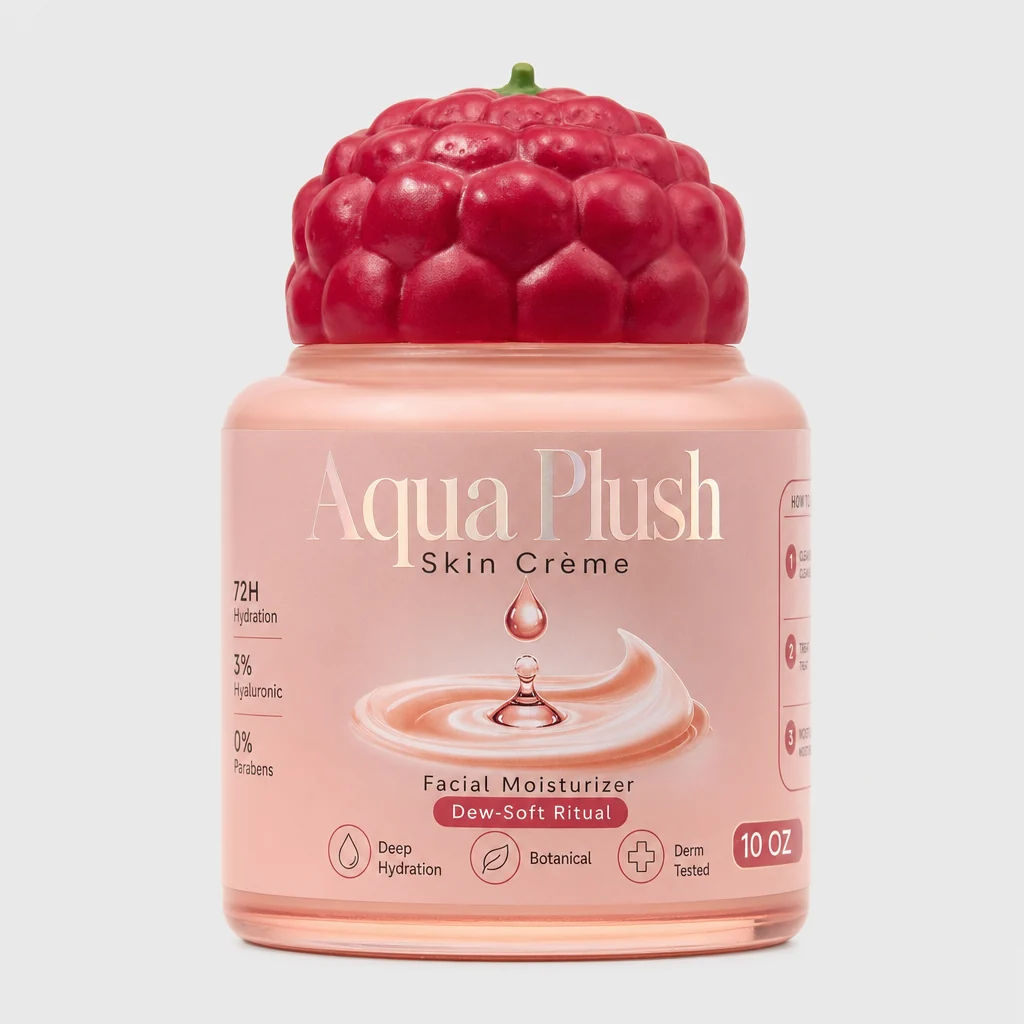
The most common thing that goes wrong in an AI product ad is not the lighting or the camera move. It is that the can in the last second is not quite the can you uploaded.
That happens because most video engines take one image. Everything after the first frame is the model's best guess — and its best guess re-draws your label.
The fix is to hand over more than one photo.
What to shoot
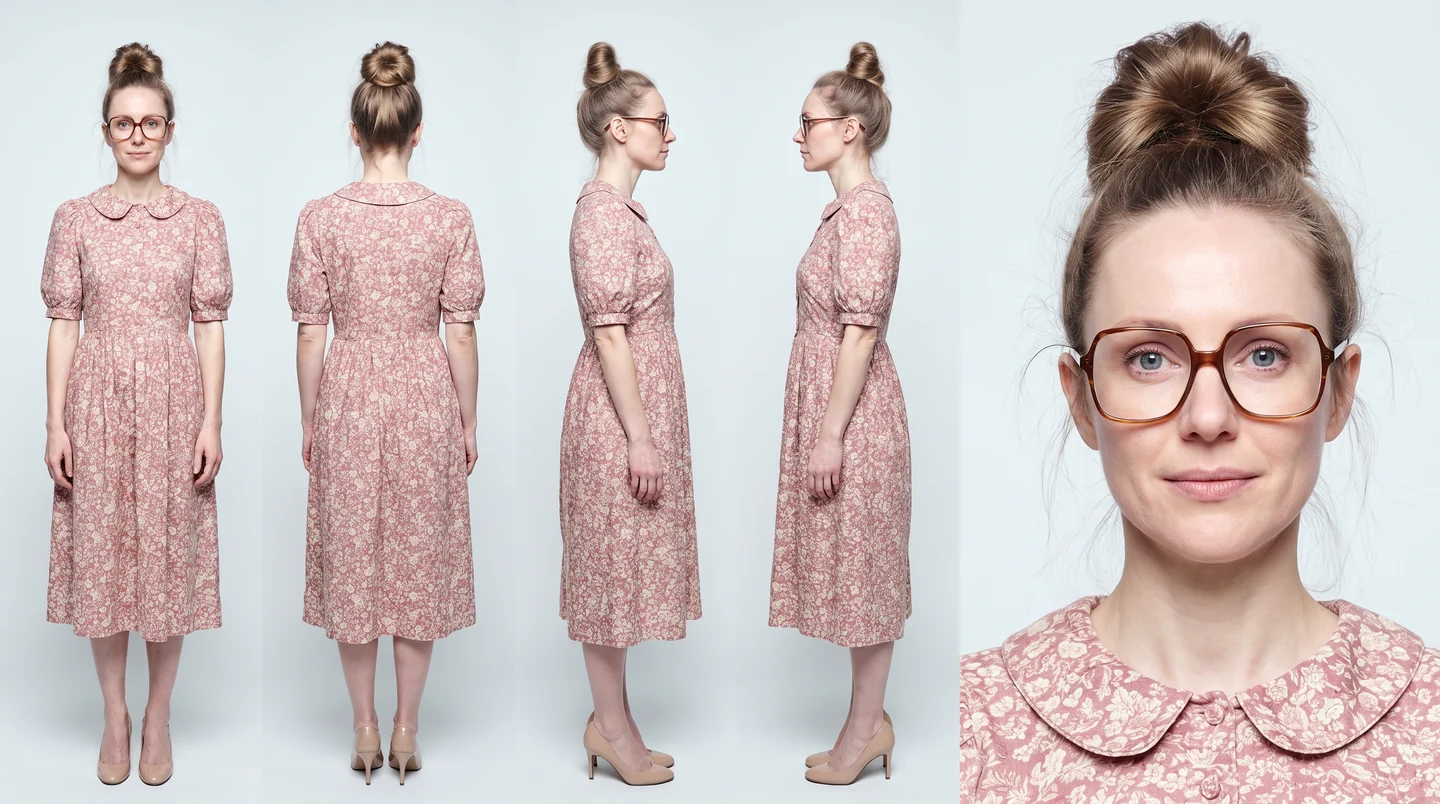
You do not need a studio. You need the product from angles that disagree with each other:
- The front. The face a customer would recognise on a shelf.
- A three-quarter turn. This is the one that teaches the model the shape.
- Anything unusual. A textured cap, an embossed logo, a strange silhouette.
Two photos is a real improvement over one. Three is where it stops guessing. Beyond that you get diminishing returns fast.
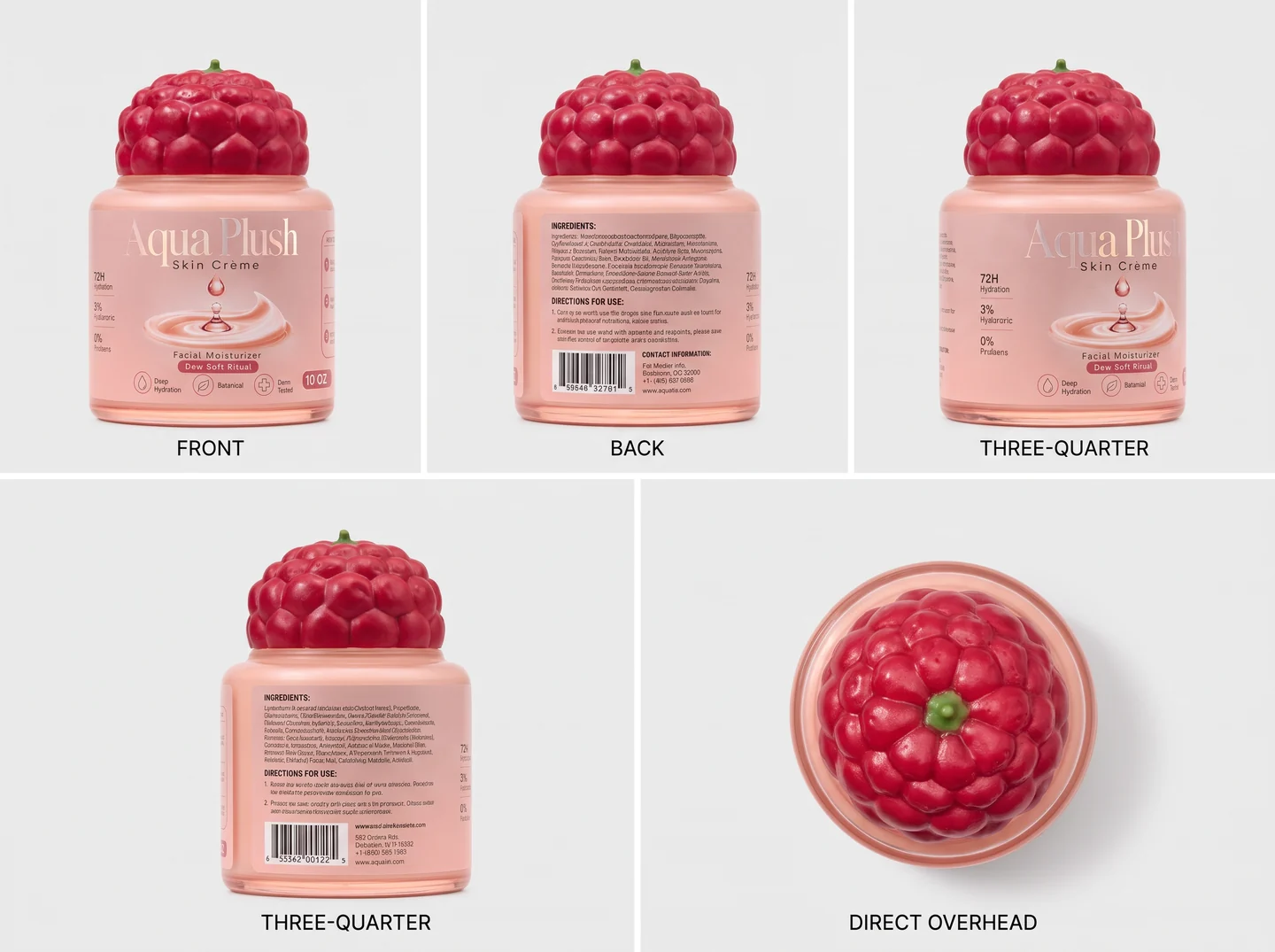
One tip that costs nothing: shoot all of them in the same light. Mixed lighting reads as a different object, not a different angle.
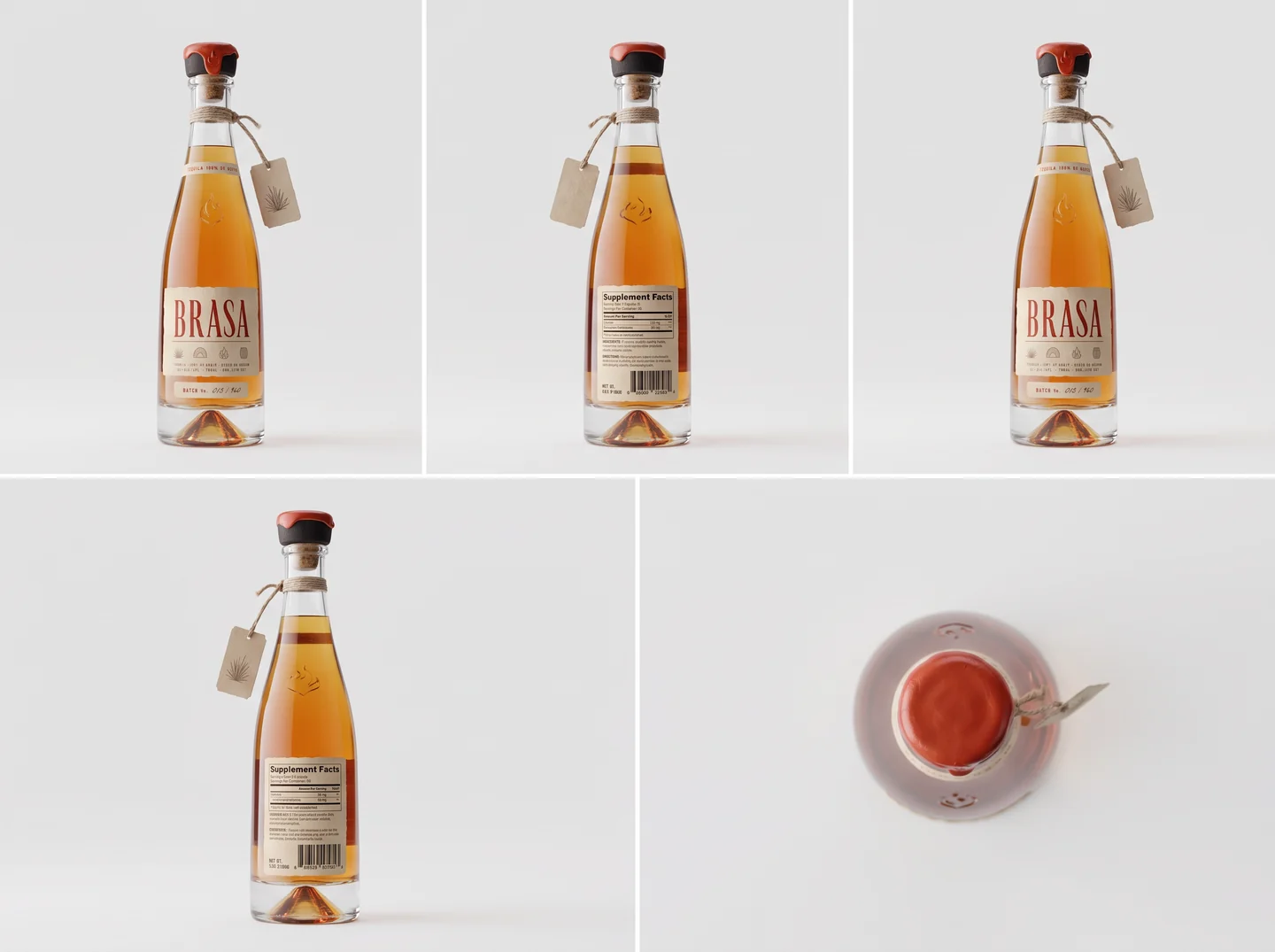
Which engines use the extra photos
Not every engine can take them, and the ones that cannot will quietly use the first photo alone. The app tells you which is which — the picker says uses all your photos on the ones that carry them.
| Engine | Extra photos | Good for |
|---|---|---|
| Seedance 2.0 | Yes, up to 9 | The default. Best all-round product work. |
| Seedance 2.0 Fast | Yes | Drafts and quick variations |
| MiniMax H3 | Yes, up to 9 | 2K, native voice |
| MiniMax H3 Max | Yes, up to 9 | 768p, voice, lowest cost of the three |
| Veo 3.1 | First photo only | Scenes built from text |
| Kling 3.0 | First photo only | Human motion |
If you pick an engine that takes one photo and you have loaded several, the app says so before you spend anything rather than silently dropping them.
Naming the product in your prompt
Once several photos are attached, you can point at them directly. Write @Image1, @Image2 and so on, and the engine knows which one you mean.
Slow push in on @Image1. The label stays exactly as shown —
same type, same colours, no redrawing. @Image2 is the same
bottle from the side; keep the shape consistent as it turns.
You do not have to do this. Left alone, the engine treats every photo as the same object and usually gets there. Tagging helps most when there is a person and a product in the shot, because it stops the model deciding the product is a prop it can improvise.
What it looks like when it works
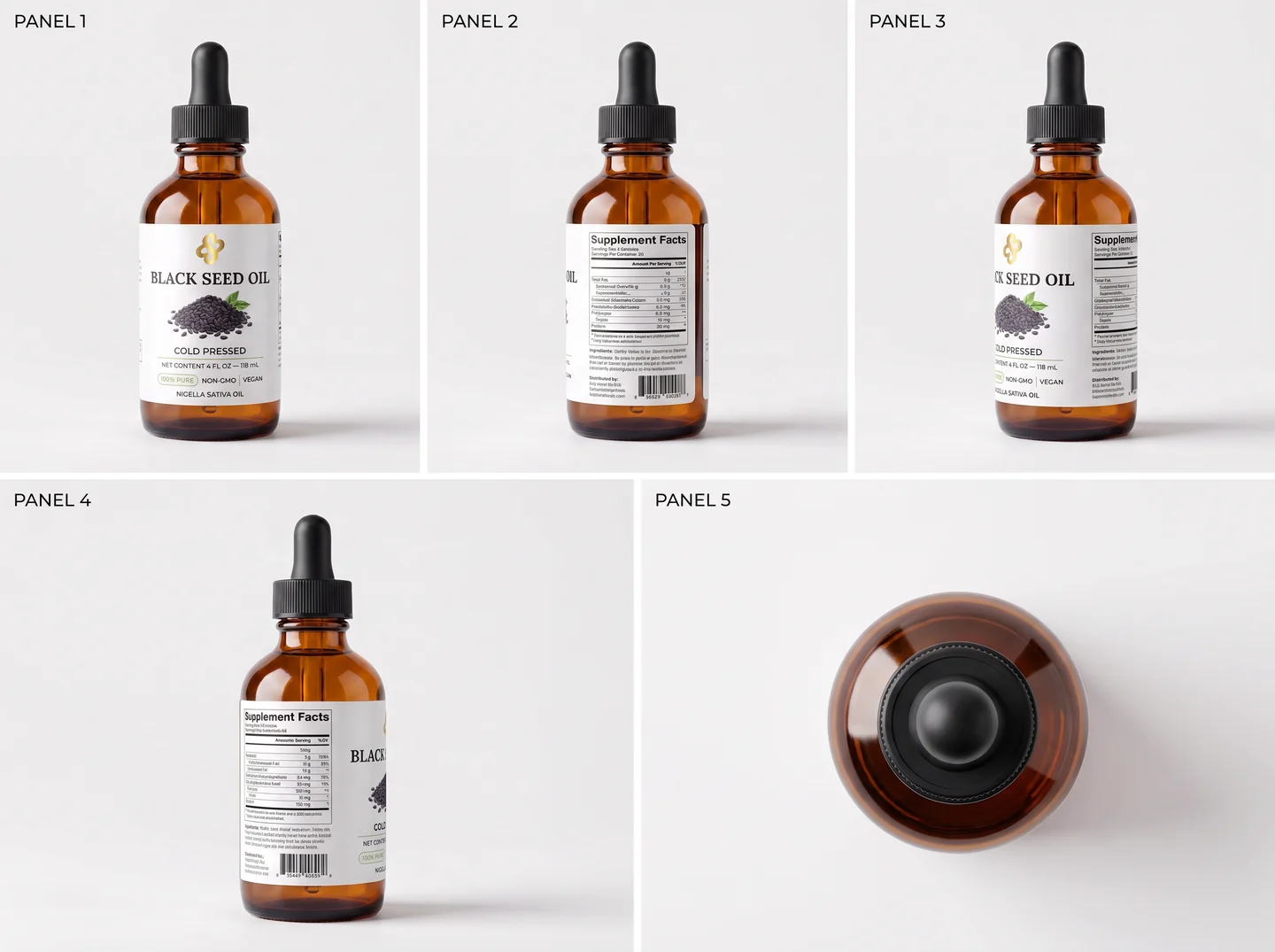
Five stills in, one clip out. The bottle turns, the light moves, and the label is still the label — because the engine never had to guess what the back looked like.
The one thing worth checking
When the clip comes back, scrub to the last second, not the first. The opening frame is conditioned directly on your photo and almost always looks right. Drift shows up at the end.
If it drifted, the usual cause is not the engine — it is that all the reference photos showed the same angle. Add the three-quarter turn and run it again.