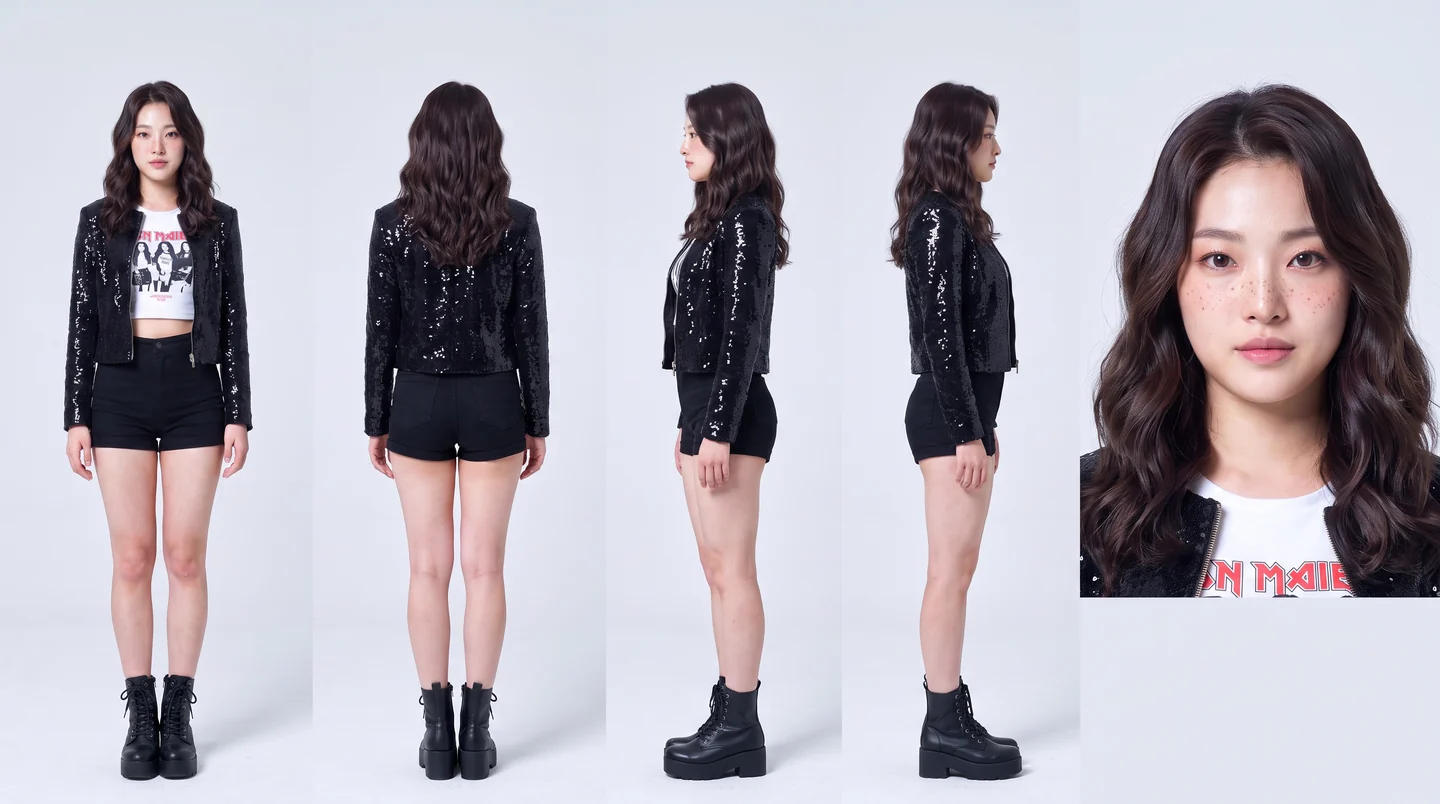
Why a lifelike character sometimes renders on a different engine
Some engines refuse to animate a photoreal human face. Rather than hand you an error, the app moves the job to one that will — and now tells you before you spend, not after.
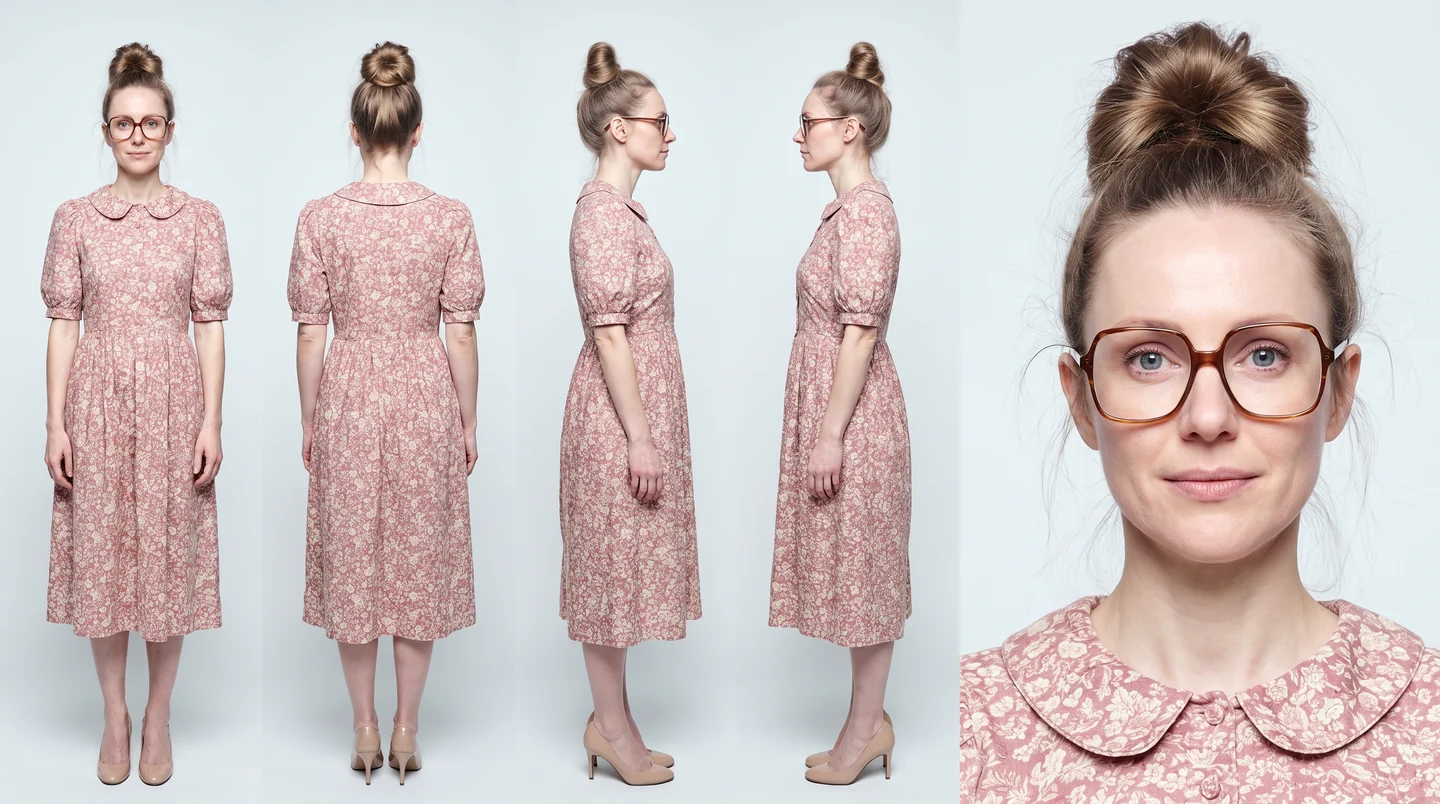
If you have uploaded a very realistic character to the UGC Lab, you may have noticed the finished clip is labelled with an engine you did not pick.
That is deliberate, and it is worth understanding, because it changes which engine you should choose.
The refusal
Seedance — the default video engine and a very good one — will not animate an input image that looks like a real person's face.
This is not a bug or a quality limit. It is a deepfake precaution. The model cannot tell an AI-generated face from a photograph of a real human being, so rather than risk animating someone who never consented, it declines the whole job.
The Suburban Mom sheet at the top of this page is a good example: a filter cannot tell that face from a photograph of a real person, because in every way that matters it is not distinguishable from one.
The trouble is that photoreal people are exactly what most product ads need. A testimonial, a piece of UGC, someone holding the thing you sell — these are the jobs, and they were the jobs that failed.

What happens instead
Rather than return an error, the app moves the render to an engine that accepts the face:
- Seedance is tried first. It is the best engine and it is free to try — the refusal happens before the job is accepted, so nothing is charged and nothing is billed to us.
- MiniMax H3 picks it up. Native voice, 2K, and permissive on real faces.
- Kling 3.0 Pro is the last resort, kept because it is the engine most proven on photoreal human references.
You get a video. The clip is labelled with the engine that actually rendered it, not the one you selected — charging a premium price and showing the wrong name would be its own problem.
What is new this week
The fallback worked, but the price on the button did not follow it.
Seedance's price was showing while MiniMax H3 was doing the work. The charge was always correct — the fallback is a separate job, priced as itself — so you were never overcharged. But a button promising one number while another is deducted is a button you stop believing.
Now, once a render has fallen back, the button and the cost readout quote the engine that will really run, and the note underneath says why:
on MiniMax H3 — your character is too lifelike for Seedance 2.0
It resets the moment you swap the character photo, because a different face may well be accepted.
Skip the wait
The correction can only apply from the second render onward — the refusal is discovered by Seedance refusing, which happens after you click.
If you already know your character is photoreal, pick MiniMax H3 yourself. Both of its rows in the engine dropdown are marked best for photoreal people. You get an honest price on the first click and skip the failed attempt.
The trade-off, stated plainly
Seedance is the stronger engine for most work, and trying it costs nothing, so it stays the default. That is the right call for the majority of jobs.
But if your whole business is people — testimonials, UGC, talking heads — you will hit the refusal often enough that choosing H3 from the start is simply faster. Nothing is lost by doing so: H3 carries native voice, takes multiple reference photos, and holds a product across a clip.
Every face in this post came out of Character Studio, and none of them was uploaded. If you want to know how far that goes — 69 starting characters, 13 ethnicities, 64 settings, and a text box that overrides all of it — that is its own post: Building a cast that stays the same.