The best new ad and marketing website tool for 2027
One website for your pictures, video ads, talking creator videos, thumbnails, posters and ad words, plus a shop to sell from. What IceBerree does, who it's for, what it costs and what to make first.
If you sell something, run a business, host an event or are building a name for yourself, 2027 asks a lot of you. Every week you need fresh pictures for your feed, short videos for TikTok, Instagram Reels and YouTube Shorts, a thumbnail that gets the click, a poster or a flyer, and the right words for every one of them.
For most people that has meant a pile of apps and subscriptions, hours of learning, or paying someone else. IceBerree puts the whole job in one website. You describe what you want in plain words, or start from a photo of your product, and it makes the finished piece, ready to post.
IceBerree in one minute
IceBerree is an AI ad lab. Inside are 16 labs, and each one does a single job well: one makes video ads, one makes talking creator videos, one makes thumbnails, one writes the ad words, and so on. Behind them all sits a design canvas where everything you make lands, so you can add your logo and your words and finish it without leaving.
16 labs
Pictures, video ads, talking videos, thumbnails, posters, words and more.
14 video models
Pick the one that fits the job and the budget.
Price first
Every paid button shows its price before you press it.
Free to start
A free plan to explore every lab. No card needed.
Everything runs on one balance called IceBerrees. Pictures, videos, words and editing all spend from the same balance, and everything you make is kept in your account.
What to look for in a marketing tool in 2027
Whatever you end up using, these six things matter most. Here's how IceBerree handles each one.
It makes the whole ad, not one piece of it. A video without the words, or a picture in the wrong size, still leaves you with work. IceBerree makes the picture, the video, the thumbnail and the words, in every size you need.
You see the price before you press go. AI video costs real money to make. In IceBerree the price is on the button, in IceBerrees, before anything starts.
Your product stays your product. AI can quietly change a label, a color or the shape of a bottle. IceBerree's labs study your product photos first, and the UGC Lab keeps your product the same from the first frame to the last.
It's made for beginners. No design or video skills needed. There are ready-made ideas everywhere, the Prompt Lab writes the detailed instructions for you, and the Shot Planner plans a whole film from one sentence.
It fits where you post. Tall for TikTok, Reels and Shorts, square and wide for feeds, 1280 × 720 for YouTube thumbnails, all the way up to a billboard.
What you make is yours to keep, and to sell. Your work is saved in your account, and the IceBerree Shop lets you sell guides, pictures, videos and more with a 0% IceBerree fee.
Seen it online? Here's where to make it
You don't have to be the creative type. The easiest way to find ideas is to notice what makes you stop scrolling, then make your own version for your product. These are the kinds of posts people see every day, and the lab that makes each one.
What you saw
Where to make it in IceBerree
A person holding a product and talking about it to the camera
UGC Lab
A room or a house that rebuilds itself, before to after
Build Timelapse
A product that floats, spins, or comes apart and snaps back together
Prompt Lab to write it, then Ice Studio to make it
A car or motorcycle ad on a canyon road
Ice Studio
A product commercial, planned shot by shot
Ad Maker
A set of glossy still ads, a poster or a billboard
Ad Hero
A YouTube thumbnail with a big face and three bold words
Thumbnail Lab
A photo turned into a comic, a cartoon or a painting
Restyled
The same person showing up across a whole campaign
Character Studio
A logo on a van, a jacket or an office wall
Brand World
An app shown on a real phone in a launch video
Device Lab
A short looping GIF with words that pop in
The GIFs tab on the Canvas
A printable planner or recipe book that someone sells
Digital Products Lab, then the IceBerree Shop
Captions and headlines that fit each platform
Ad Copy
A tour of the labs
Here's what each lab does, with examples made in IceBerree.
Ice Studio: pictures and video from a sentence
Ice Studio is the main workspace. Type what you want to see and get a picture. Like it? Turn that same picture into a moving video, and choose the video model yourself. Ready-made films are a tap away too, like a Drive By Ad, or cars and motorcycles on canyon, coast and city-tunnel roads.
Made in Ice Studio: a first-person clip that looks like it was filmed on a phone.
Prompt Lab: say it your way
Seen a video online and don't know how to describe it? Tell the Prompt Lab in your own words. It asks a couple of quick questions you answer with a tap, then writes the detailed prompt, with the action, the camera, the light and the timing, for the exact video model you're using. Questions are always free, you get free prompts every day, and after that a finished prompt is 15 IceBerrees.
Ad Maker: your product in, a finished video ad out
Upload a photo of your product. Ad Maker studies it first: what it's made of, what makes it good and who it's for. Then it writes ad ideas made for that product. Pick one, and it plans every shot and makes the video. There's a Product Reel for anything, a Recipe Reel for food and a Shoe Campaign for sneakers.
An Ad Maker video: a perfume bottle, filmed like a commercial.
Ad Hero: a whole set of still ads from one photo
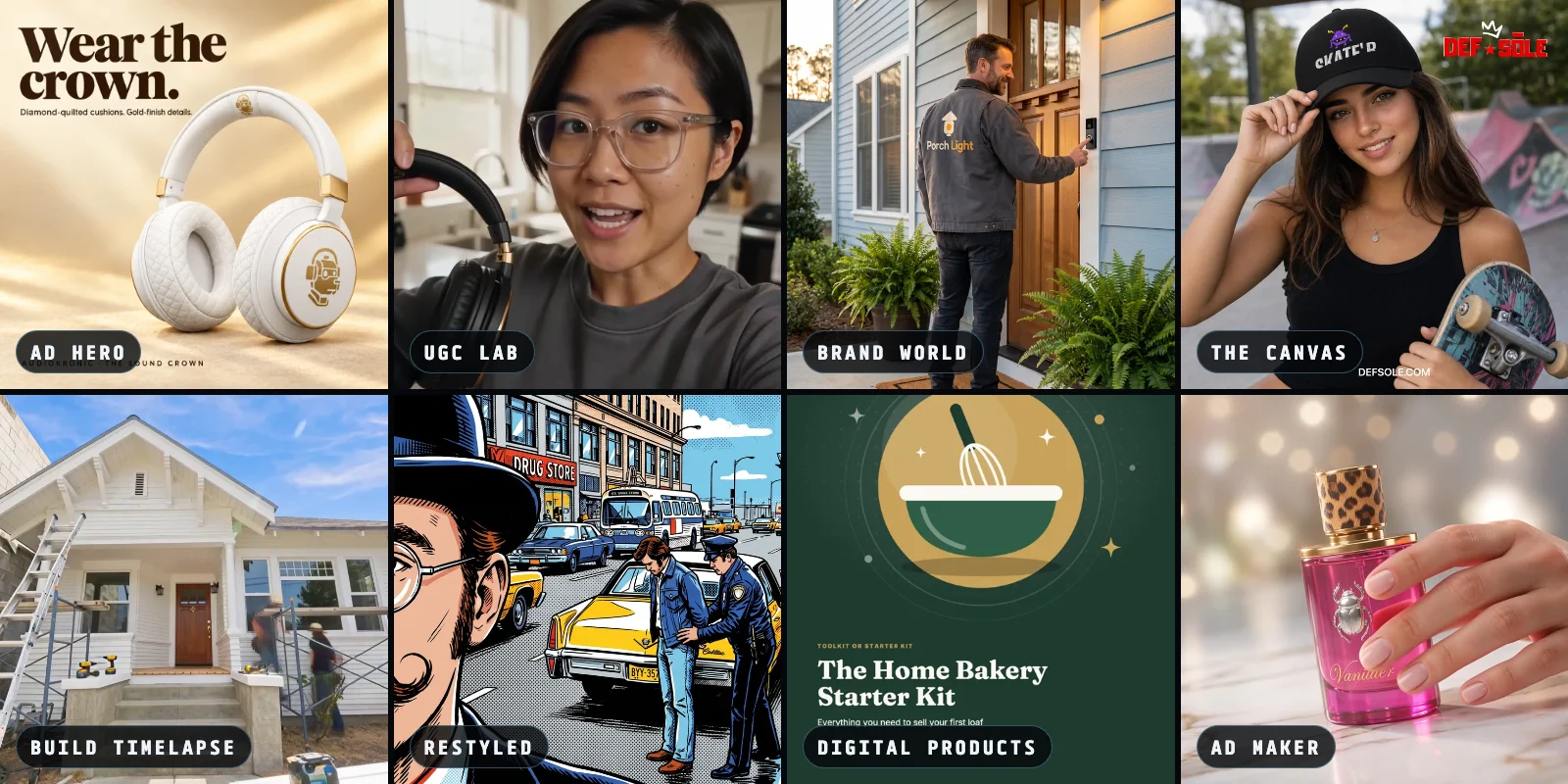
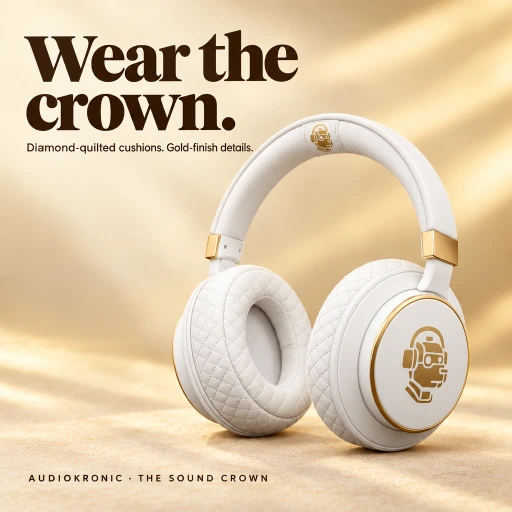
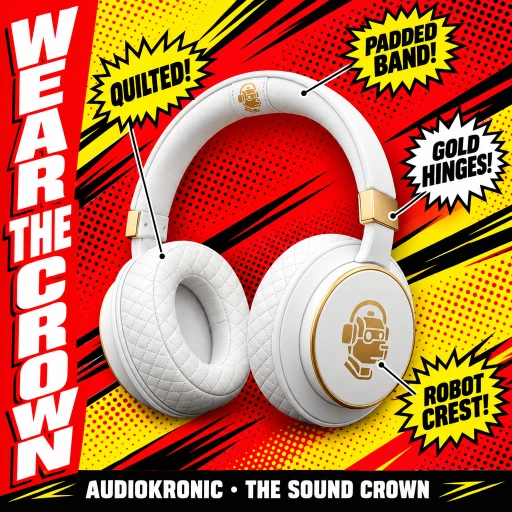
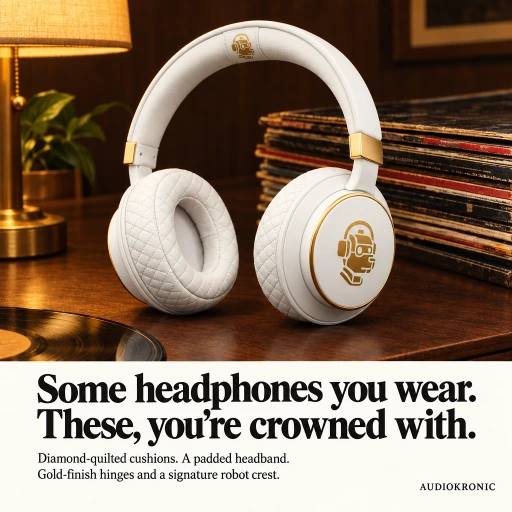
Ad Hero is a designer for still ads. Add one product photo and it lays out a set of 5 to 10 finished ads in 50 styles, from clean modern layouts to classic American looks from the 50s, 60s and 80s. It writes the words from what's really in your photo, never made-up reviews or prices. Open any ad to make more like it, get it in other sizes up to a billboard, or switch to Posters for one big feature poster.
A clean, premium layoutA loud comic-pop flyerA classic print ad
Three of Ad Hero's 50 styles, all made from the same headphone photo.
UGC Lab: a real-looking person talks about your product
UGC means user-generated content: the creator-style videos where someone holds a product and talks about it to the camera. They work because they feel like a friend's recommendation, not an ad. In the UGC Lab you upload your product, choose who talks about it from 69 characters and where from 64 settings, and tell them what to say. Pick a solo review, a two-person conversation, a before-and-after or an unboxing. No actor, no shoot.
A UGC Lab video: one person, one product, talking straight to the camera.
Build Timelapse: before to after
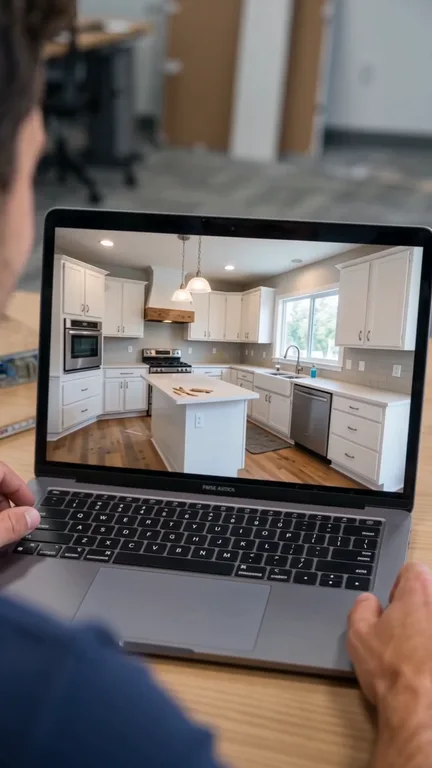
Made for contractors, real estate and home services. Start from a real photo, choose New build or Remodel, and IceBerree makes a video of the space being cleared, built and revealed. Then it turns it into an ad with your name and phone. See before-and-after examples, or read how to use Build Timelapse.
A Build Timelapse video: a house goes from scaffolding to finished.
Thumbnail Lab: the picture that decides if anyone watches
Drop in your video, your script or a few photos. Thumbnail Lab reads them for free and pitches ideas, or you can pick one of 75 proven layouts. Put your channel's host on any template, check how it looks in a real feed, then export the 1280 × 720 thumbnail and a tall version.
Thumbnail Lab at work.
Product Lab and Character Studio: the same product and the same face, every time
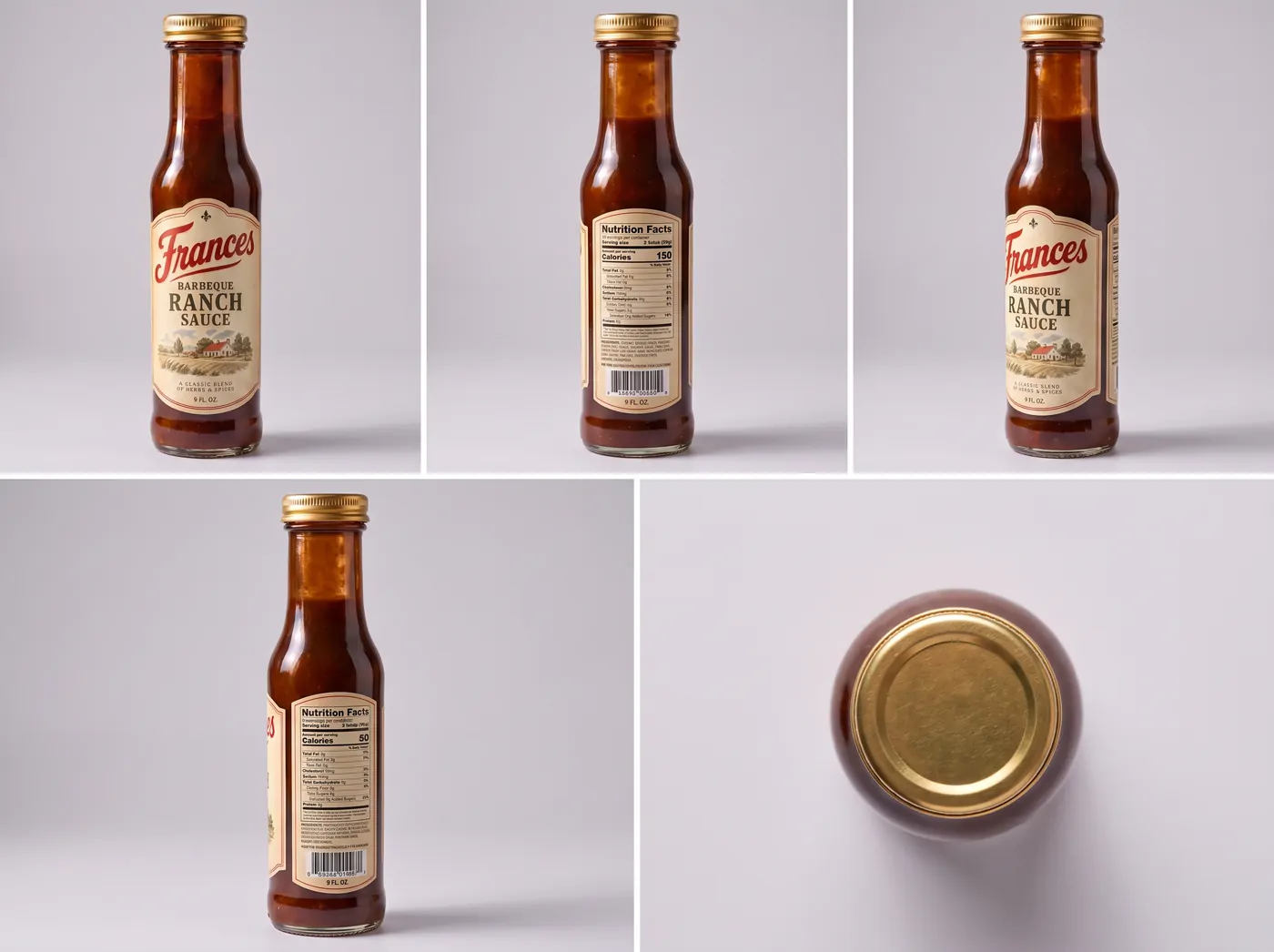
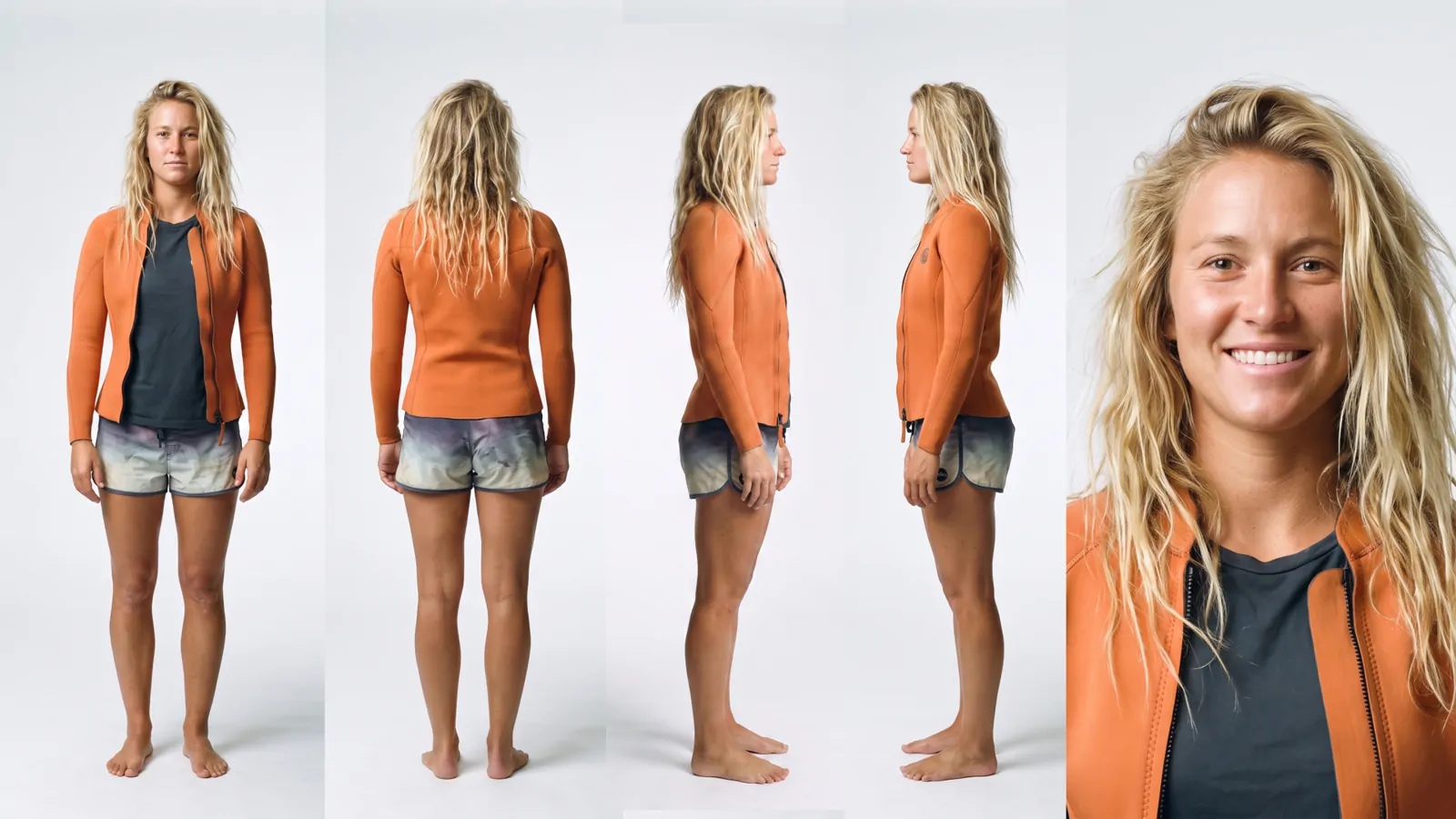
Product Lab makes your product from a description or a photo, on a clean background, with every angle in one product sheet. Change one thing, like a gold lid, and everything else stays the same. It can also film your product, for footage to cut into your ads. Character Studio does the same for people: front, back, both sides and a face close-up, so the same person can appear across a whole campaign instead of a new stranger every time.
A Product Lab sheet: one bottle, every angle.A Character Studio sheet: one person, every angle.
Restyled: draw it rough, get it finished
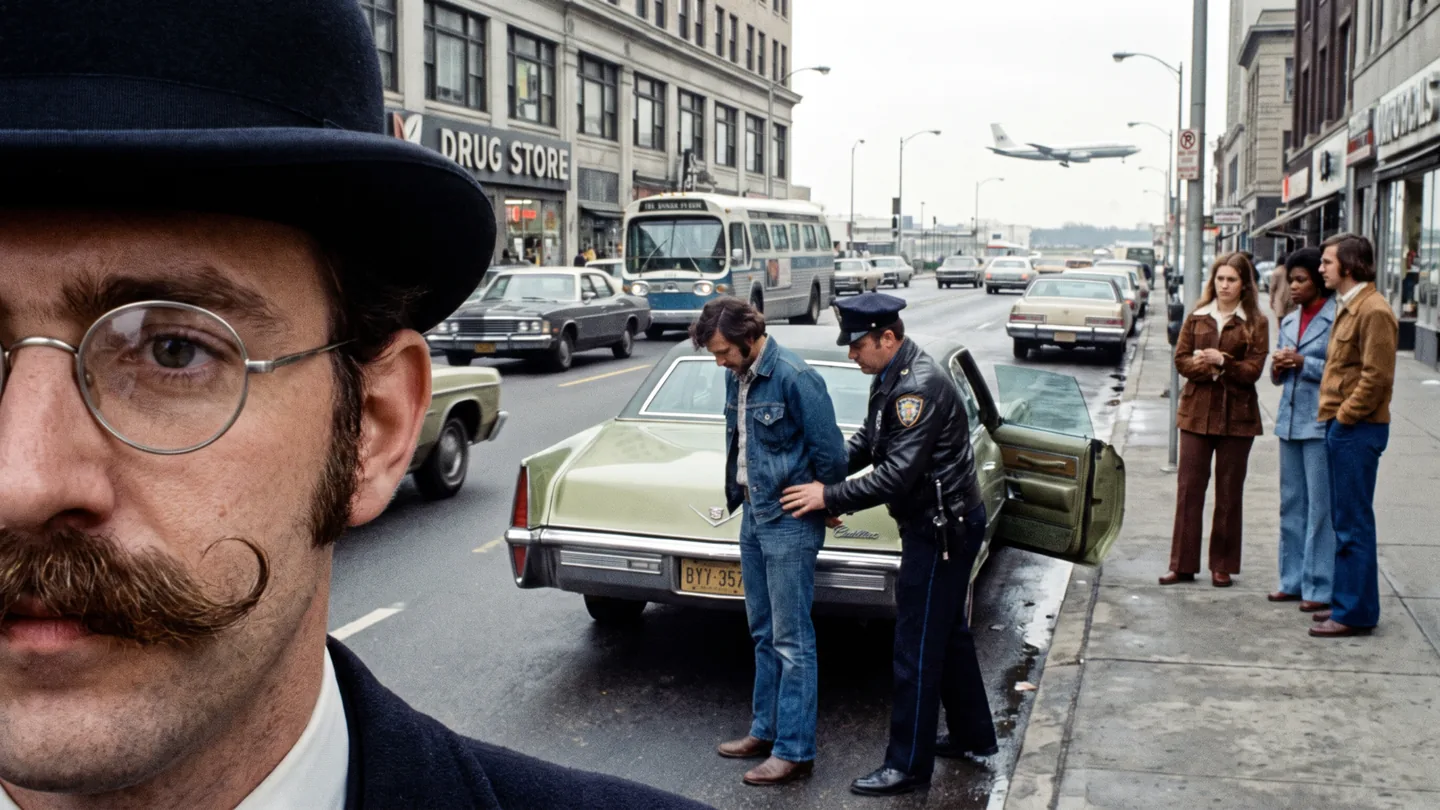
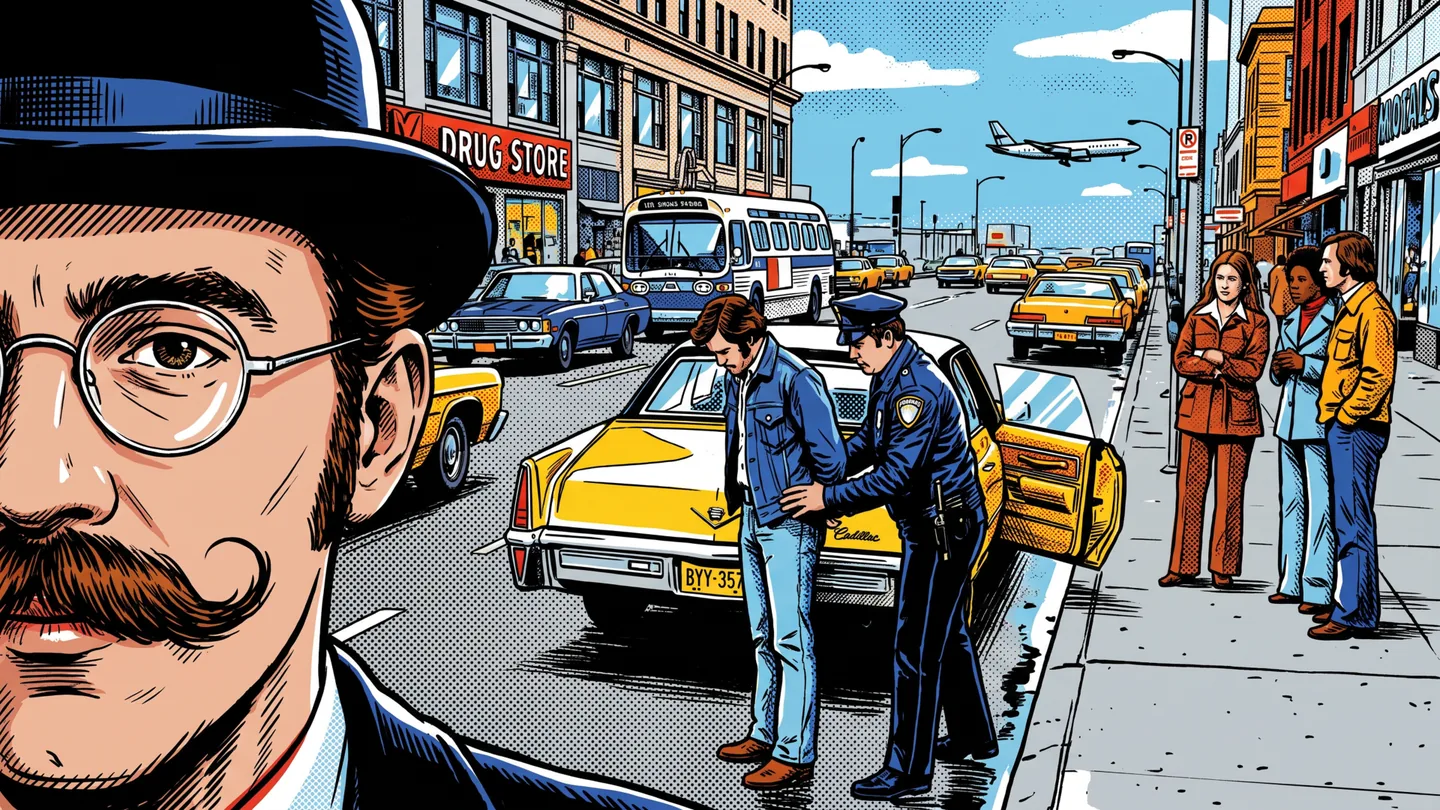
Sketch something (stick figures are fine) or drop in a photo. Pick one of 38 looks, like comic book, and it comes back as finished art on its own layer, with your original kept underneath. It also makes posters with your title printed exactly as you typed it.
The photoRestyled as a comic book
Brand World: your brand, out in the world
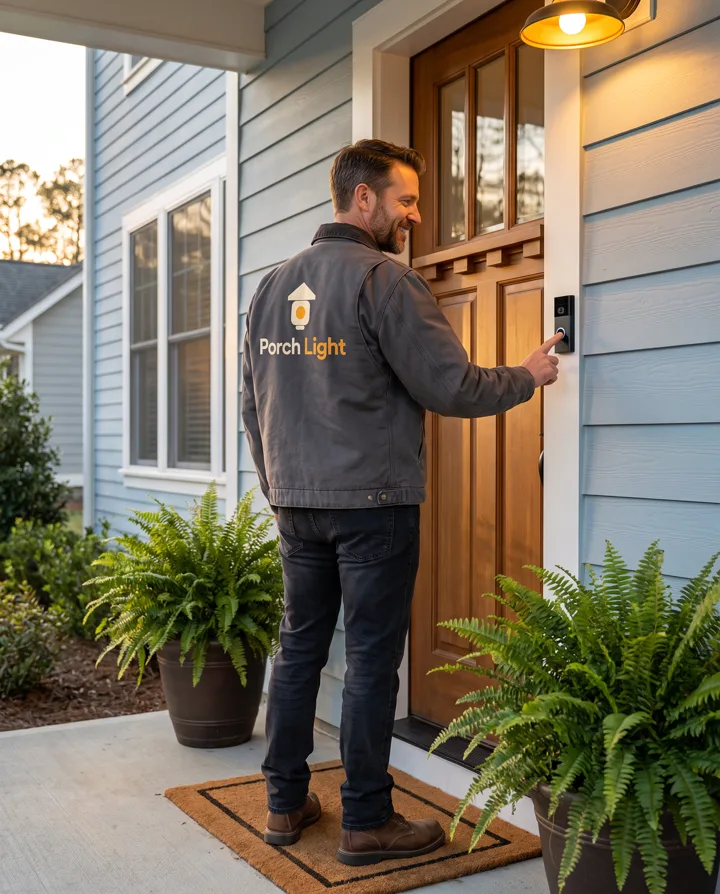
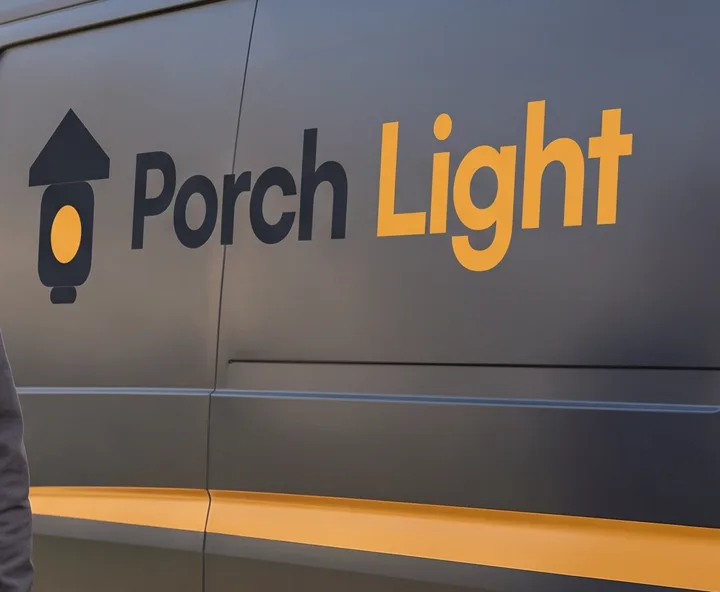
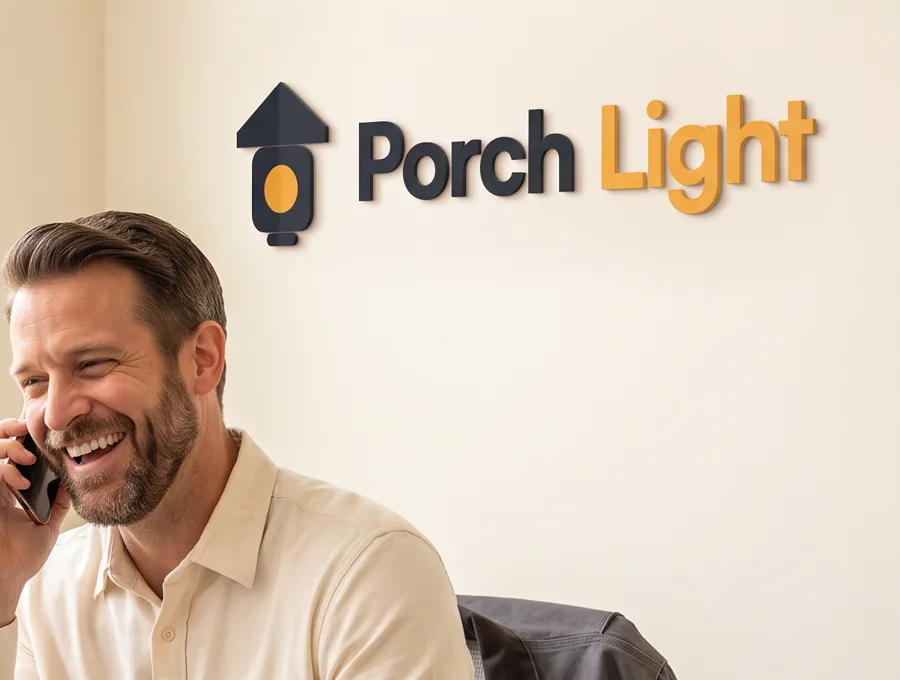
Brand World makes pictures of people in the places your brand lives: your logo on the jacket, the van and the office wall. Add your website or your logo, choose who's in it and how much of your brand shows, and get 3, 6 or 9 pictures with the same person in every one. It's a quick way to make a new business look established.
On the jacketOn the vanAt the office
Device Lab: your app on a real device
Marketing an app or a website? Device Lab puts your screenshot inside a real-looking phone, tablet or laptop at the angle you choose, ready for the App Store. Or add your app and press one button for a launch film.
A Device Lab launch film for a workout app.
Shot Planner: plan the film before you make it
Have an idea for a video but don't know how to turn it into shots? Type one sentence, or pick one of 171 ready-made story ideas. Shot Planner writes the shot list for free, in plain words: how close the camera is, how it moves, what happens and what's said. It can draw every shot with your people in it, then make the film in one tap.
A shot from a Shot Planner storyboardAnother shot from the same story
Ad Copy: the words around your ad
Once the picture is done you still need the words: the headline, the caption, the description. Paste your website or describe your product, tick up to 10 platforms (Facebook, Instagram, Google, YouTube, TikTok, Pinterest, LinkedIn, X, Snapchat and Threads), and every ad comes back inside that platform's limits, with a few versions to test. Its Posts that work tab writes everyday posts for X, Instagram and TikTok, built on post formats that are known to do well.
Digital Products Lab and the IceBerree Shop: make something to sell
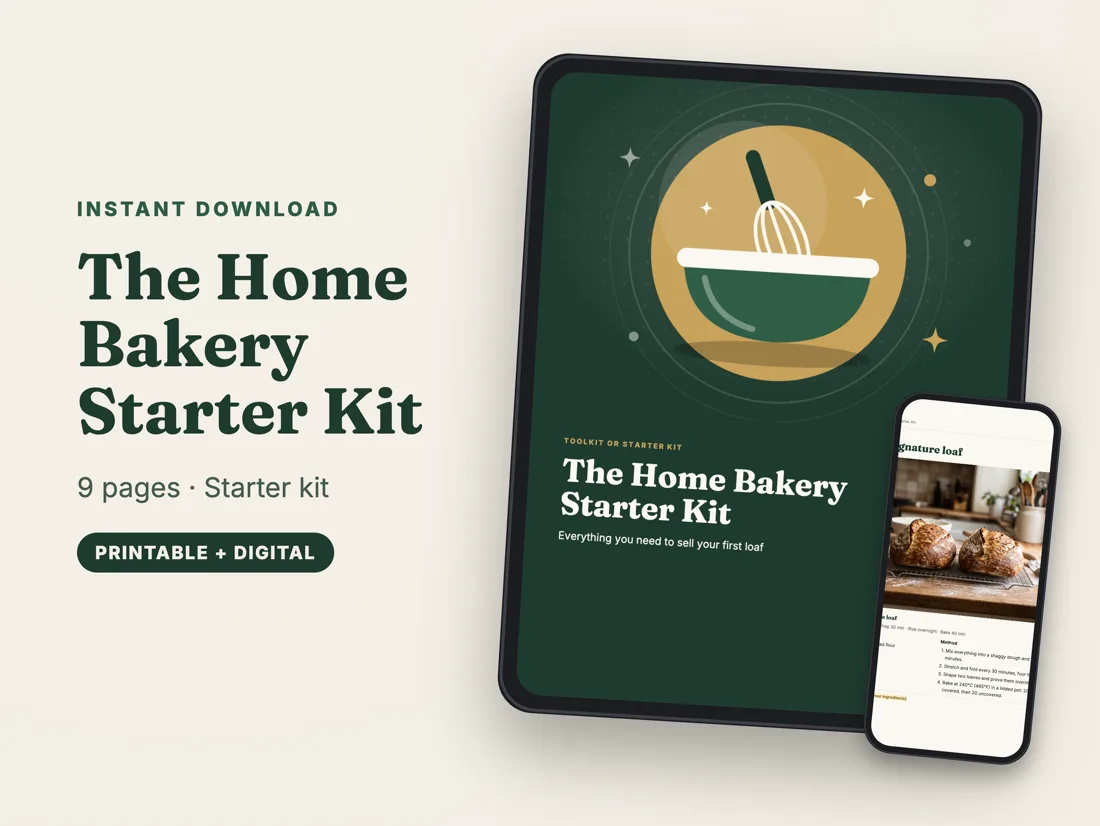
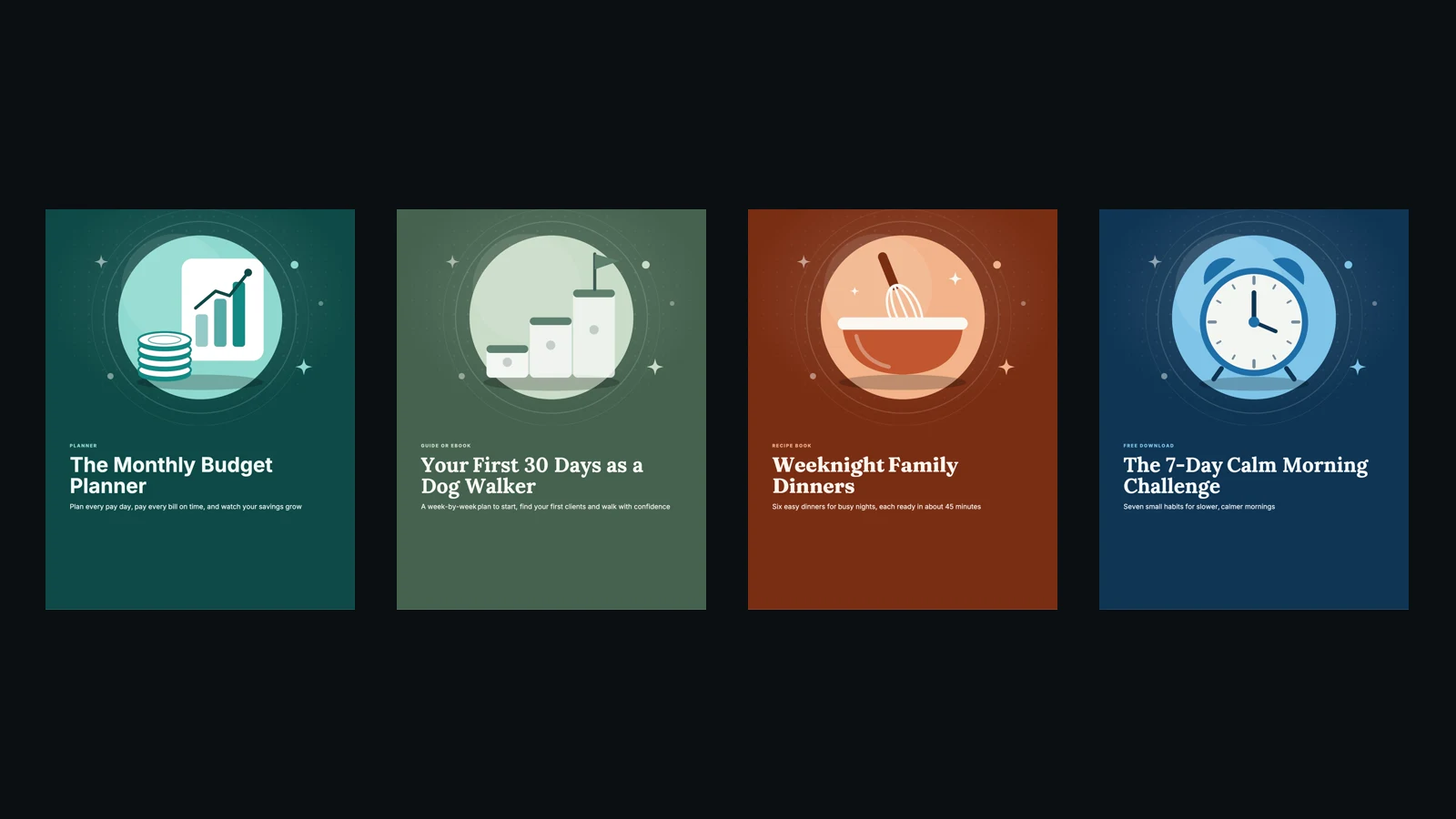
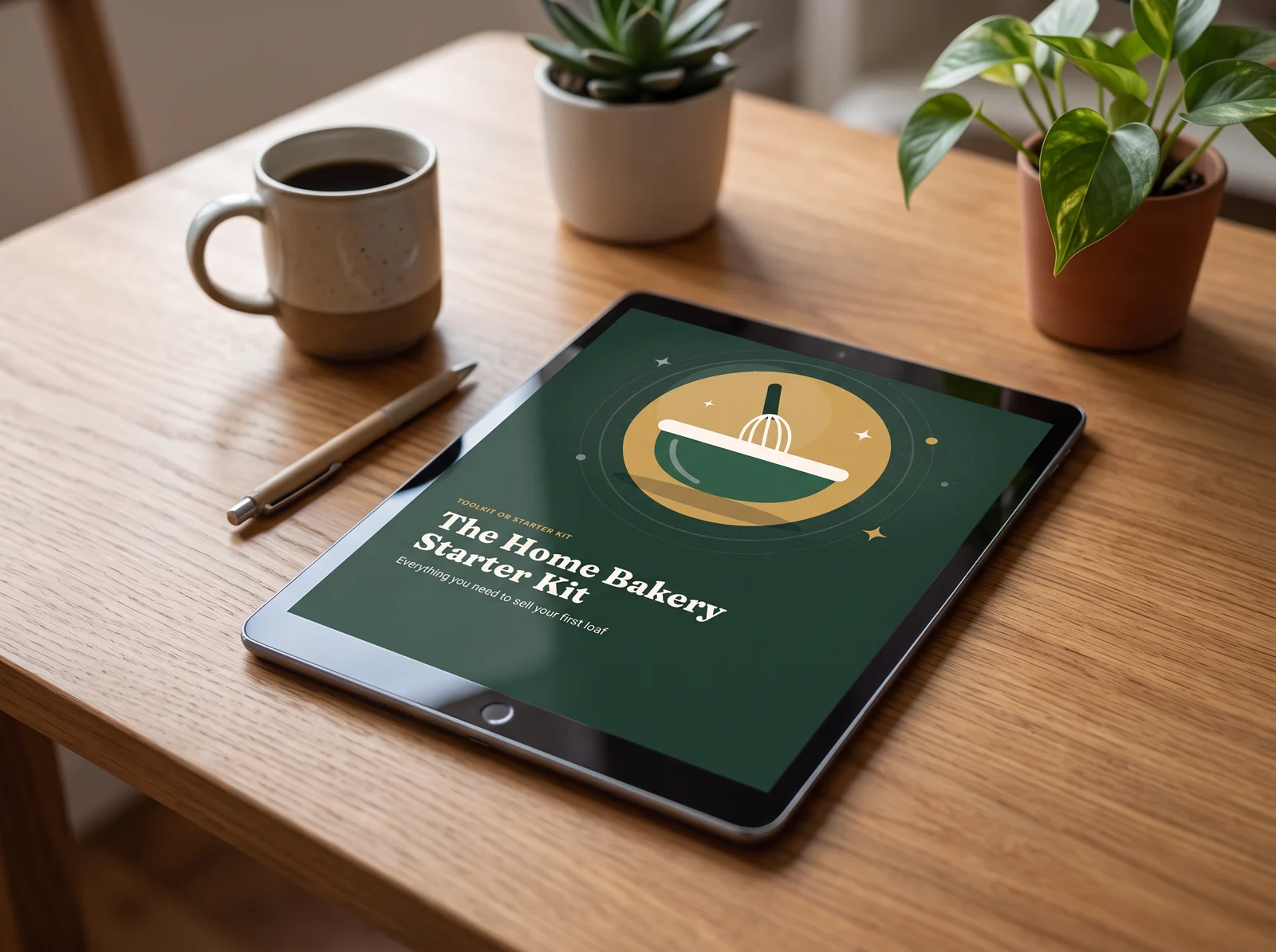
If you know something people would pay for, like a recipe, a plan or a lesson, the Digital Products Lab turns it into a finished PDF: a guide or eBook, a planner, a recipe book, a workbook, a checklist or a classroom printable, from 43 templates. It writes the pages, lays them out and makes the pictures. Then put it in your own IceBerree Shop in one tap. Buyers pay by card through Stripe, the money goes to your bank, and IceBerree takes 0%. For ideas, read the 10 best digital products to sell.
The Home Bakery Starter Kit, a PDF made in the Digital Products Lab.
The Canvas: finish it, and now make GIFs
Everything you make lands on the Canvas, a real design editor with layers. Add words, pictures and logos, then finish with AI: New angle turns the camera around your picture, Draws changes just the part you brush over, Add background paints a new scene behind everything, and Text Behind puts a huge word behind your subject. Export any size from 1× to 4×, or as a layered PSD file a designer can open.
New: the GIFs tab. Make your words and pictures move, flip through several pictures like a flipbook, turn part of a video into a GIF, or let AI make a still picture move. Save it as a GIF or an MP4, ready for posts, emails and your website.
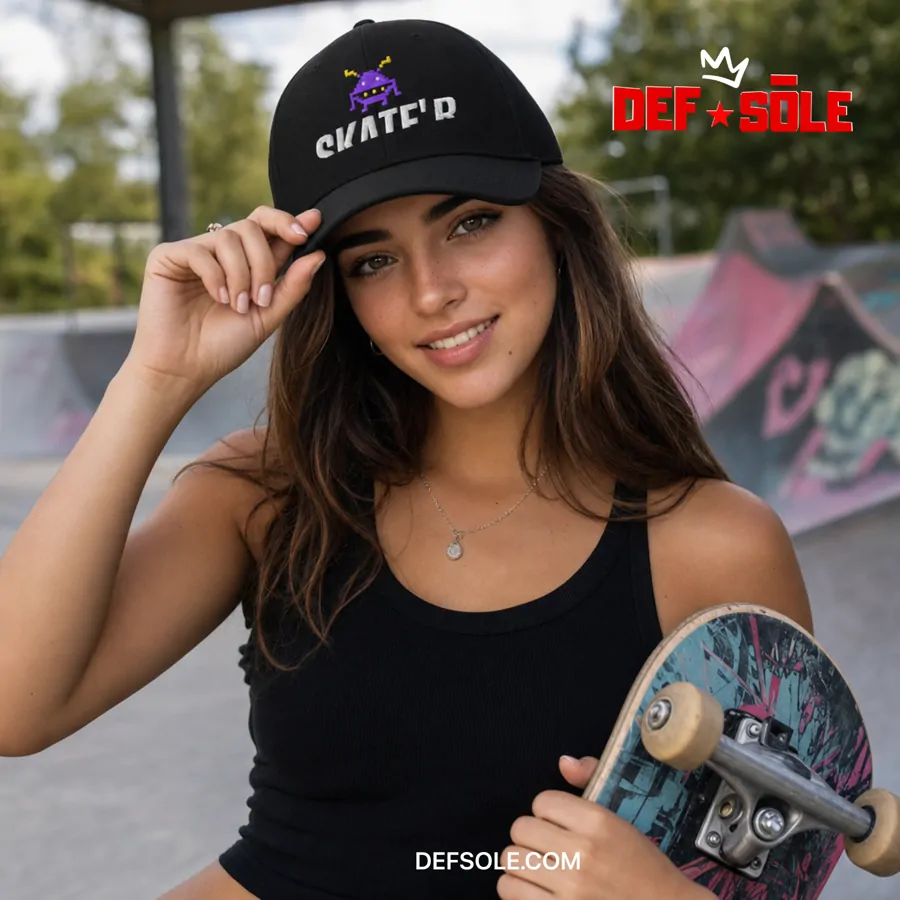
A finished skate ad, built on the Canvas.
Who it's for
Small shops and product brands
Ad Maker, Ad Hero and the UGC Lab turn one product photo into a week of posts.
Local businesses and contractors
Build Timelapse for before-and-afters, Brand World to look established, Ad Copy for the words.
YouTubers and creators
Thumbnail Lab, Shot Planner and Ice Studio, with the same host or character every time.
Events and organizers
A poster from Ad Hero or Restyled, a GIF for the countdown and captions for every platform.
Anyone building a name
Real estate agents, coaches and musicians stay recognizable with Character Studio and Brand World.
People with something to teach
The Digital Products Lab and the IceBerree Shop take you from an idea to a product with its own link.
What it costs
These are the prices as of November 2026. The current ones are always on the pricing page.
Free plan, $0: 50 starter IceBerrees, once, to explore every lab and see live prices. No card needed.
Paid plans from $19 a month at founding prices. The Creator plan comes with 600 IceBerrees every month.
Every monthly plan starts with 7 days free. Paying yearly saves about 15%.
Half of your unused IceBerrees carry over to the next month, and top-ups never expire.
The IceBerree Shop comes with every paid plan, with a 0% IceBerree fee on your sales.
Plenty is free to use, like the Shot Planner's shot list, the Thumbnail Lab's read of your video, and making a GIF from your design. Paid buttons always show their price first.
The honest part: what IceBerree doesn't do
It doesn't post for you. You download or copy what you make, then post it on your own accounts.
AI isn't perfect. Small print on a label can come out jumbled, and now and then a hand or a detail looks off. Check before you post, then fix that spot with Draws or make it again.
Video takes a few minutes, not seconds, and the best video models cost more IceBerrees than the quick ones.
AI-made isn't the real thing. A Build Timelapse remodel or a UGC Lab creator is made by AI, so be honest with your customers about what's real. Build Timelapse's ready-made opening lines never call an AI-made job yours.
To make a lot, you'll want a paid plan. The free plan is for looking around and trying things out.
What to make first
1
Start free
Open IceBerree and look around. Every lab shows its price before you make anything.
2
Pick one thing you need this week
A set of ads from one product photo in Ad Hero, a talking video in the UGC Lab, or a thumbnail for your next video.
3
Make three versions
Change the opening line, the look or the person. Small changes make a big difference to what people stop for.
4
Post them and watch
See which one people stop for, comment on or share, then make more like that one.
There's a free plan with 50 starter IceBerrees to explore every lab. Paid plans start at $19 a month at founding prices, and every monthly plan starts with 7 days free.
Do I need design or video skills?
No. Each lab walks you through it in plain words, with ready-made ideas to start from. If you can describe what you want, or take a photo of your product, you can make it.
Can I use what I make on TikTok, Instagram, YouTube and Facebook?
Yes. Everything comes in the sizes those platforms use: tall for TikTok, Reels and Shorts, square and wide for feeds, and 1280 × 720 for YouTube thumbnails.
Will my product look like my product?
That's the point. The labs study your product photos before they make anything, Product Lab keeps the same product in every view, and the UGC Lab keeps it the same from the first frame to the last. Always check the words on the label before you post.
Can I sell what I make?
Yes. Paid plans come with the IceBerree Shop and a 0% IceBerree fee. Buyers pay by card through Stripe, the money goes to your bank, and they download right away.