NEWIceBerree Shop: sell what you make, 0% IceBerree fee →

The AI Ad Lab

Every ad you need Made in one lab

Pictures, video ads, talking UGC, thumbnails and the words that go with them — made with AI that plans every shot, keeps your product exactly the same, and shows the price before you press go.

Free plan included · no card to start

TikTokInstagram ReelsYouTubeShortsMeta AdsGoogle AdsLinkedInXFacebookPinterestStoriesApp Store

Made in IceBerree

Real ads. Not a camera in sight.

Every one of these was made here — the people, the places and the product shots. Tap the speaker on any of them to hear it.

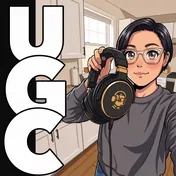
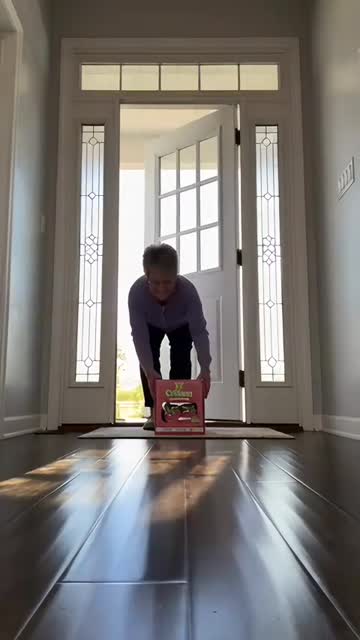
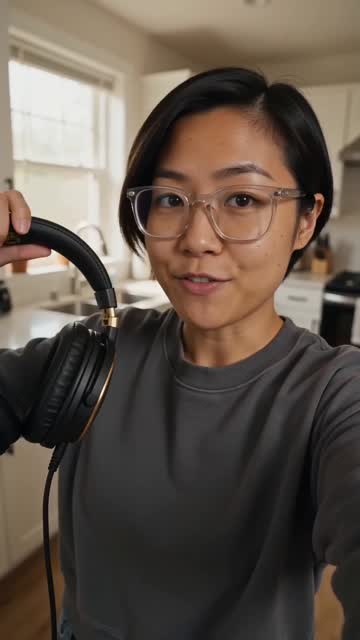
UGC that talks. A real-seeming person, holding your product.
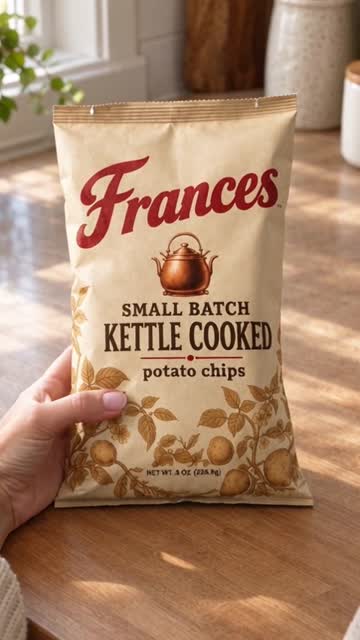
Label held to camera. Your packaging stays readable.
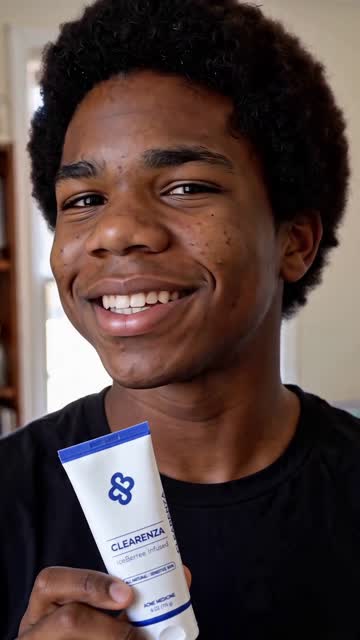
A solo review. One person, straight to camera.
A conversation, not a pitch. You choose who opens.
One continuous take. Slippers, from one photo.
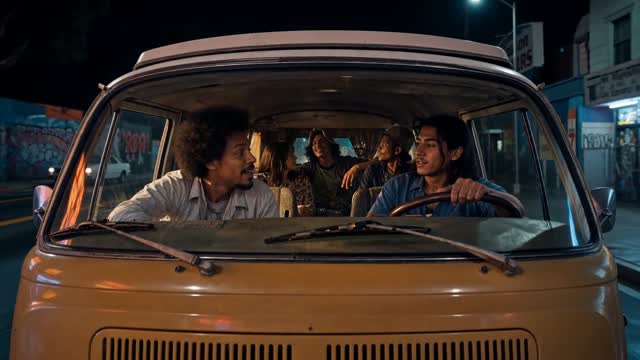
Everyone in the car. Shot through the windshield.
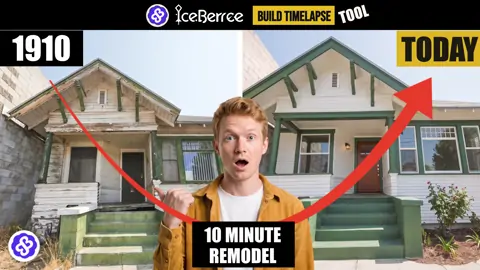
It builds itself. A 1910 house brought back to today.
Your app, turning in the light. Made in the Device Lab.
Unbox & Try-on. Opened by hand, then worn.
Two people, one scene. Word-of-mouth you happened to overhear.
A whole spot, not one clip. Four people, three places, one product.
A real review, at home. No actor to cast, no set to book.
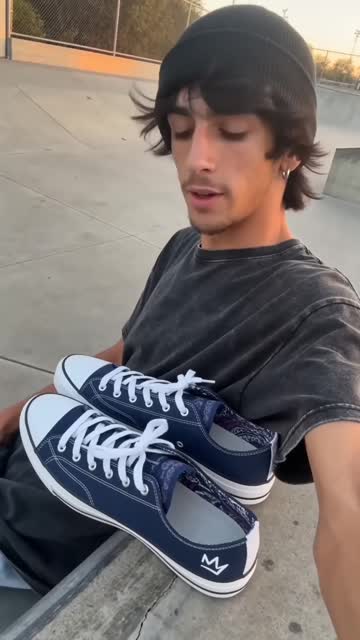
A sneaker film. Your shoe, your logo, fifteen shots.
Dinner, cooked on camera. It ends on the plate you photographed.
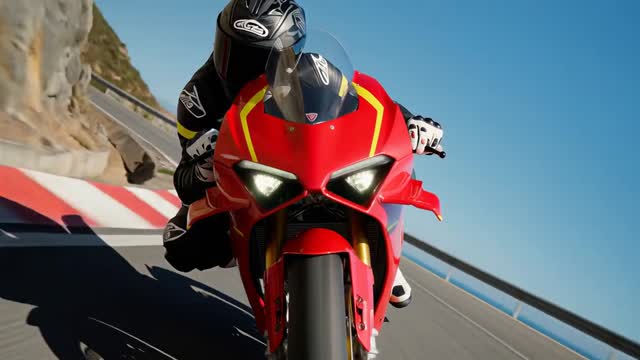
Out on the canyon road. Real lean angle.
Pick the era. A 1970s wagon, chrome and all.
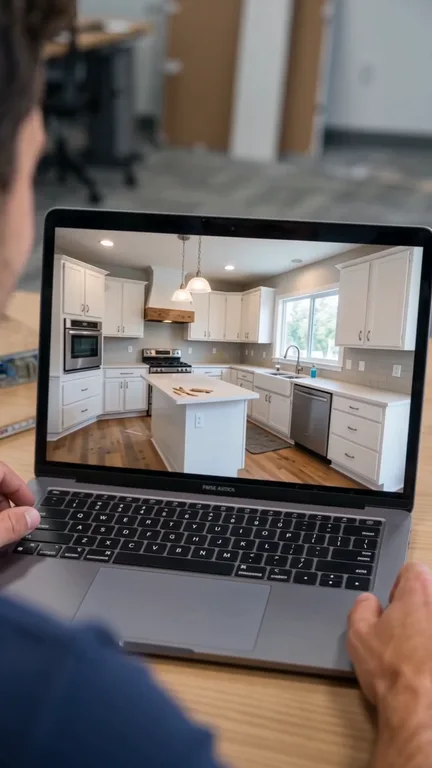
A kitchen remodel. Nothing torn down that didn't need to be.
A burger, built bite by bite. A Recipe Reel from one photo.
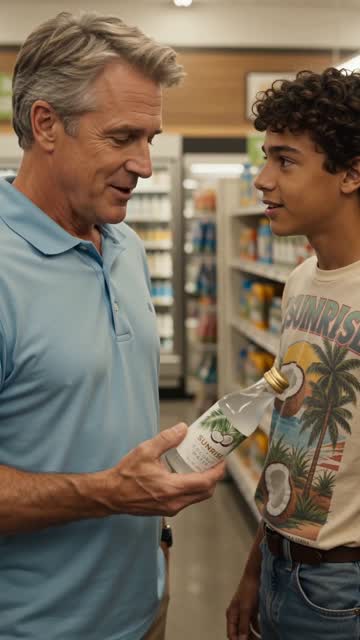
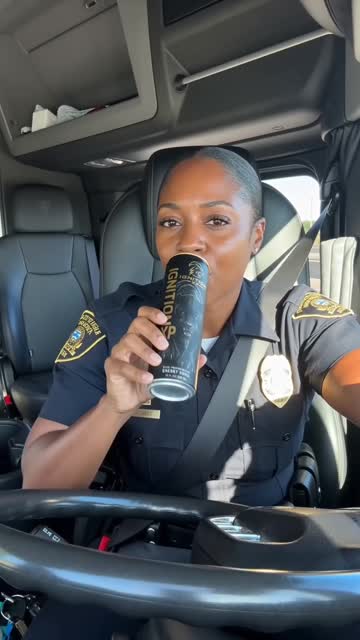
Real talk from the driver's seat. A Sunvee juice review, made here.
A storefront restored. Tall, for Reels and TikTok.
Your app, launched. Nine shots from one screenshot.
A new color, a new film. Same app, a whole new look.
Any phone you like. Your screen exactly as you made it.
A big word, then the phone. Made in the Device Lab.

Seen videos like these online? Now you can make them.

For your business, your brand, your next venture — no film crew, no editor, no years of practice. We do the hard parts, so making what you want is easy.

  • No crew
  • No editing skills
  • The price shown first
Start free →

NEWFor contractors & home services

Ads for the trades. Ready to post — and ready to print.

Pool builders, remodelers, roofers, landscapers and wall builders — or any trade you type. Fill in your business once, and IceBerree makes the ads, turns your build into a video ad, and draws the files for your printer.

  • Pools
  • Remodeling
  • Roofing
  • Landscape design
  • Retaining walls & hardscape
  • + any trade you type

In Ad Hero · tap “A service”

11 ad styles made for your trade

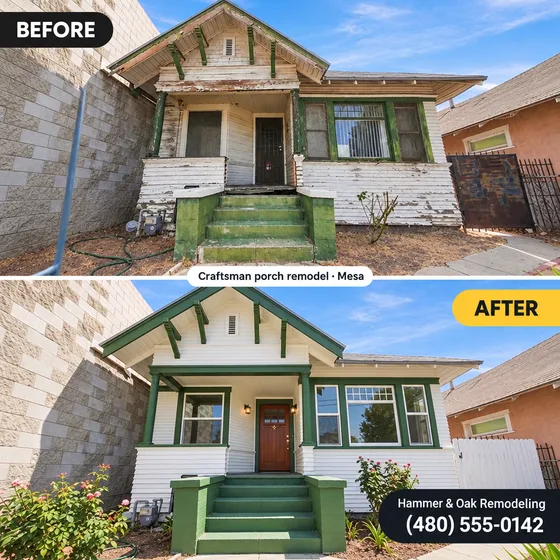
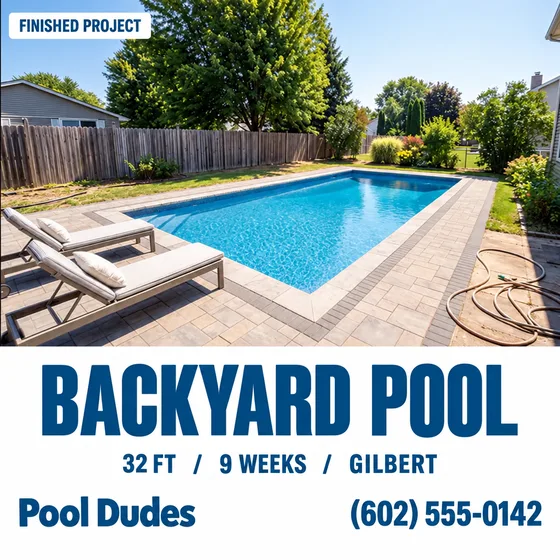
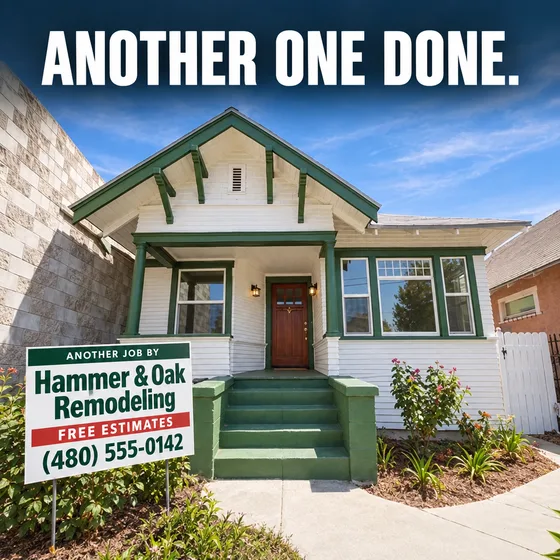
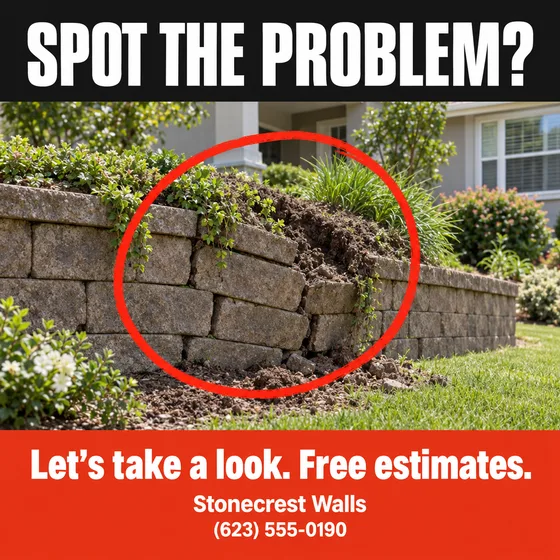
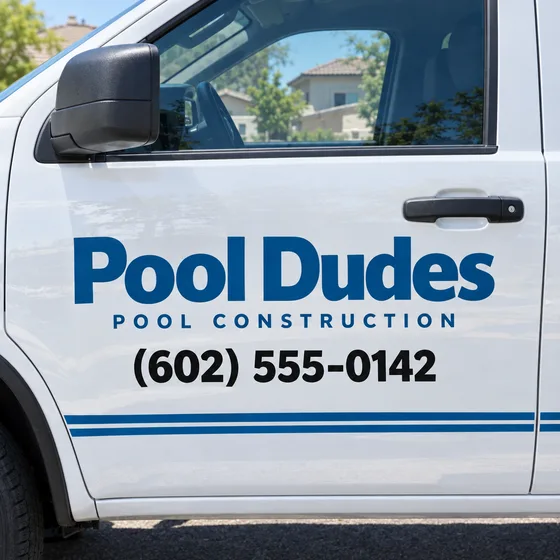
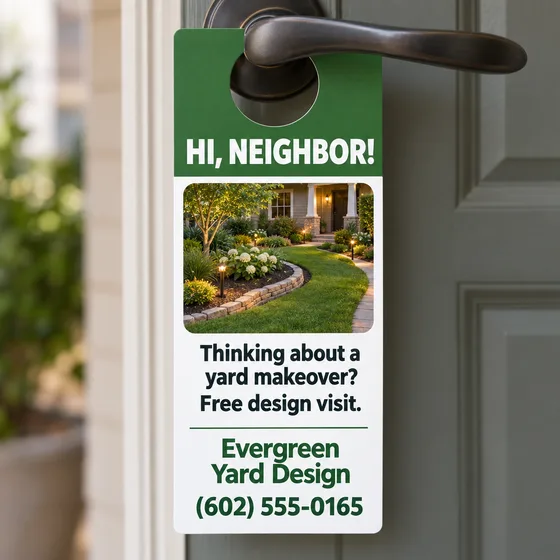
Clipboard Check ad: a roofing checklist on a clipboard Before and After ad of a remodeled house Project Card ad: a finished backyard pool with its facts Yard Sign ad in front of a finished home Spot the Problem ad: a leaning retaining wall circled in red Truck Door ad with a pool builder's name and phone Door Hanger ad for a landscape design company Season Call ad: ready for pool season
  • Quiz — a checklist or “spot the problem” that gets homeowners looking at their own house.
  • Proof — your real before and after, a finished job with its facts, a real customer's words.
  • Offer — a yard sign, your truck door, a door hanger, your crew, the right season.

In Build Timelapse · new last step

Your build, turned into a video ad

  • One video — the before, the fast build and the finished reveal, joined for you.
  • Big opening words so people stop scrolling.
  • Your name and phone on screen while the finished job shows.
  • A closing card with the offers you tick.
  • Free — made right in your browser.

Print files · free

The door hanger. The yard sign. The truck magnet.

Print-ready files with your exact name, phone and offers — upload them to any online printer. Your own job photo goes on the door hanger and flyer.

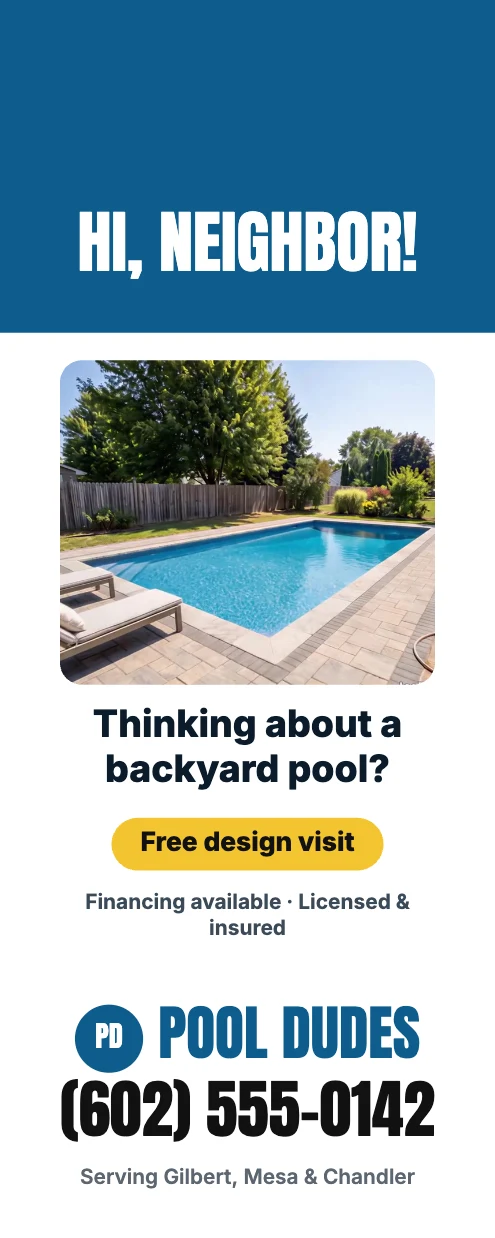
Door hanger, front: Hi, neighbor! with a finished pool photo, the offer, name and phone
Door hanger · front
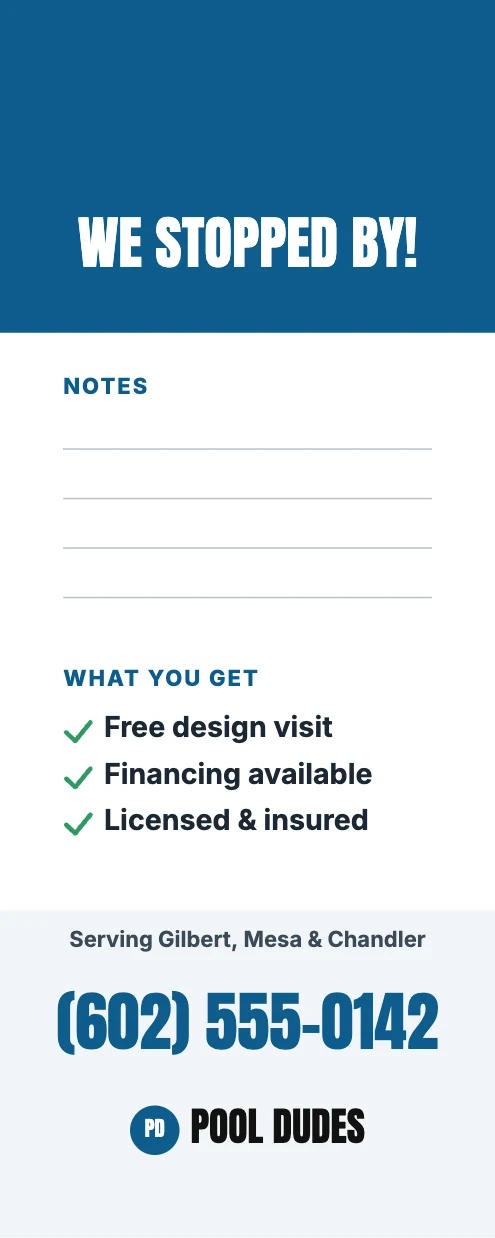
Door hanger, back: We stopped by! with lines for notes
· back
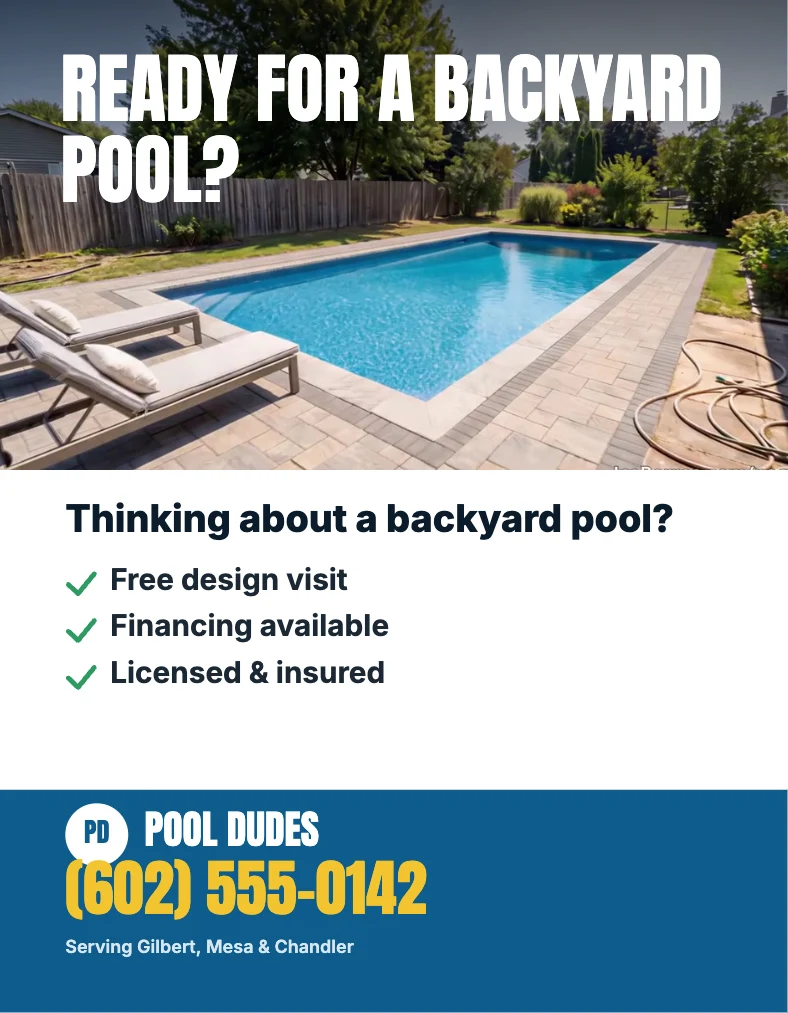
Flyer: Ready for a backyard pool? with offers, name and phone
Flyer
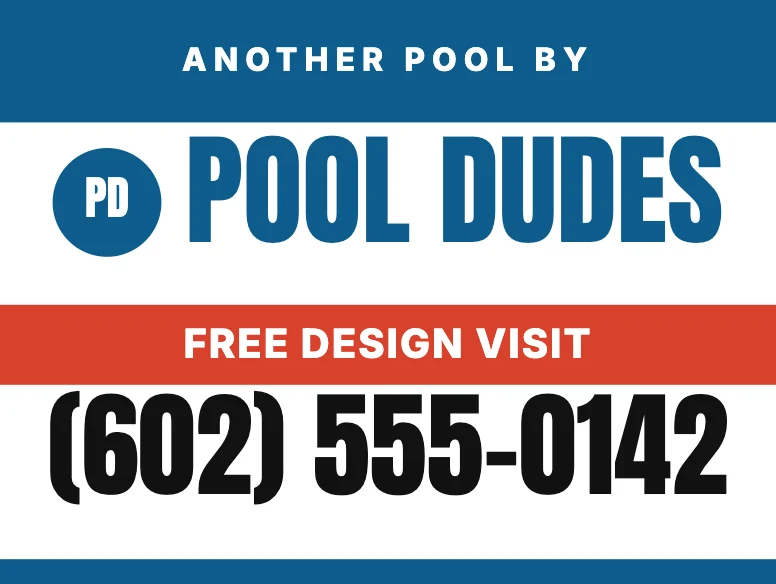
Yard sign: Another pool by Pool Dudes, with the offer and phone
Yard sign
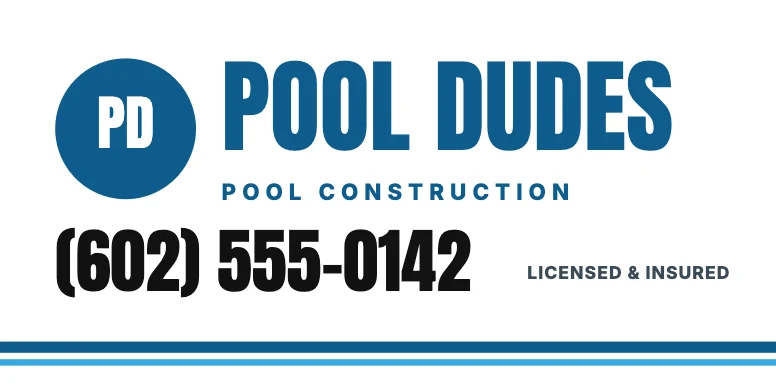
Truck door magnet with the company name, trade and phone
Truck door magnet
Business card, front
Business card · front
Business card, back with phone, area and offers
· back
  • Door hanger — 4.25 × 11 in, front and back
  • Yard sign — 24 × 18 in
  • Truck door magnet — 24 × 12 in
  • Flyer — 8.5 × 11 in
  • Business card — front and back
  • PDF or PNG — or all five in one download

Honest by design

Ads that never overpromise.

  • Only your real jobs are called your work. AI-made scenes are always shown as examples.
  • Offers appear only when you tick them — free estimates, financing, licensed & insured, a warranty.
  • Check the spelling. AI can misspell, so every ad shows the words it should say.
  • Fix a word — correct one word for 4 IceBerrees instead of making the ad again.
Make your first contractor ad →

In the app: open Ad Hero and tap A service.

NEWIceBerree Shop

Make it here. Sell it here.

Open your own shop on IceBerree and sell what you make: guides, planners, pictures, videos, sound packs and more. Buyers pay by card through Stripe, the money goes straight to your bank, and they download right away.

Comes with every paid plan · Watch how to open one · 2:34

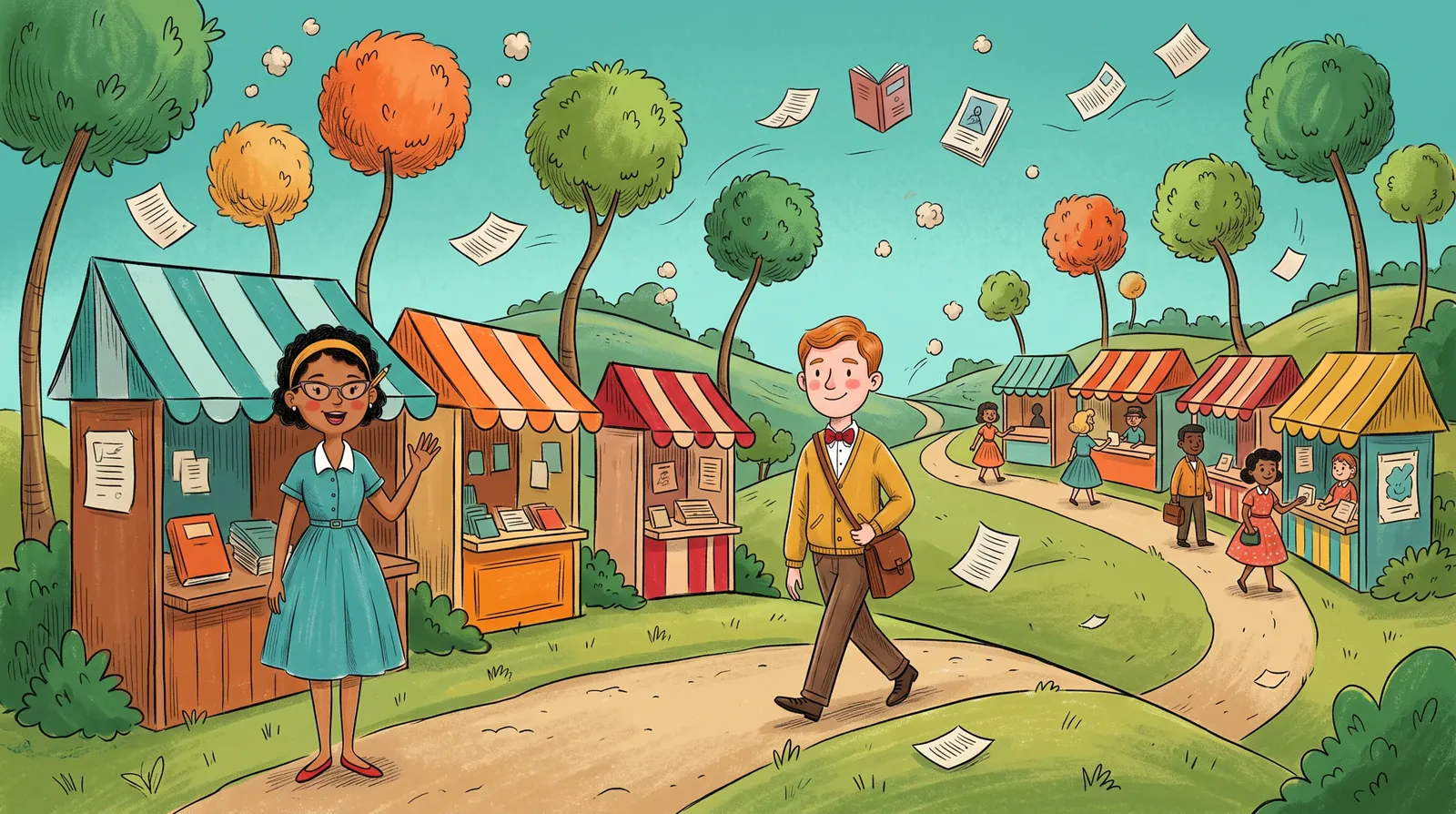
A storybook street of little shops with striped awnings: a smiling shop owner waves as a buyer walks by, and pages and books float in the air

0%IceBerree's cut
of your sales

Step inside a shop. It works.

This is how a shop looks to buyers. Pick a moving header, change the color, open a product. It's an example, so nothing is charged.

iceberree.com/shop/rise-and-shine
Rise & Shine PrintablesGuides, planners and recipe books for busy homes.

Made with IceBerree

Four steps. That's the whole thing.

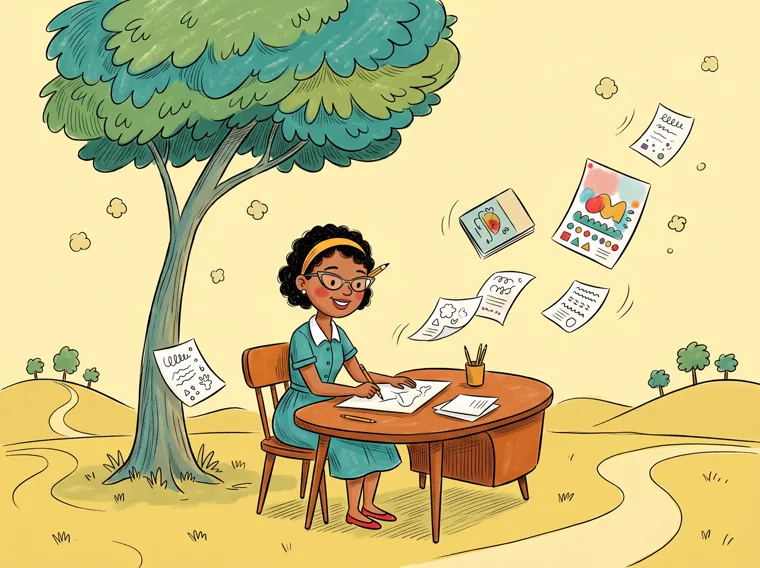
  1. The shop owner writes at a desk under a tree while her pages float around her

    1Make it

    Make a guide, a planner or a picture pack in IceBerree, or bring files you already have.

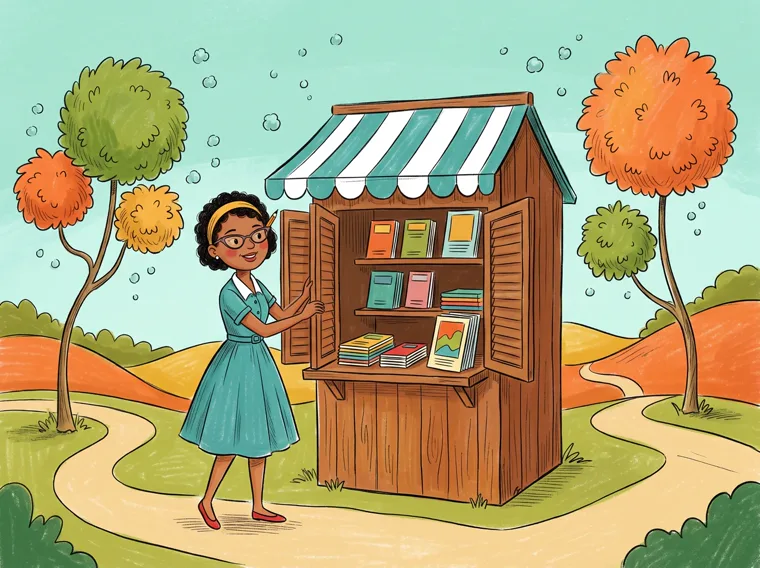
  2. She opens the shutters of her little wooden shop, its shelves full of books

    2Put it in your shop

    Give it a name and a price, or make it free, and choose who can use it.

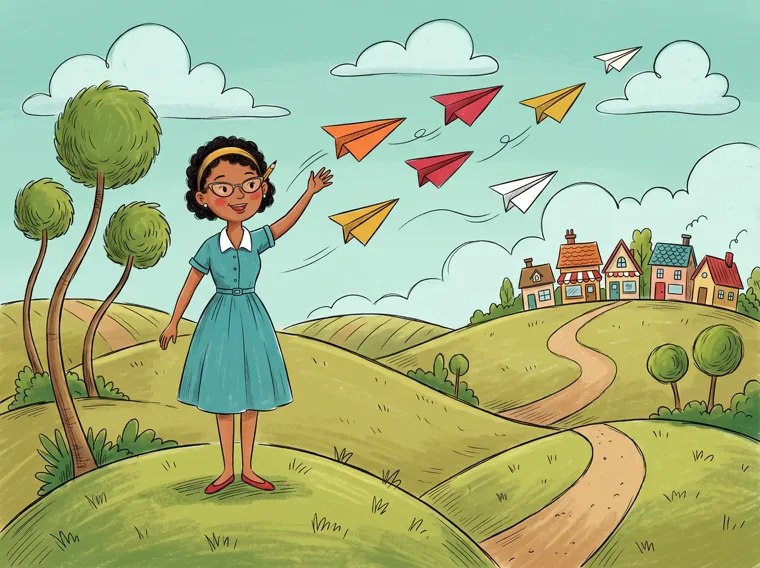
  3. She sends paper planes out over the hills toward a little town

    3Share your link

    Every product has its own link for your posts, your emails and your bio.

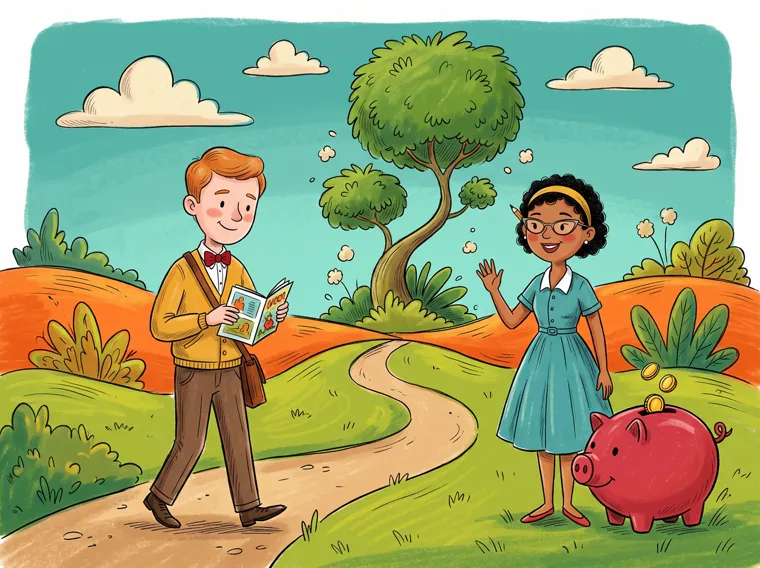
  4. A buyer walks away reading his new book while she waves beside a piggy bank filling with coins

    4Get paid

    Buyers pay by card through Stripe and download right away. The money goes to your bank.

Everything a shop needs. Nothing to build.

  • 0% IceBerree fee with any plan. Stripe's card fee is the only fee on a sale. Musicians can start with a free Artist shop instead: 10%, only when a song sells.
  • Paid to your bank through your own Stripe account.
  • Instant download, plus the link by email to come back to.
  • A link for every product to share anywhere.
  • 40 header designs, 25 of them moving, with seasons and holidays.
  • Picture protection: a saved picture carries your shop's name.
  • Free products too, to bring people to your shop.
  • A Sales page with every order.
  • Up to 3 shops, each with its own Stripe.
  • Software and plugins too, once IceBerree has checked them.
  • A clear refund policy that buyers can trust.
  • Your shop on Discover, where buyers browse every shop.

What you can sell

  • Guides & eBooks
  • Planners
  • Recipe books
  • Workbooks
  • Classroom printables
  • Pictures & art prints
  • Templates
  • Videos
  • Sound packs
  • Software & plugins

Who can use it: you choose

  • Personal use
  • Personal and commercial
  • Resell rights
  • One teacher
  • Whole school

Make it in the Digital Products Lab, then put it in your shop in one tap.

The film

Want to sell? See it in 83 seconds.

Make it, sell it, then get it noticed: one maker's shop from start to finish, all made in IceBerree.

Open your shop, step by step · 2:34 ↗
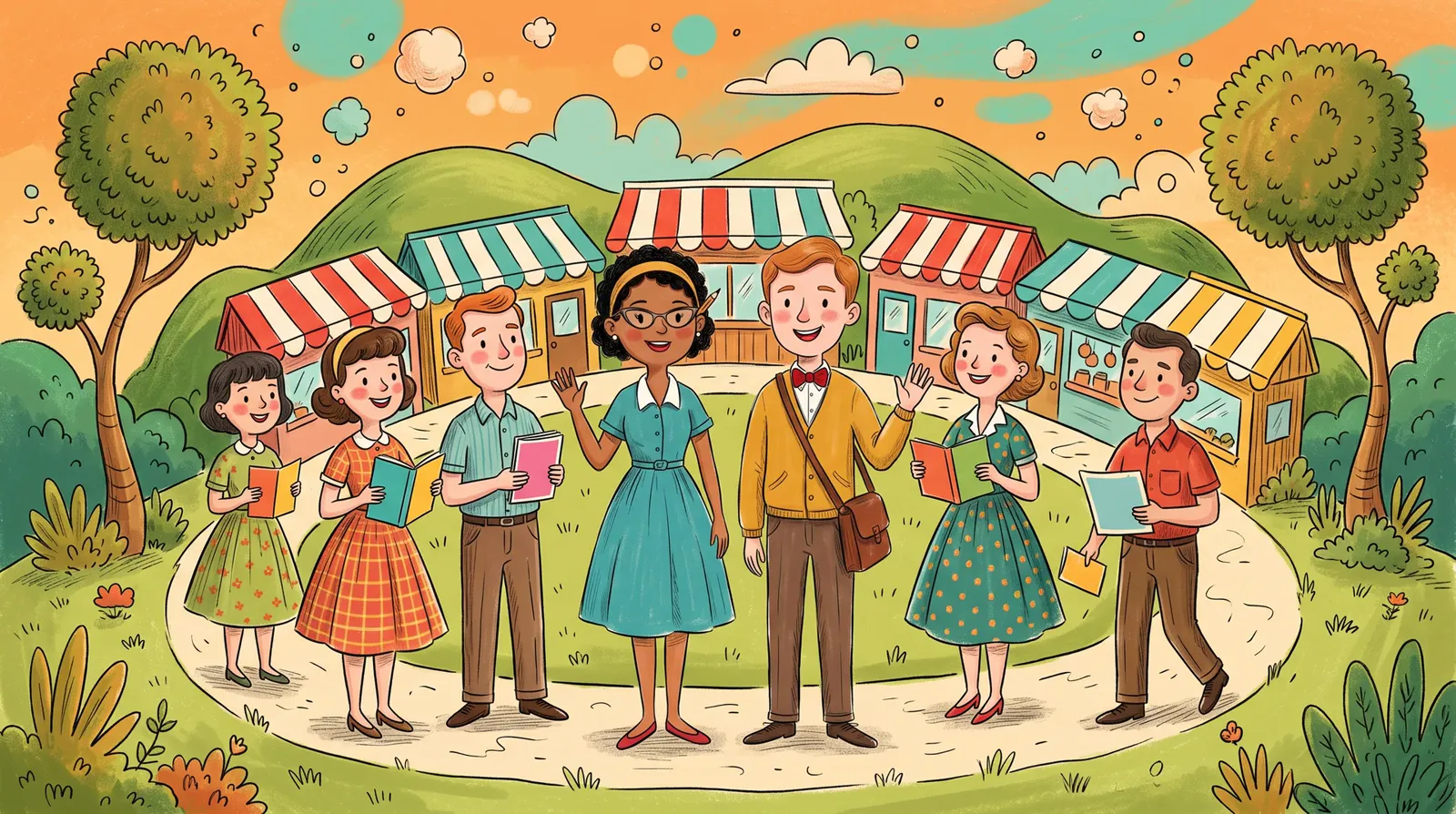
Shop owners and buyers smile together in a circle of little shops, holding the books and pages they made and bought

Your shop could be open today.

Name it, pick a header, add what you made, and connect Stripe to get paid. The first sale is the best part.

IceBerree Shop comes with every paid plan · Sellers must be 18 or older · Shop terms

NEW Motion Control

Films that move on the beat.

Bring your words, a subject or your own video. Pick one of six templates, and Motion Control plans every scene, cuts it to the music and makes it wide and tall.

Motion Control16:9+ 9:16
33 seconds, every shot made with Motion Control's own templates. Tap the speaker for sound.

How it works

  1. Pick a template. Six looks, from a cartoon to whole 3D worlds.
  2. Bring what you have: your words and a song, any subject, or your own video.
  3. Claude plans every scene. Change anything you like. Every AI step shows its price on the button first.
  4. Watch it, then make it wide and tall. Making the video is free.

The video is made right on your computer, so keep the window open until it's done.

Six templates

From your words · Explain a subject · On your own video

Cartoon Star
From your words

Your character acts out every line on bright printed backgrounds, cut to your song.

Poster Riot
From your words

Huge poster words, torn paper and a marker, cut hard to the beat.

Explainer
Explain a subject

Type any subject. Claude finds the facts, writes a narrated script and checks every sentence.

Time Machine
Explain a subject

Type any subject. A camera flies through 3D worlds built for your story, with giant glass words.

Scanner Screen
On your own video

At the best moments your video freezes, a targeting screen locks on and readouts type out.

Fine Lines
On your own video

Your video plays straight through, with tags that follow the person and big words on the beat.

How it works

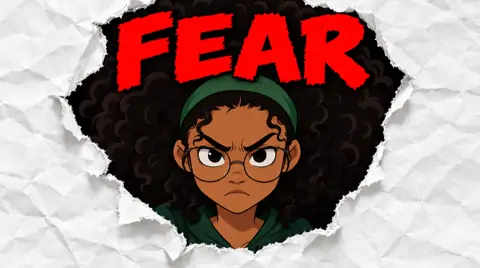
One can. A whole campaign.

Follow one real product — Ignition XP energy drink — from a phone photo to ads on every feed. Seven steps, all made here. Keep scrolling.

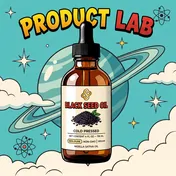
  1. 01Product Lab

    Start with your product.

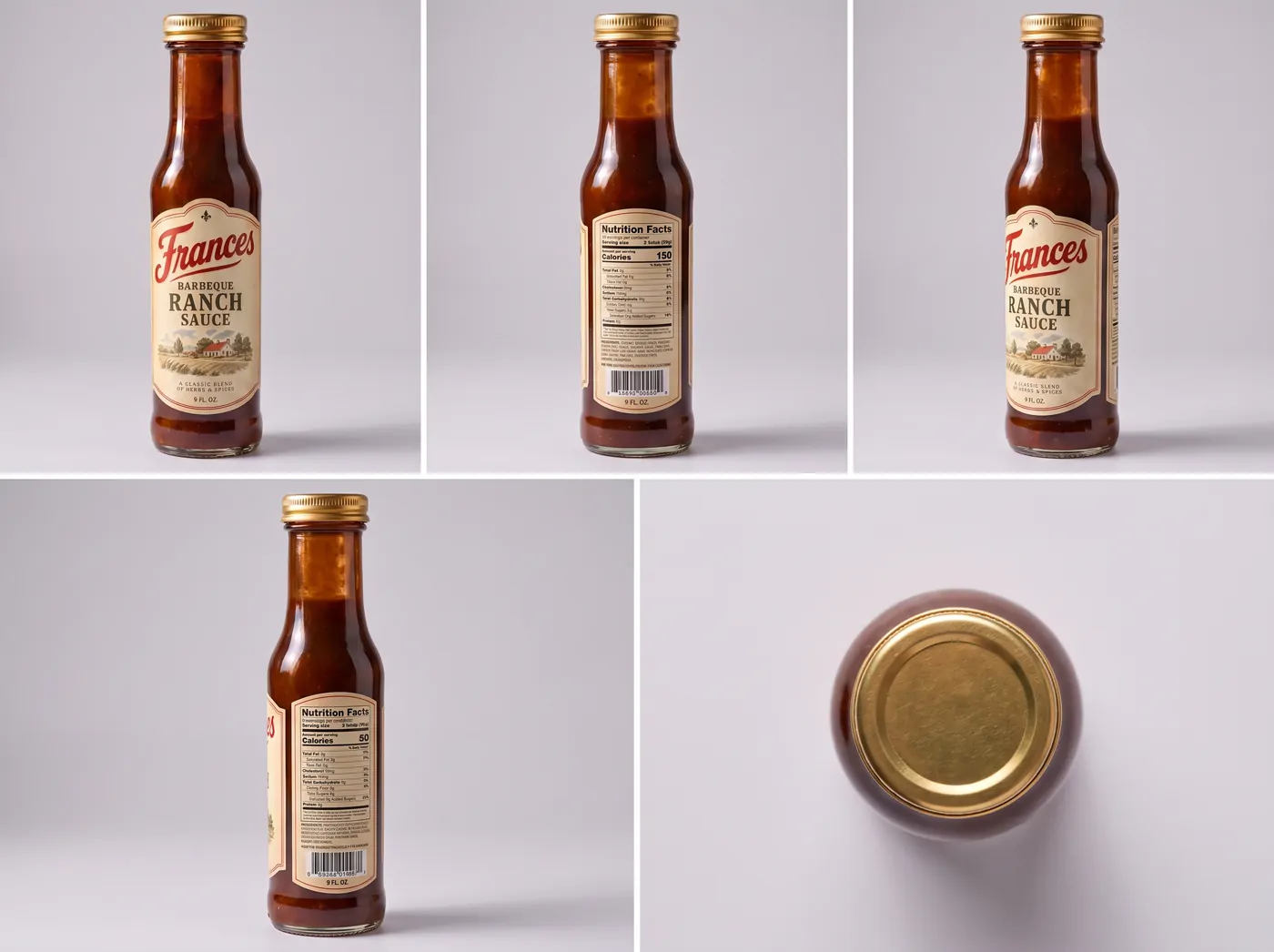
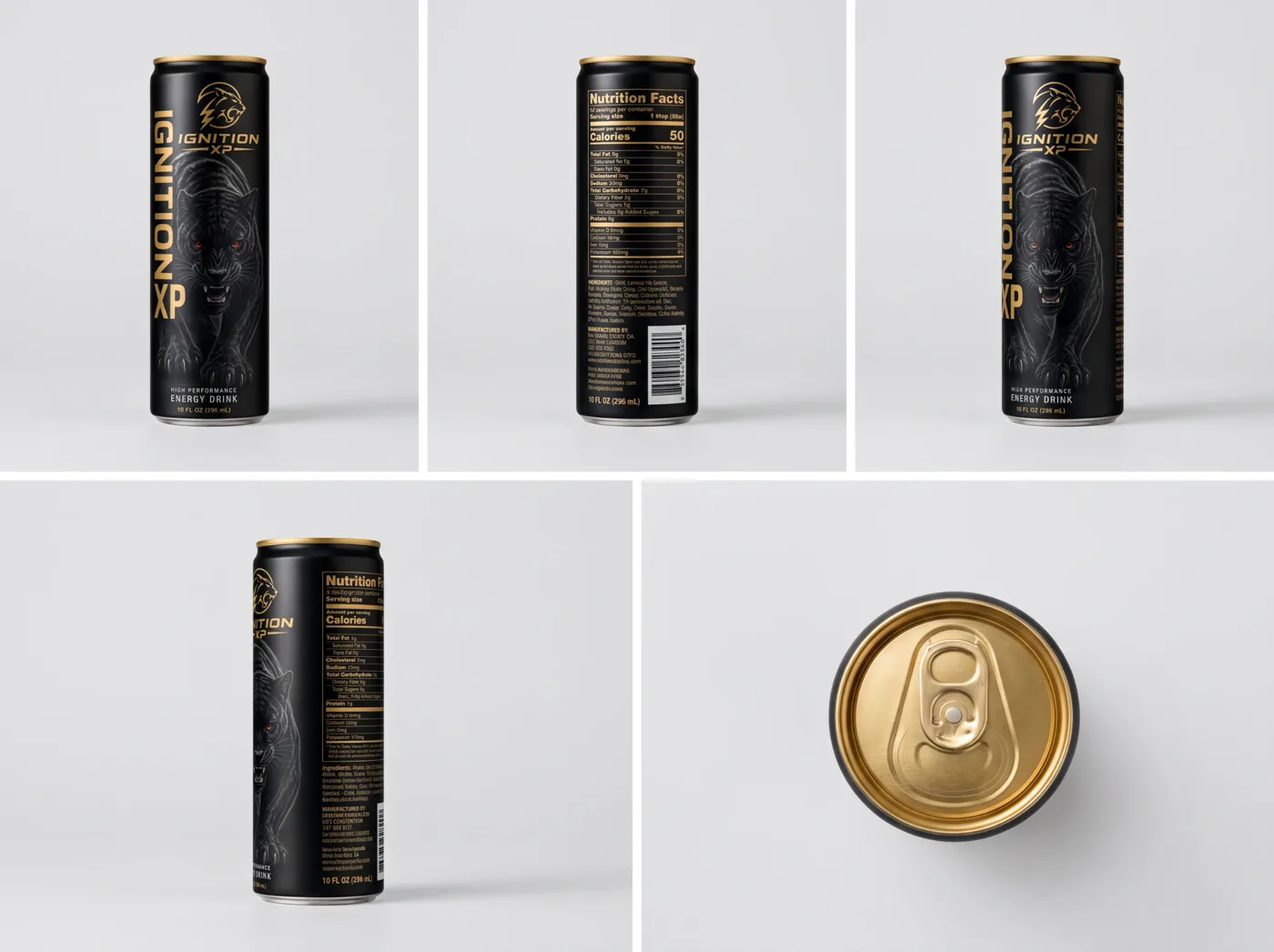
    Snap a photo of your Ignition XP can and upload it — or just describe the drink you have in mind and Product Lab makes the can. Like it? Turn it into a product sheet: the same can from every side.

  2. 02Animate Product

    Bring the can to life.

    Tap Animate this and the can goes straight to Animate Product. The camera pushes in on the can, a hand reaches down, grabs it and brings it up for a long gulp.

  3. 03UGC Lab

    Hand it to a real-looking person.

    Pick a character and they talk about Ignition XP straight to camera — then take a swig.

  4. 04The Canvas

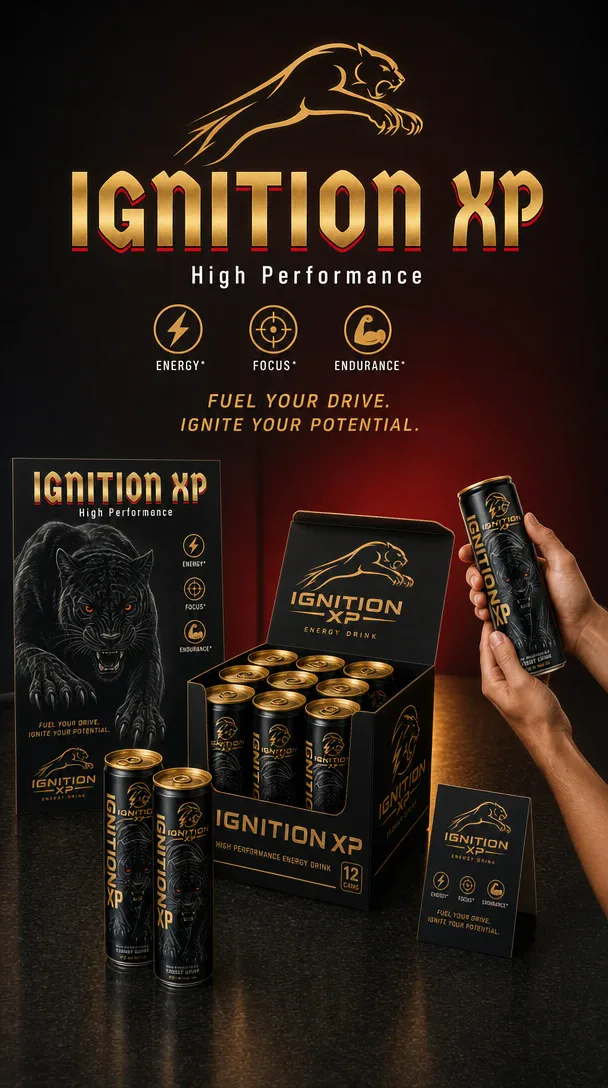
    Make the graphic ad.

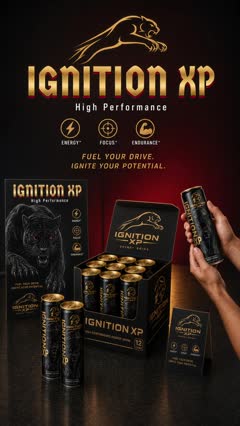
    Send the single can to the canvas and design a post for Instagram, TikTok, X — wherever you post.

  5. 05Ice Studio

    Make the longer film.

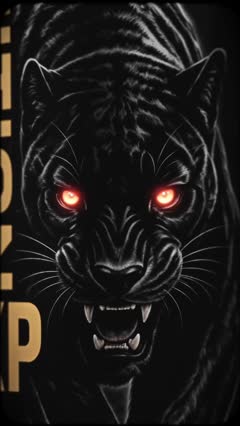
    Make a longer video that features Ignition XP, then cut it together in your own editor — here, the can shot, a close-up of the panther on the label and your graphic ad, in one piece.

  6. 06Thumbnail

    Give it a thumbnail.

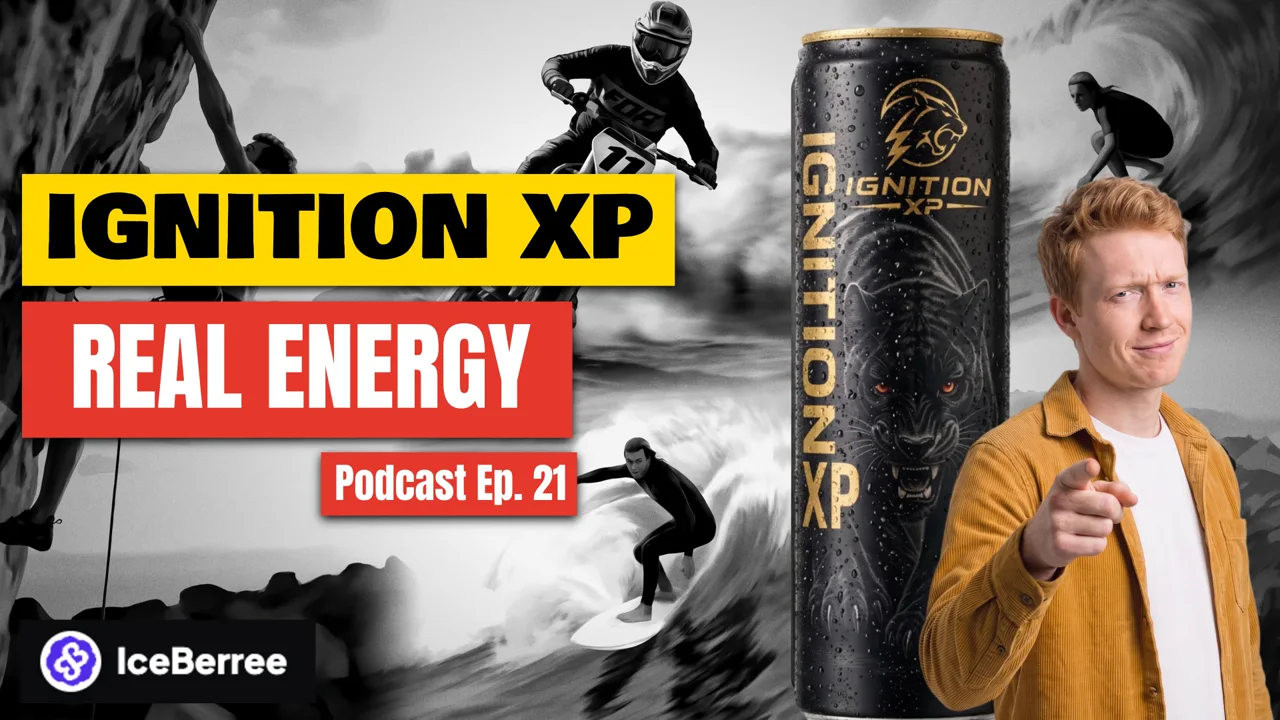
    Back on the canvas, make the thumbnail for your YouTube video — here, Real Energy, Ep. 21. Put it at the front of your video for three seconds — and again at the end.

  7. 07Everywhere

    Post it. Then go vertical.

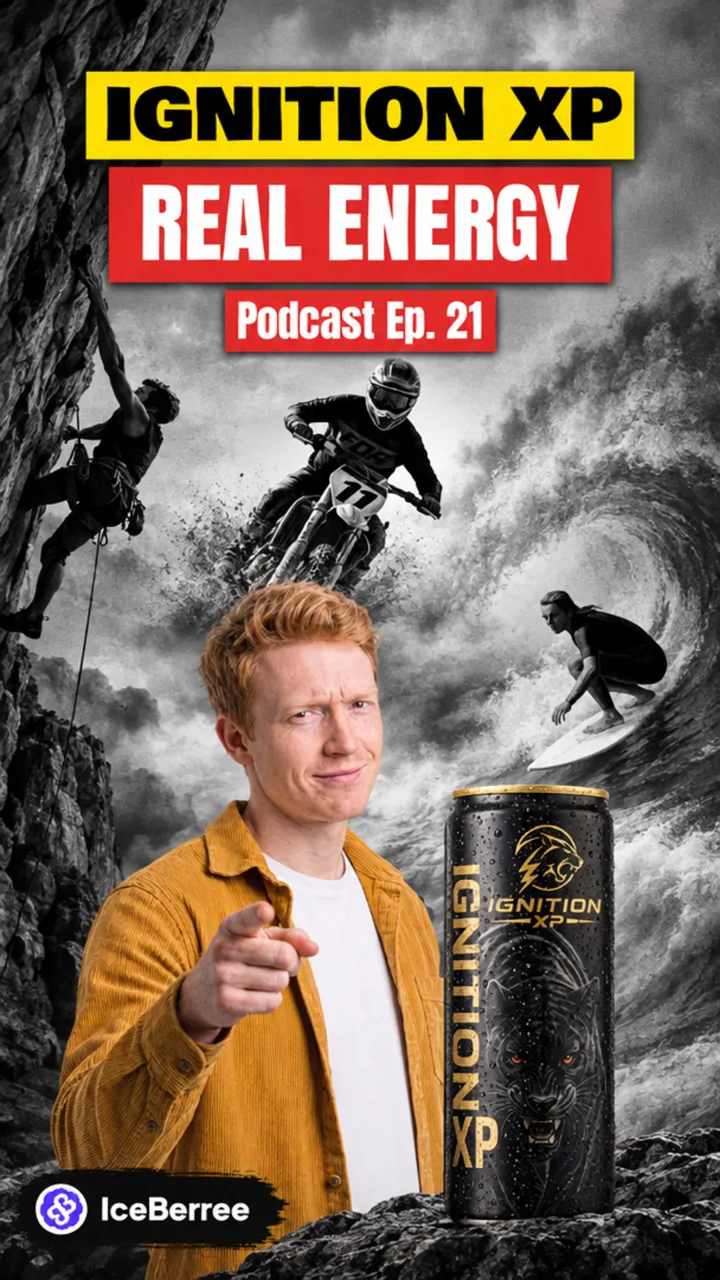
    Put it on YouTube, Facebook and anywhere else. Then tap Convert to 9:16 on your thumbnail, and make a few 9:16 posters of the can for your feeds.

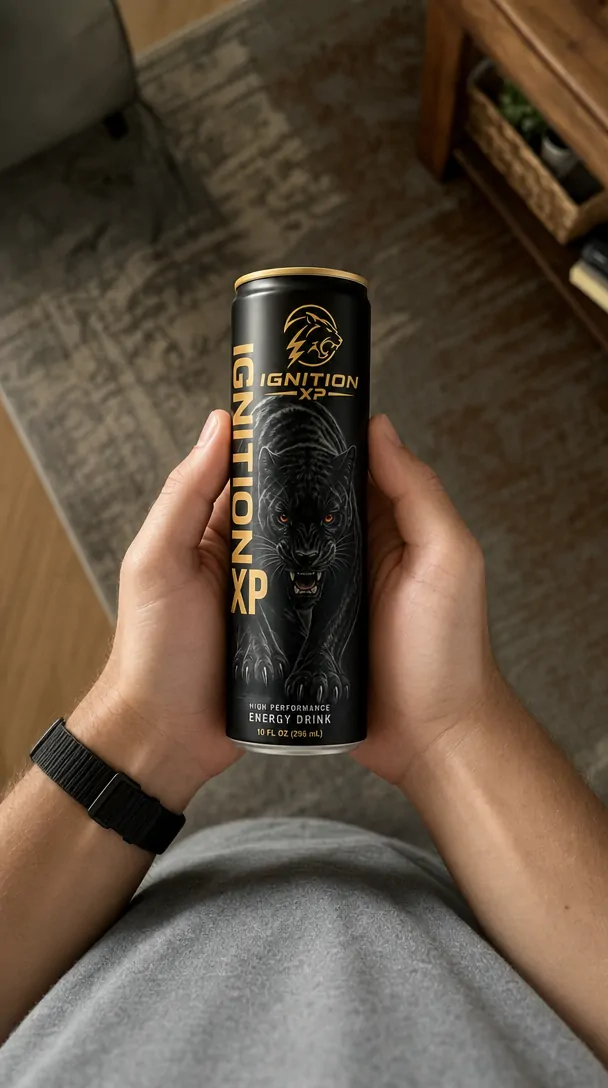
A phone photo of an Ignition XP can in someone's hands
Your photo
Or an ideaan energy drink called Ignition XP

Product sheet — the same can from every side

The Ignition XP product sheet: front, back, both sides and the top of the can
  1. 0:00 The camera pushes in on the can
  2. 0:05 A hand reaches down and grabs it
  3. 0:07 Up to the lips — a long gulp
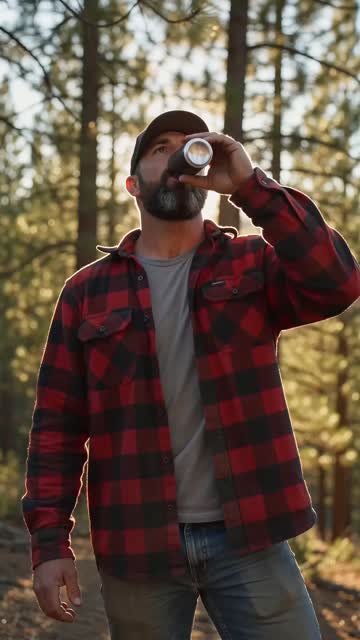
  1. Who A rugged outdoorsman, out on the trail
  2. Says “That's the one. Cold, smooth, and it gets me through the whole haul.”
  3. Then A swig — the can stays itself the whole time
Aa Text✦ Glow◐ Recolor⤓ Export
A graphic ad for Ignition XP: the cans, the 12-pack box and the slogan
Post toInstagramTikTokXFacebook

Cut together in your own editor

The can
Gulp
The label
Your ad
YouTube thumbnail: Ignition XP — Real Energy, podcast episode 21
The Real Energy Ep. 21 thumbnail, converted to 9:16
Convert to 9:16
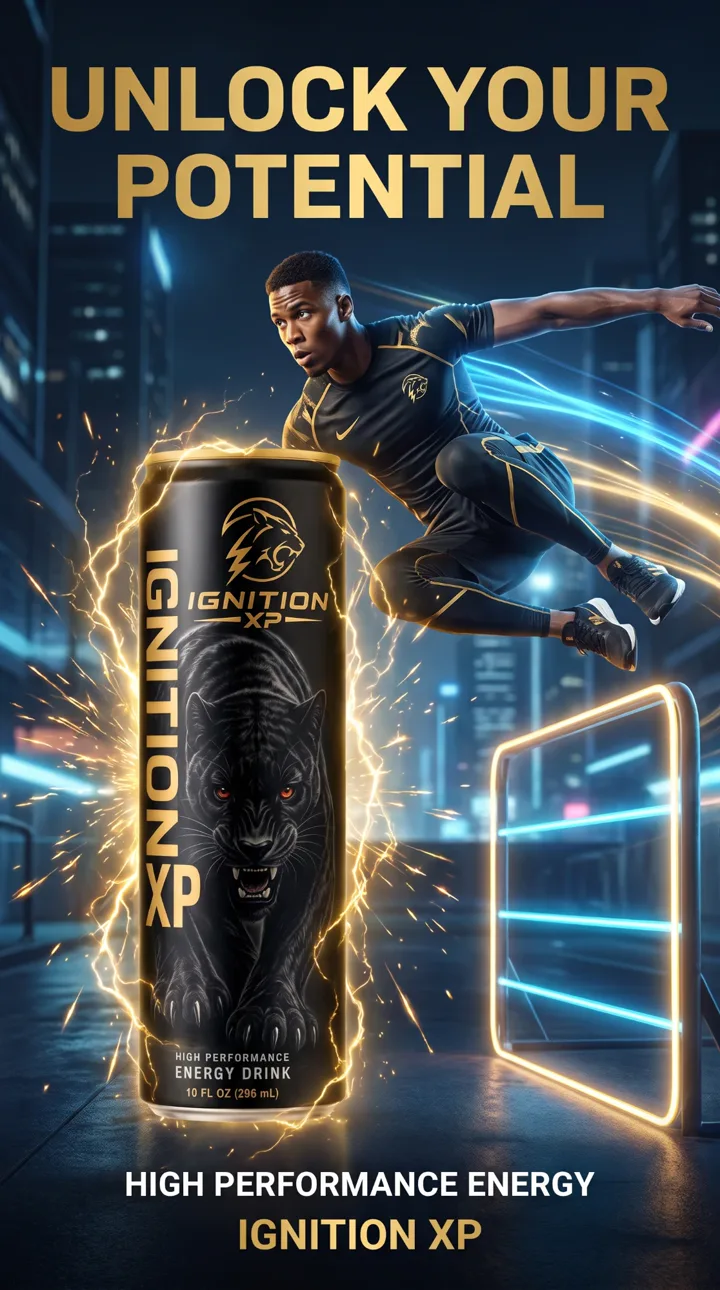
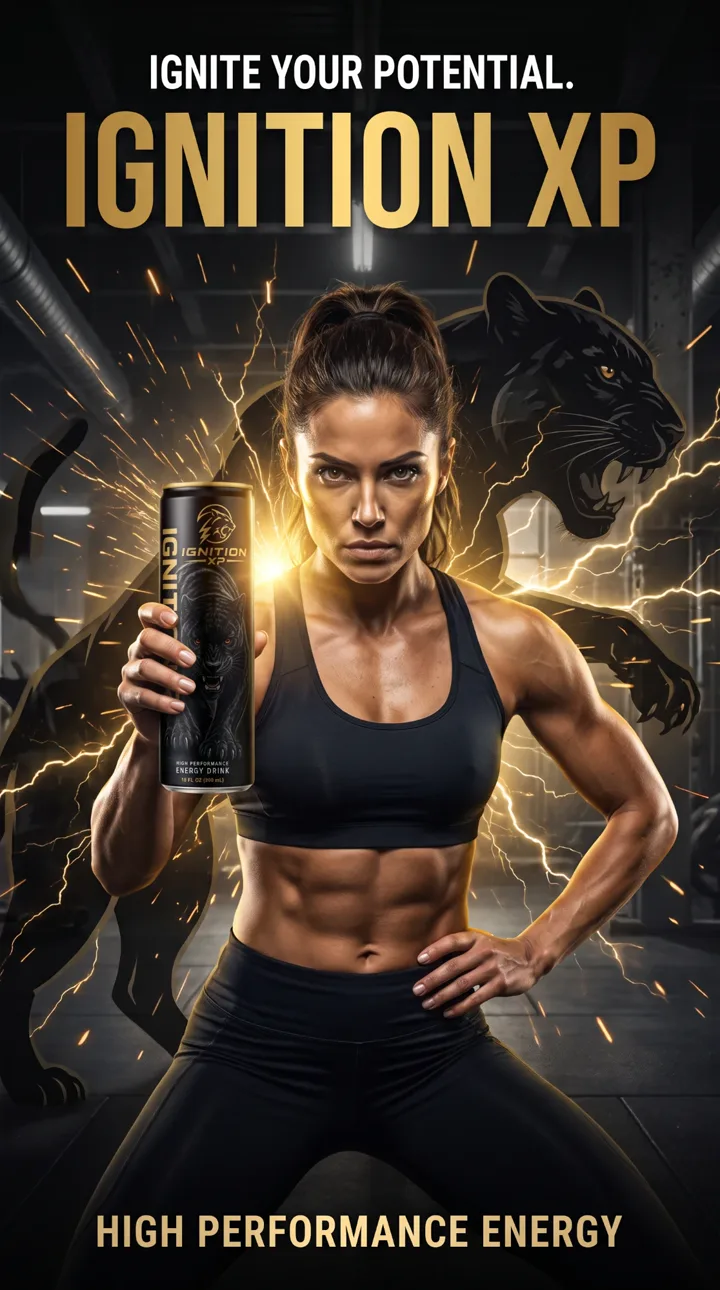
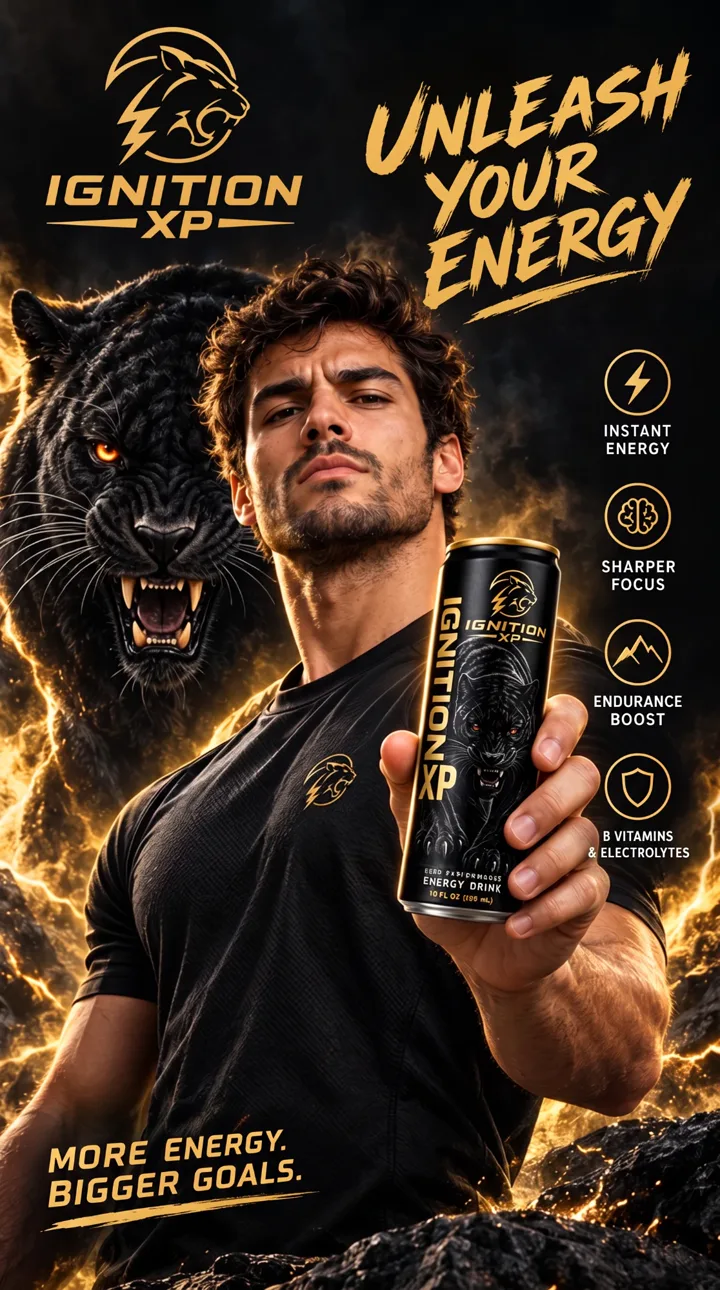
Poster: Unlock your potential Poster: Ignite your potential Poster: Unleash your energy
▶YouTubefFacebook◎Instagram♪TikTok𝕏X
Step 01 / 07 Product Lab

And that's how it actually works.

The labs

A specialist for every part of the ad.

Seventeen labs, one canvas. Tap one to watch it work — each does a single job, and does it like a pro.

Van · vintage · city at night Wagon · 1970s · the suburbs SUV · today · coast road Camper · family · desert road
Your words
First-person photo of hands holding a black Ignition XP can over a desk
Video model
Seedance 2.0 Pro · 1080p
Shape
9:16 · vertical
▶ Make it move the price shows here first
Canyon road · real lean angleCoastalMountainDesertDuskTunnels in 5 cities
00:00:00:00 16:91080p Ice Studio

Lab 01 · Pictures + video

Pictures and video that look shot, not rendered.

  • Prompt Enhancer
  • 20 camera looks
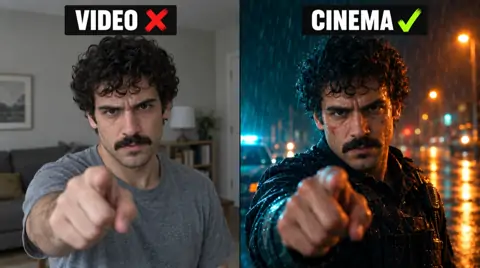
  • 21:9 Cinema
  • Drive By Ad
  • Cars & motorcycles
  • Real 4K
  • Your library
What it is
Your main workspace. You make pictures and videos by describing what you want to see.
What you do
Type what you want and get a picture. Like it? Turn that same picture into a moving video. You pick the video model, and the price is on the button before you press it. Ready-made films are a tap away too — a Drive By Ad, or cars and motorcycles with their own film crew on canyon, coast and city-tunnel roads.
Use it when
You want full control, or you're making one really good picture or video.
It reads your product first
Then writes ideas made for it, plans every shot and makes the ad.
Smash burger stack · with Frances sauce Onion-ring burger Steak · potatoes · green beans
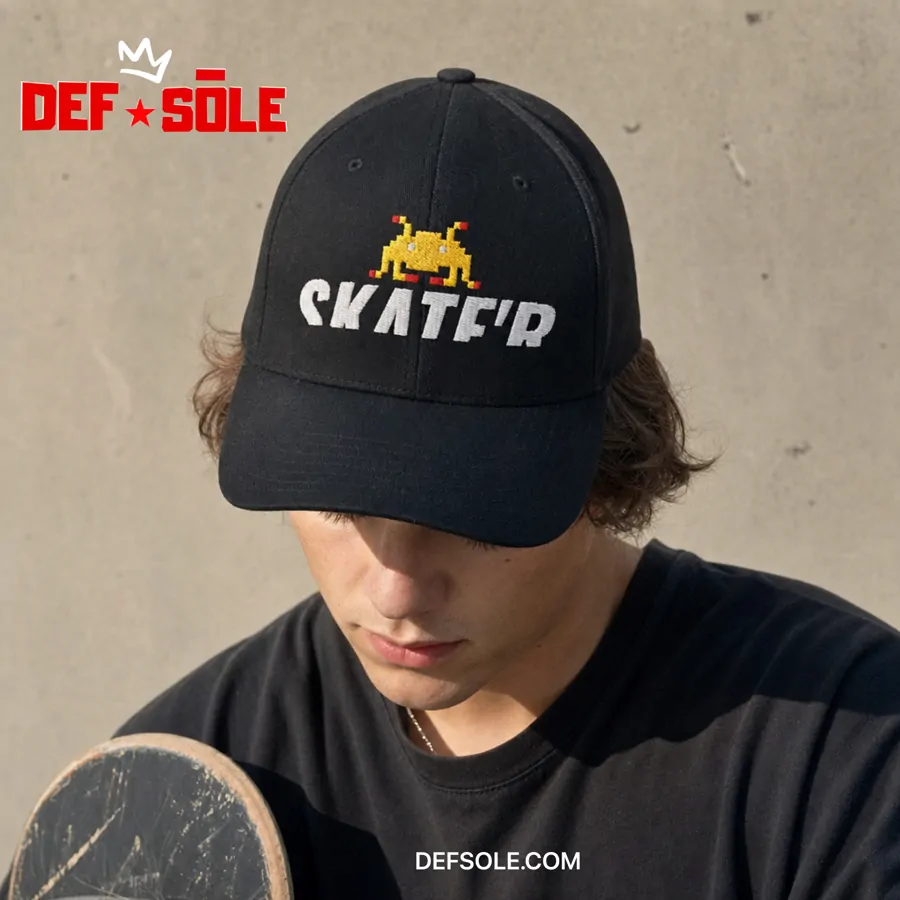
Def Sole · Liquid Paisley Def Sole · black low-top
00:00:00:00 9:16shot by shot Ad Maker

Lab 02 · Finished video ads

Your product in. A finished video ad out.

  • Reads your product
  • Plans every shot
  • 3 kinds of ad
  • Spoken lines or voice-over
  • Pick the video model
  • Every ad kept
What it is
A video-ad maker that thinks like a creative director. It studies your product before it makes anything.
What you do
Upload your product. Ad Maker reads it — what it's made of, what makes it good, who it's for — and writes ad ideas made for it. Pick one and it plans every shot and makes the video. Choose a Product Reel for any product, a Recipe Reel for food, or a Shoe Campaign for sneakers, and pick the video model: Seedance 2.5, Wan 3.0, Kling 3.0, MiniMax H3 Max and more.
Use it when
You want a proper ad for one product, planned shot by shot, without writing the plan yourself.
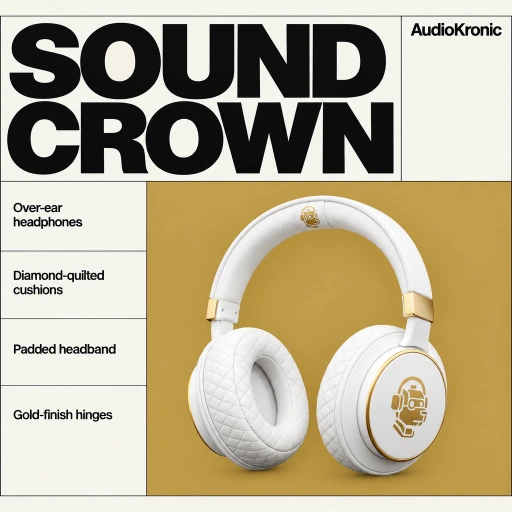
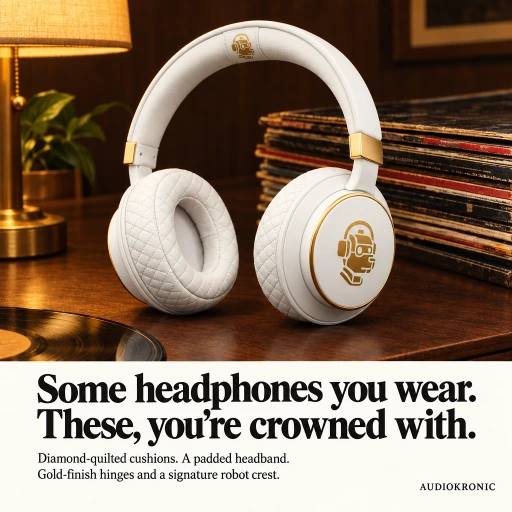
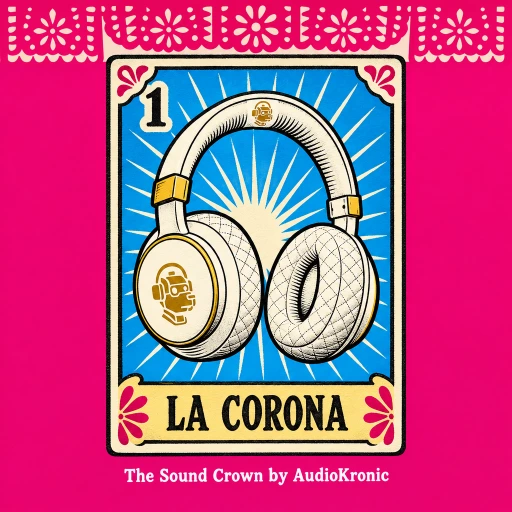
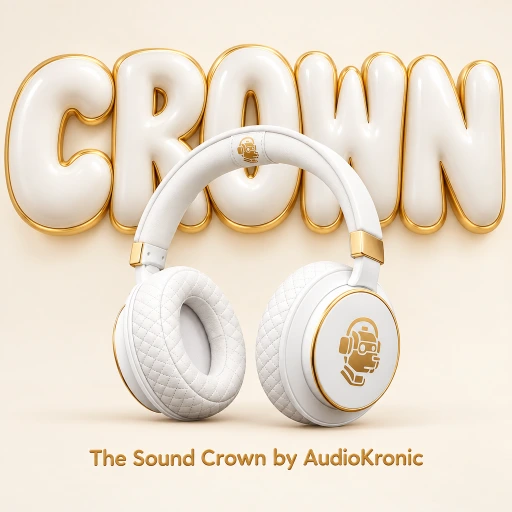
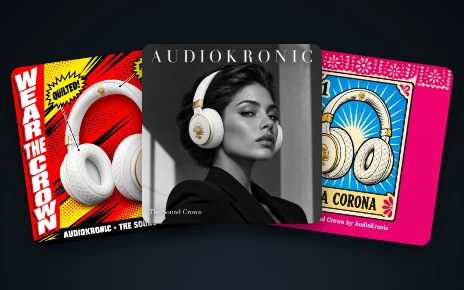
The product photo: white quilted headphonesYour photo
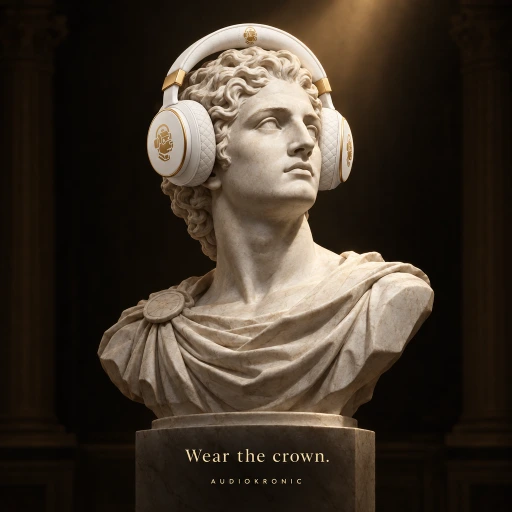
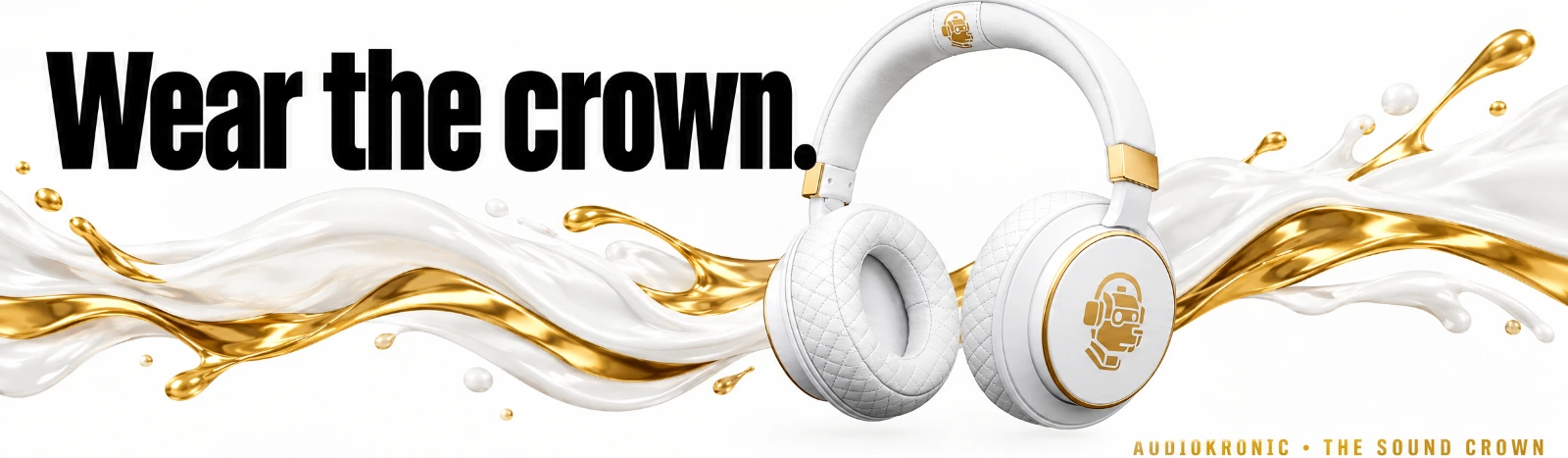
Headline Hero adTokyo Flyer adShop Hero adSwiss Grid adVisual Twist adClassic Print adLotería Card adMaison adPuffy 3D ad

9 ads from one photo

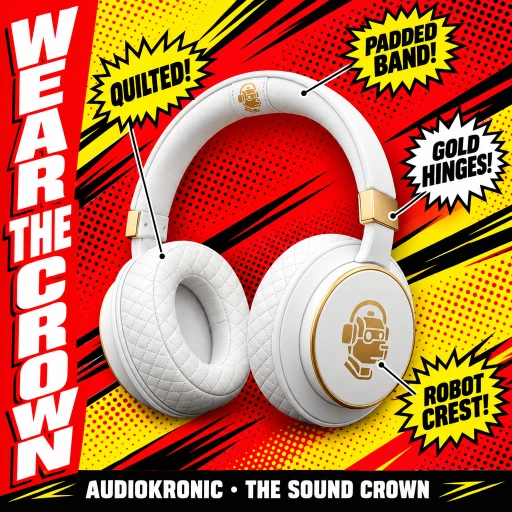
Billboard ad: Wear the crown, on black Billboard ad: Wear the crown, with a gold splash
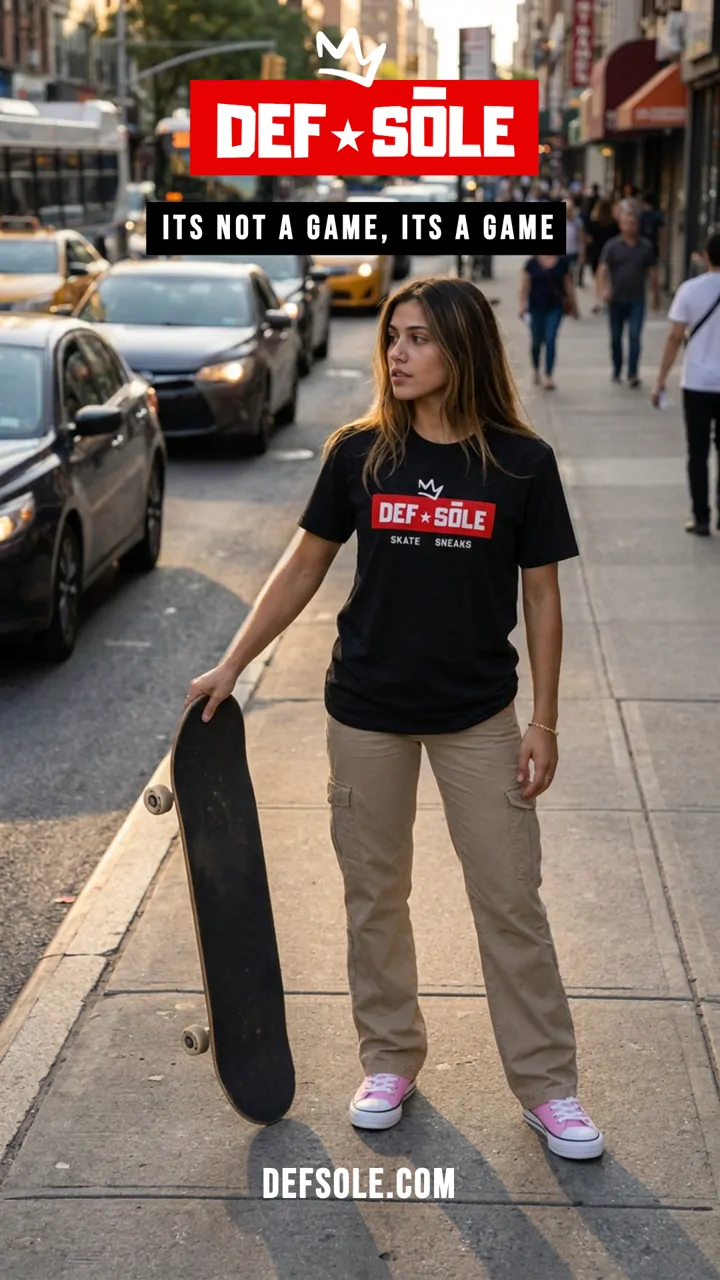
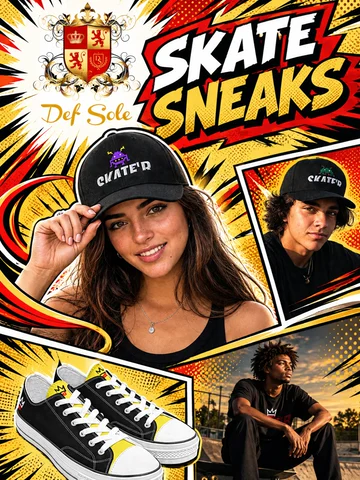
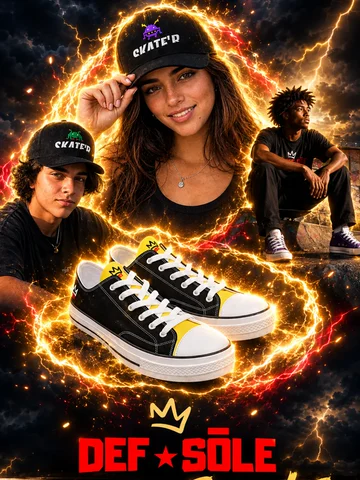
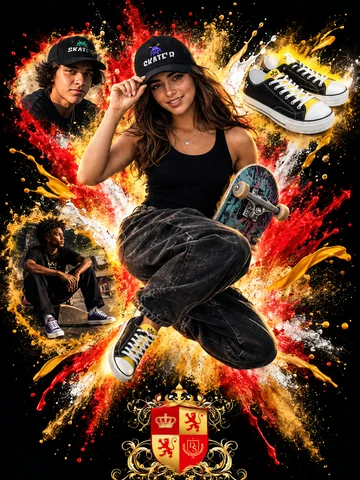
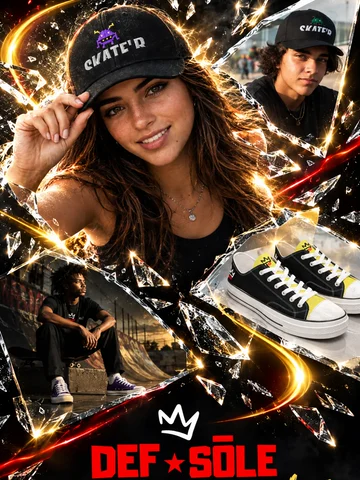
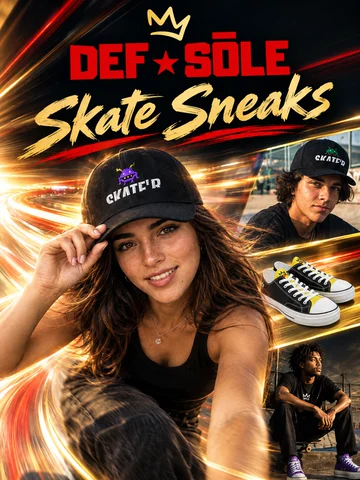
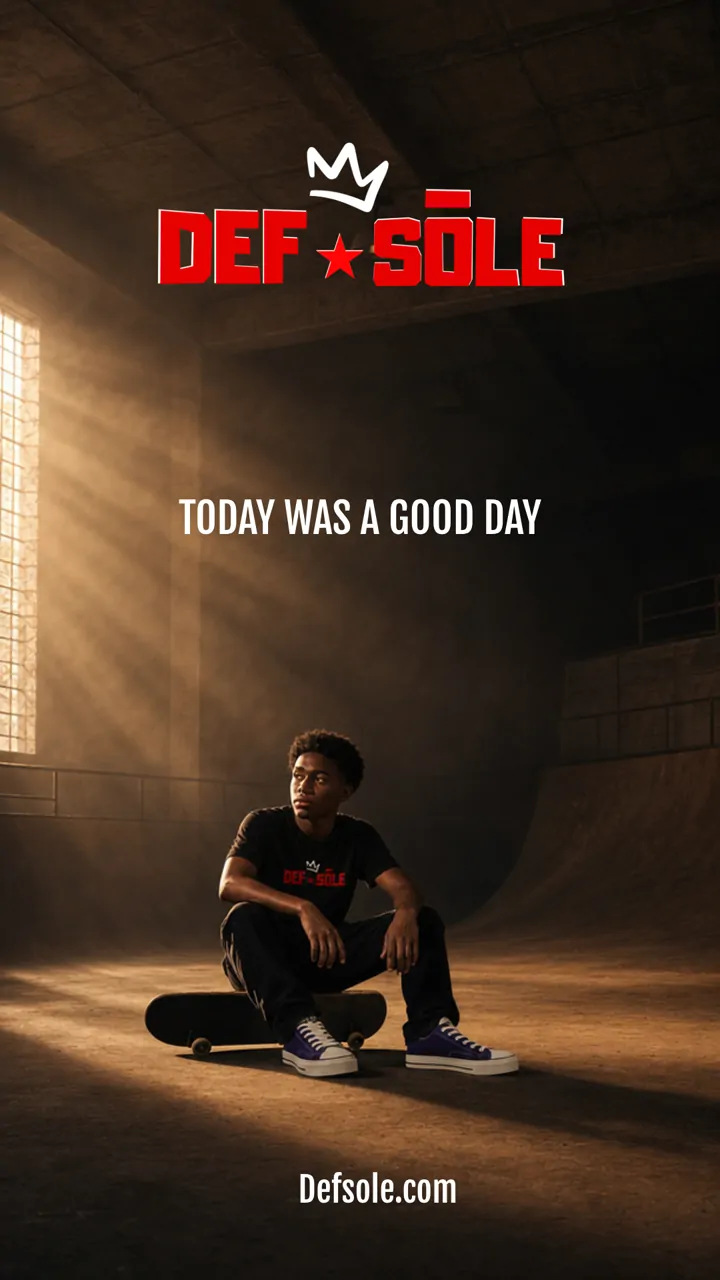
Comic Blast poster: Skate Sneaks, with the logo, the people and the sneakers Electric Storm poster with lightning round the sneakers Paint Explosion poster: a skater frozen mid-air in paint Shatter poster: smashing through glass Light Speed poster with long streaks of light
00:00:00:00 50styles Ad Hero

Lab 03 · Still ads NEW

One product photo in. A whole set of finished ads out.

  • 50 ad styles
  • Sets of 5–10
  • More like this
  • Square to billboard
  • Your logo, placed where it's clear
  • Neon, pastel + 8 more color moods
  • Your own model, if you like
  • Download all as a zip
  • Posters: your logo + up to 5 pictures
  • 9 poster looks
What it is
A designer for still ads. It studies your product, writes the words from what's really there — never made-up reviews or prices — and lays out finished ads in 50 styles from around the world — iconic American looks from the 50s, 60s and 80s included.
What you do
Add one photo of your product. Let Ad Hero pick a set of 5 to 10 styles, or choose them yourself — the price shows before anything is made. Open any ad to make more like it, get it in other sizes up to a billboard, add your logo, then download one ad or all of them.
Or switch to Posters: add your logo and up to five pictures (products, people, an ad you made) and get one big feature poster in the look you pick, with your words printed exactly.
Use it when
You need ads for a feed, a shop page or a billboard — a picture that sells, not a video.
Before
It opens on your real "before" photo.
After
And lands exactly on your "after". No drift.
It arrives
Opened by hand — no scissors, no knife.
They put it on
The payoff most unboxings skip. Talking, or just music and the real sounds.
00:00:00:00 9:16they talk UGC Lab

Lab 04 · Talking creator videos

A real-looking person, talking about your product.

  • 69 characters
  • 64 settings
  • They actually speak
  • 12 scroll-stopping openers
  • Deadpan mode
  • 7 ready-made routines
What it is
The creator-style video that actually sells: a lifelike person holds your product and talks about it to camera — with your product locked so it stays identical from the first frame to the last.
What you do
Upload your product, choose who talks about it and where, and tell them what to say. Three steps — no actor to cast, no shoot, no approvals. Pick solo, a two-person conversation, a before-and-after, or an unboxing where they put it on.
Use it when
You want the trust of a real testimonial without hiring a creator, booking a studio or waiting on anyone.
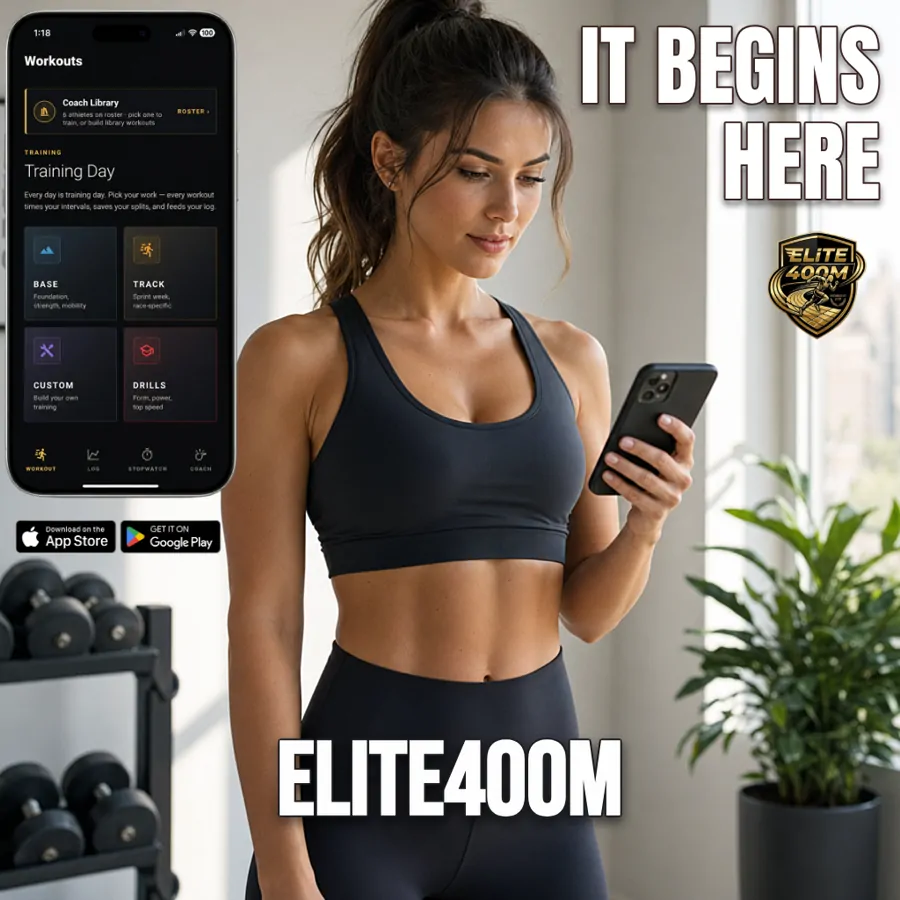
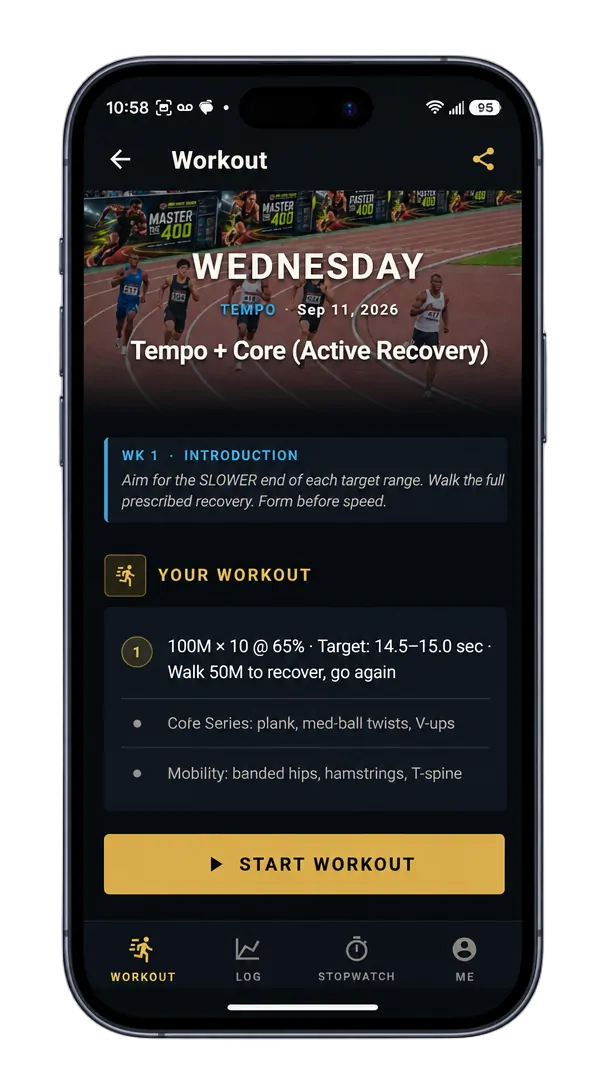
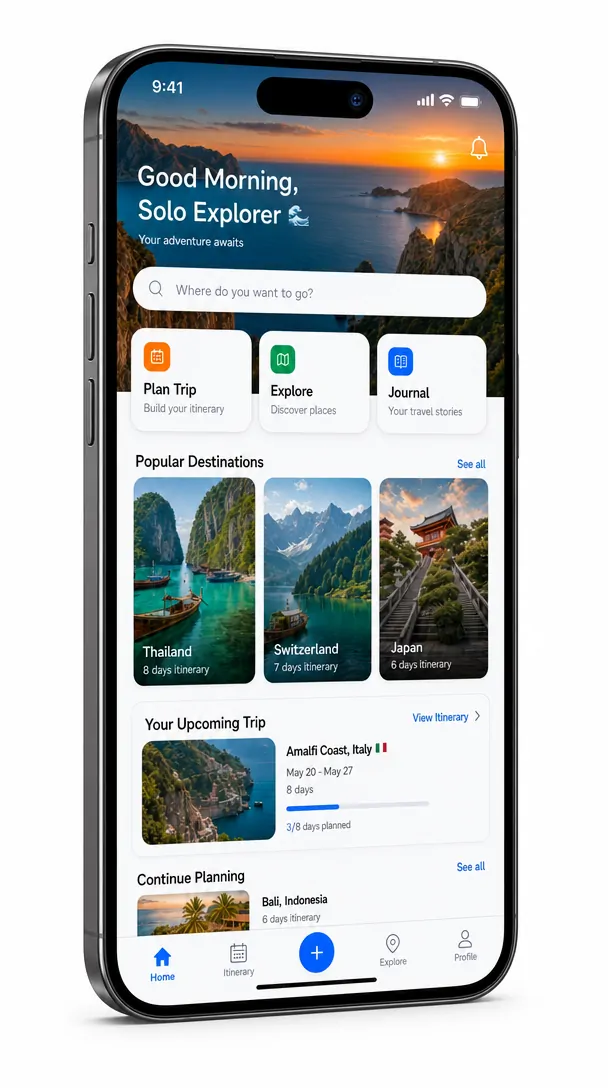
The 400M workout app inside a phone
A travel app inside an angled phone
00:00:00:00 phonetablet · laptop · film Device Lab

Lab 05 · Devices & footage

Your app in a real device — and on film.

  • Phone
  • Tablet
  • Laptop
  • App Store ready
  • Launch films
What it is
One lab for showing off your app — inside a real-looking device, or in a launch film of your phone or app.
What you do
Device Frame — upload a screenshot, pick the phone, tablet or laptop and the angle. Your screen sits exactly inside the device.
Animate Device — add your phone or your app's screenshot and press one button for a launch film.
Use it when
You're marketing an app or a website and want it to look real.
00:00:00:00 16:91280 × 720 Thumbnail Lab

Lab 06 · Thumbnails NEW

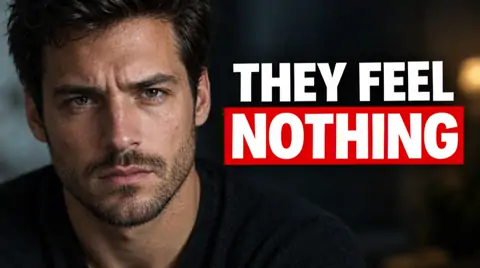
The thumbnail decides if anyone watches. Make it count.

  • 75 templates
  • A free read of your video
  • Make it for me
  • Your host on any template
  • 14 expressions
  • Badge + series bar
  • Vertical 1080 × 1920
What it is
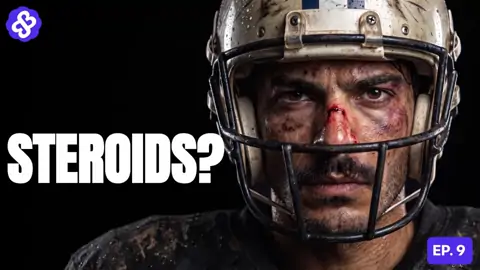
A thumbnail studio built on what makes people click — 75 proven layouts, your channel's host, badge and series bar.
What you do
Drop in your video, your script or a few photos. It reads them for free and pitches ideas — or pick one of 75 templates and fill the spots. Or tap Make it for me: pick the part of your video, and it finds the story and hands back two finished thumbnails, wide and tall, for free. Put your host on any template, check it in a real feed, then export the 1280 × 720 thumbnail and a vertical version.
Use it when
The video's done and it needs the one picture that decides whether anyone presses play.
Look · Comics 00:00:00:00 new layeroriginal kept Restyled

Lab 07 · Finished artwork

Draw it rough. Get it finished.

  • 38 looks
  • Poster: 6 kinds × 18 layouts
  • Your words, printed exactly
  • Lands on a new layer

See 37 of them on one photo ↓

What it is
Turns a rough sketch or a photo on your canvas into finished artwork, on its own layer, with the original kept underneath.
What you do
Sketch something — stick figures are fine — or drop in a photo. Pick a look and it comes back finished. Type a request to change the scene at the same time, or make a poster with your title printed exactly as you wrote it.
Use it when
You need art nobody else has — a thumbnail, a cover, a poster, a post.
A five-view product sheet of a Frances BBQ Sauce bottle
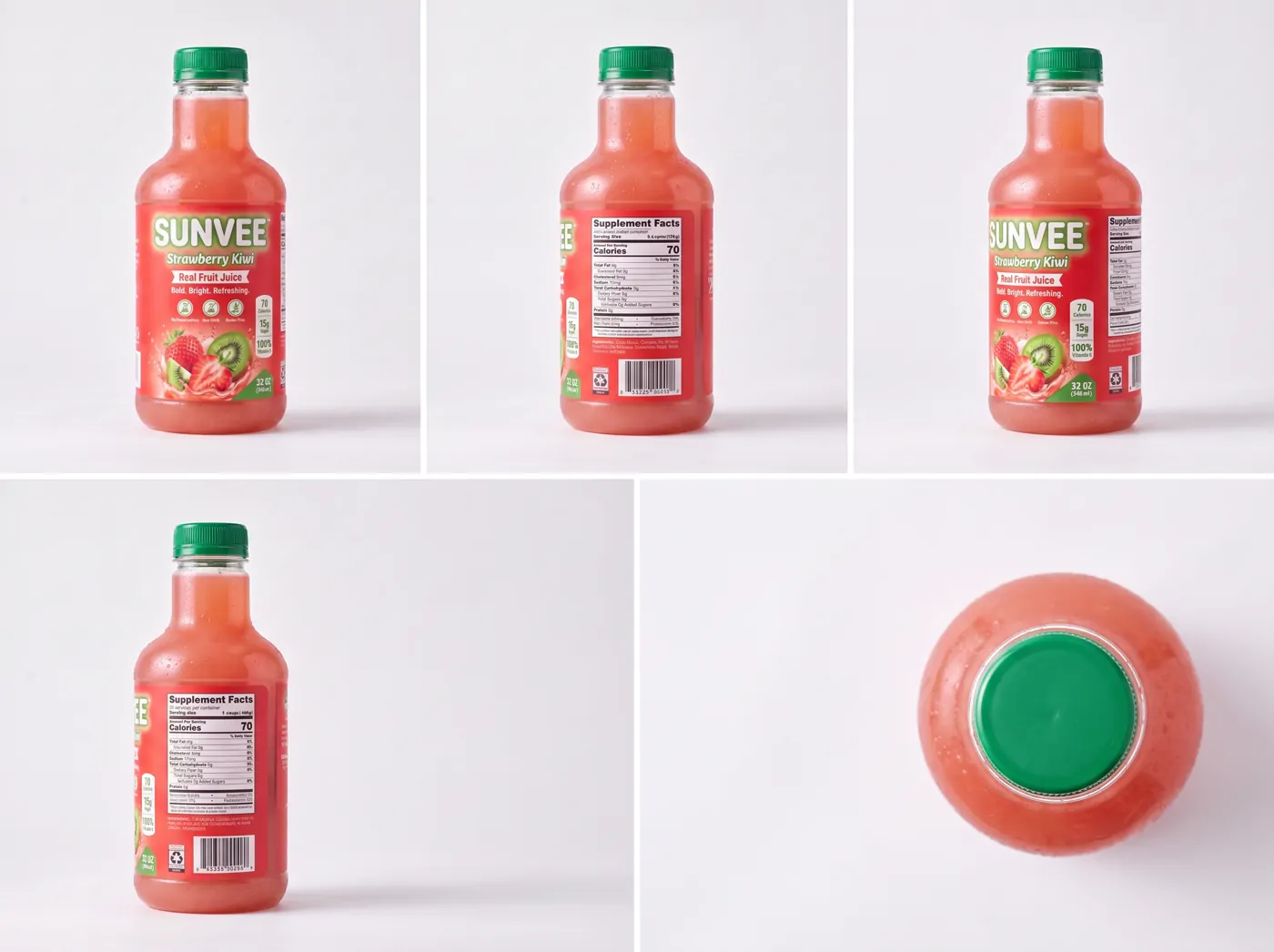
A five-view product sheet of a Sunvee Strawberry Kiwi juice bottle
Edit product → "new label: Honey BBQ" · the rest stays 00:00:00:00 5 viewsthen on film Product Lab

Lab 08 · Products

Your product — made, from every angle, then on film.

  • Product sheets
  • Add your own
  • Fix one thing
  • Cut-out ready
  • Animate Product
  • 1–6 product photos
  • Wan 3.0 uses every photo
  • Files named after your product
What it is
Two tabs. Product Maker makes your product — from a description or a photo you already have — on a clean background, ready to cut out. Animate Product turns your product photos into cinematic footage.
What you do
Product Maker — describe it or add your own, and one tap turns it into a product sheet: front, back and every angle in between, the same product in every view. Change one thing — a gold lid, a matte bottle — and everything else stays exactly the same.
Animate Product — tap Animate this on a product you made, or drop in 1–6 photos, pick a video model (Wan 3.0 uses every photo you add) and press one button for footage ready to cut into your ads. Every file is named after your product.
Use it when
You need your product to drop into an ad, a poster or a video — or on film by itself.
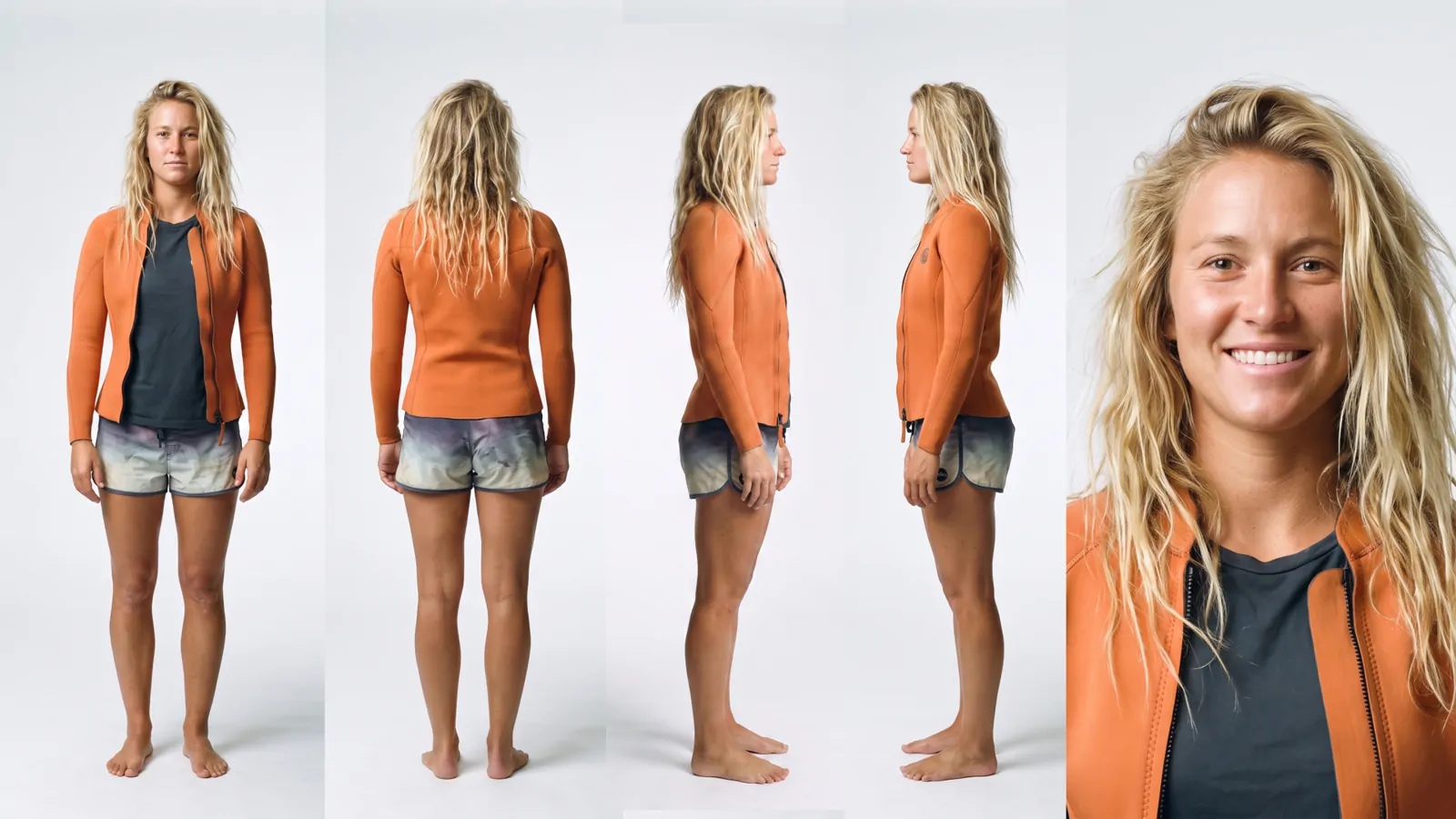
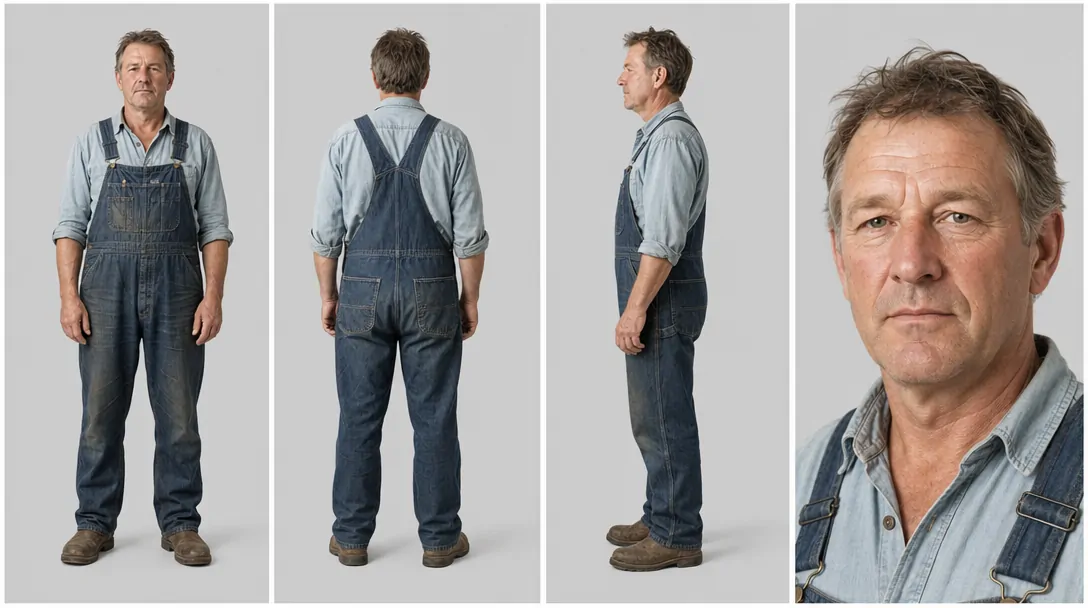
A character sheet: one woman in an orange jacket from front, back, both sides and a face close-up
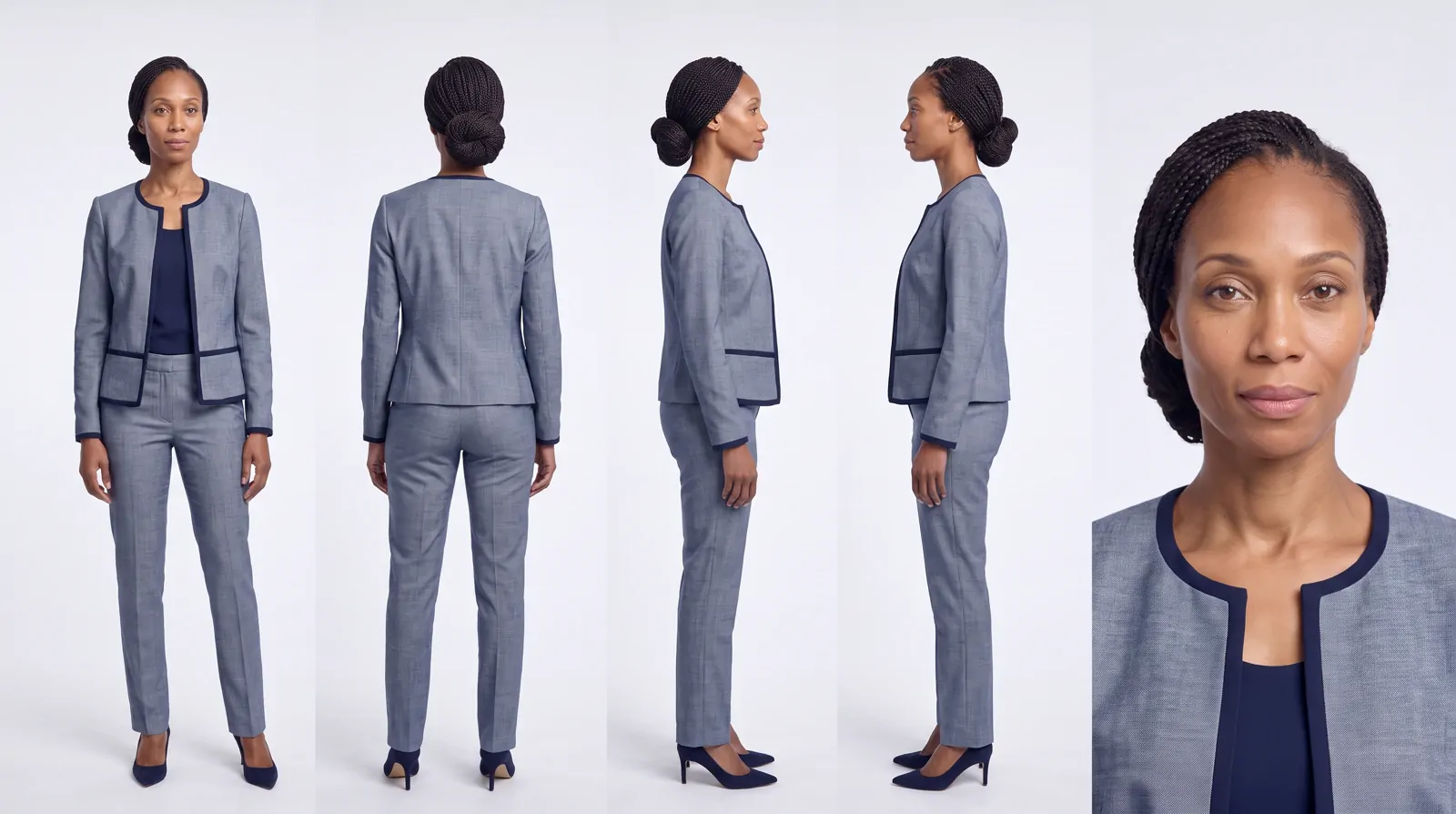
A character sheet: one woman in a grey business suit from front, back, both sides and a face close-up
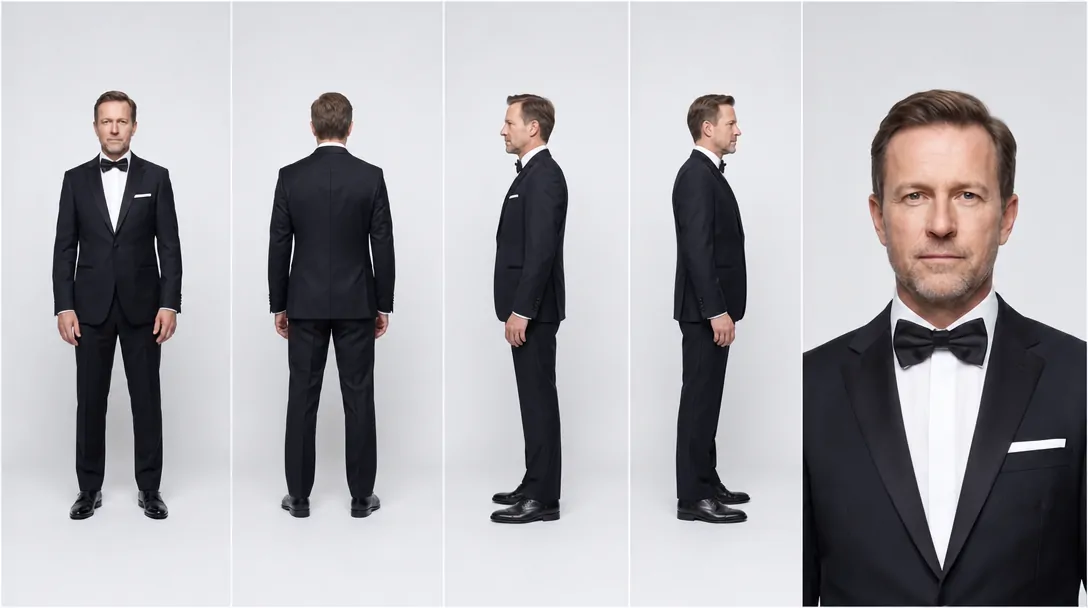
A character sheet: one man in a tuxedo from front, back, both sides and a face close-up
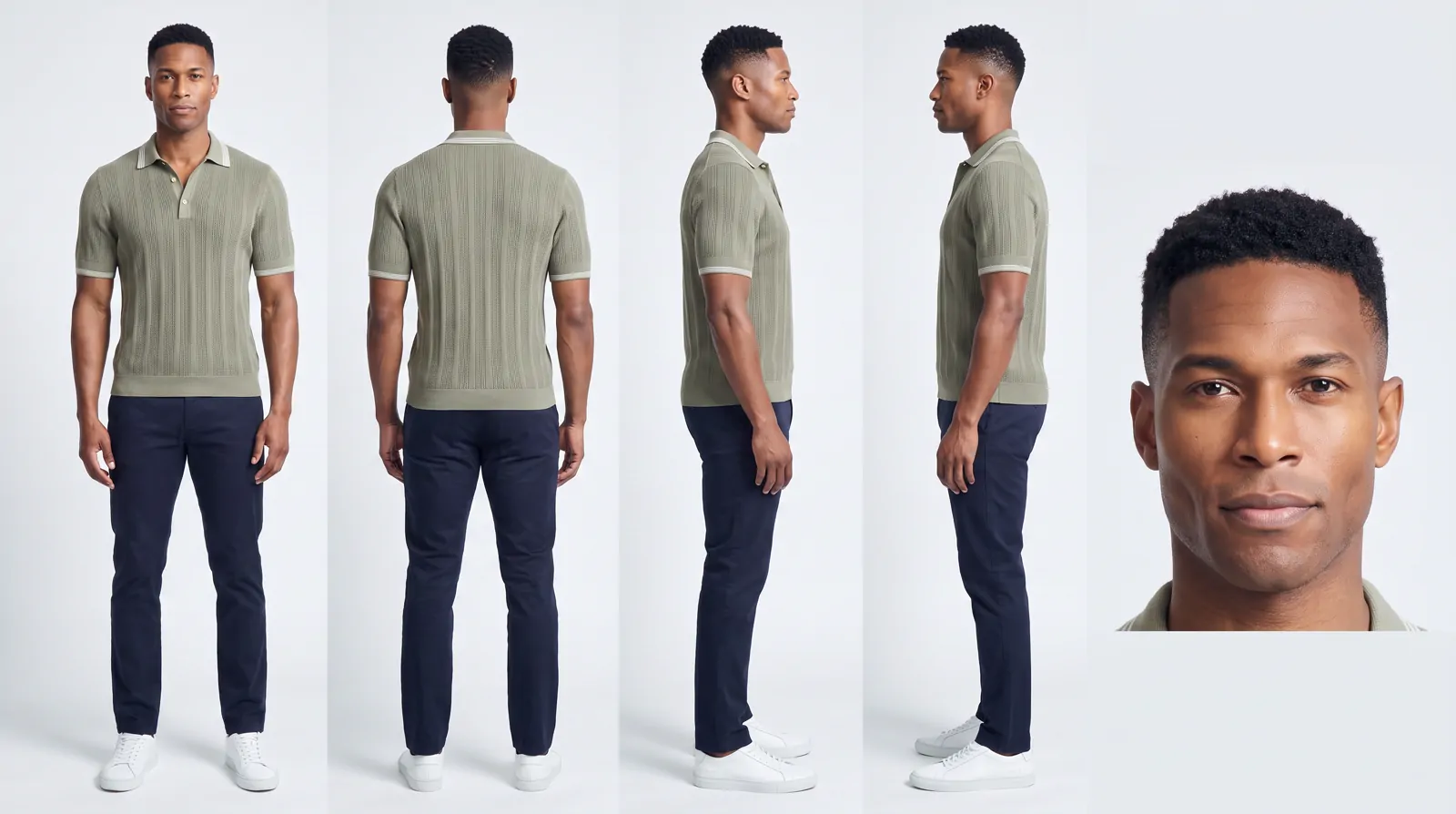
A character sheet: one man in a knit polo from front, back, both sides and a face close-up
Edit character → "a red flannel shirt" · same face 00:00:00:00 sheetfront · back · sides · face Character Studio

Lab 09 · People

One person. Every angle. Every time.

  • Character sheets
  • Upload your own
  • Edit in plain words
  • Put them in a scene
What it is
A room for building one person and keeping them the same in everything you make.
What you do
Pick a character, describe your own, or upload someone you already have. One tap turns them into a character sheet — front, back, both sides and a face close-up. Change their outfit or drop them into a scene, then send them straight to any video lab.
Use it when
You want the same face across a whole campaign instead of a new stranger every time.
House · 1910 → today Kitchen · remodel Bathroom · remodel Living room · remodel
BeforeBuildingFinished
Tall or wide
The same build, shaped for Reels, TikTok and Shorts.
Any building
A storefront restored — scaffolding up, paint on, the reveal.
00:00:00:00 remodelnothing torn down Build Timelapse

Lab 10 · Before → after

Watch it build itself — before to after.

  • New build or remodel
  • Your real photo
  • Pools · decks · ADUs
  • Kitchens & baths
  • Help Me Describe
What it is
A video that shows something being built: the space is cleared, it goes up fast, and the finished result is revealed.
What you do
Choose New build — it goes up from an empty lot — or Remodel, which renovates what's already there without tearing anything down. Start from a real photo, add photos of the exact tile or fixtures you want, and Help Me Describe writes the finished result for you.
Use it when
You sell a build or a remodel — real estate, contractors, landscapers, home services — and want a scroll-stopping before-and-after.
FacebookInstagramYouTubeTikTokPinterest
Headline0/40
Primary text0/125
Your brand's voice · 3 versions✓ inside the limit
00:00:00:00 10platforms Ad Copy

Lab 11 · The words NEW

The words for every platform, written for you.

  • Facebook
  • Instagram
  • Google
  • YouTube
  • TikTok
  • Pinterest
  • LinkedIn
  • X
  • Snapchat
  • Threads
  • Brand voice
  • Posts that work
What it is
A writer for the text you paste into the ad manager — the captions, headlines and descriptions around your ad.
What you do
Paste your website, add your ad picture or describe it in a sentence. Check the short summary, then tick up to 10 platforms at once. Each ad comes back inside that platform's limits, shown the way it will look, checked against its ad rules, with a few versions to test. New: Posts that work writes everyday posts for X, Instagram and TikTok. It learns from your own most-liked posts, or from accounts you admire, and writes new ones in your own voice — it never copies them.
Use it when
The picture's done and now you need the words.
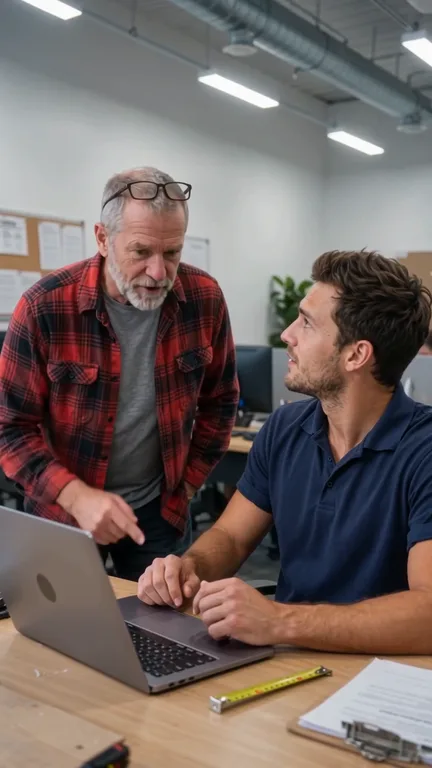
  1. Shot 1: the boss points at the young worker1Waist up · handheld“We need new customers — find them.”
  2. Shot 3: the worker's face lights up3Face · moves inHis eyes light up at what he finds.
  3. Shot 5: a remodeled kitchen video on his laptop5Through his eyesThe old kitchen rebuilds itself.
  4. Shot 8: the boss answers the phone8Waist up · moves in“You saw our ad on Instagram?”
00:00:00:00 8shots Shot Planner

Lab 12 · Storyboards NEW

One sentence in. A whole storyboard out.

  • Free AI shot list
  • 171 story ideas
  • Your people in every shot
  • Real · 3D · Cartoon · Anime
  • Drag to reorder
  • Printable shot list
  • Make the film
What it is
A storyboard maker for beginners. It plans your film shot by shot — how close the camera is, how it moves, what happens and what's said — in plain words.
What you do
Type one sentence, or pick one of 171 ready-made story ideas, and add your own people and product if you like. It writes the shot list for free and can draw every shot with your people in it. Drag shots into order, change any of them, then make the film in one tap — or print the shot list for a real shoot.
Use it when
You have an idea for a video but don't know how to turn it into shots.

My sneaker floats up, comes apart into all its pieces, then snaps back together.

Prompt Lab

Love it. How long should it run?

8 s10 s15 s
Prompt Lab

Where does it land at the end?

On its boxA wet streetIn a hand
Sneaker comes apart, snaps backSeedance 2.0 Pro10 s9:16

Close-up of a white leather sneaker on a dark studio floor. It lifts slowly into the air and comes apart in an exploded view — sole, laces, tongue and eyelets drift outward, each one turning in the light. On the beat, every piece snaps back in order and the sneaker drops onto its box with a soft thud. Slow orbit to the left, ending low and close. One hard key light, a cool rim light, a little haze.

Use this promptCopyMore dramatic
00:00:00:00 2quick questions Prompt Lab · Claude Opus 5.5

Lab 13 · Prompts NEW

Say it your way. Get the prompt a pro would write.

  • Runs on Claude Opus 5.5
  • Your own words
  • Quick questions you tap
  • Questions are free
  • Written for your model
  • Video or picture
  • Kept in your Library
  • Send to Ice Studio

Built in · Claude Opus 5.5

Skip the other tab.

You’ve seen people open Claude just to work out a prompt, then copy it back. You don’t have to. The Prompt Lab is Claude Opus 5.5, running right inside IceBerree — and it already knows the video and picture models here, so what it writes fits the one you’re using. You talk, it writes, and the prompt lands in your prompt box, ready to make.

What it is
A prompt writer you talk to, running on Claude Opus 5.5. You describe the video or picture in your own words, and it writes the detailed prompt the AI needs — what happens, the camera, the light and the timing — for the exact model you're using.
What you do
Type your idea, or start from a ready-made one, and add your pictures if you like. It asks a couple of quick questions you answer with a tap, then writes the prompt. Ask for a change — more dramatic, shorter, a different camera move — then send it to Ice Studio in one tap. Every finished prompt is kept in your Library. Questions are always free, you get free prompts every day, and after that a finished prompt is 15 IceBerrees.
Use it when
You've seen a video online and want one like it, but don't know how to describe it so the AI gets it right.
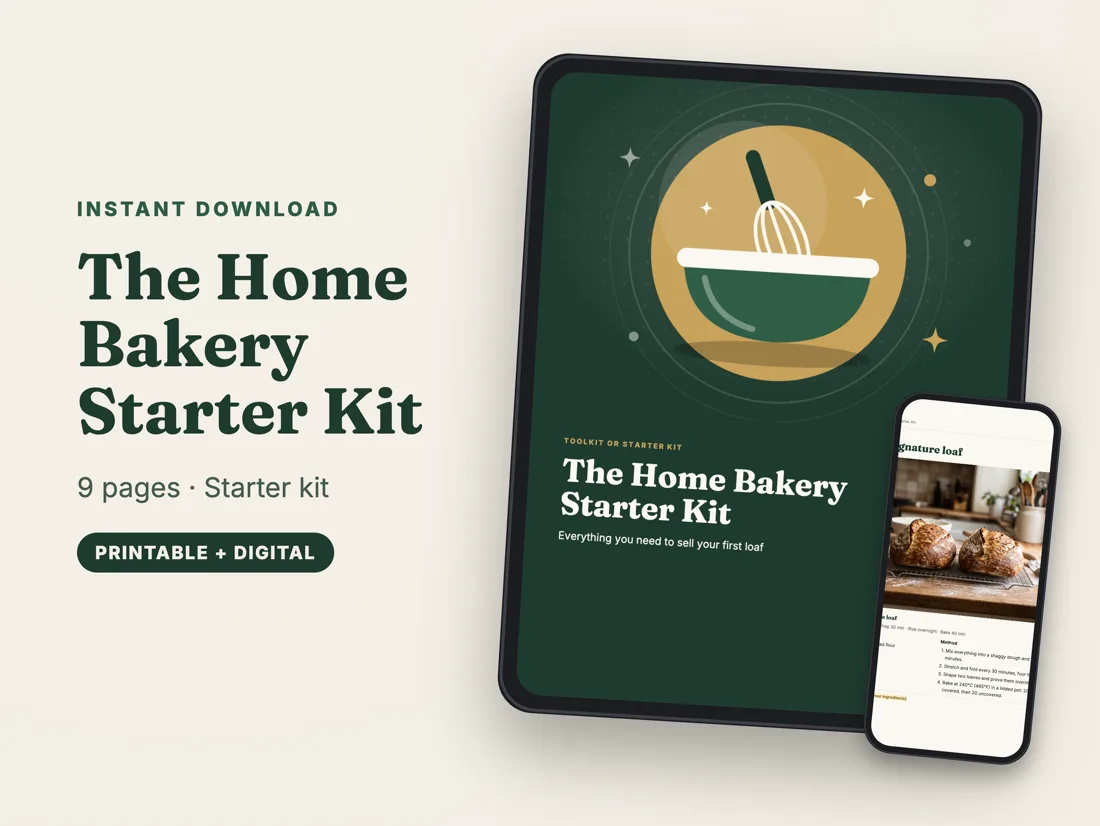
The Home Bakery Starter Kit shown on a tablet and a phone
On every device
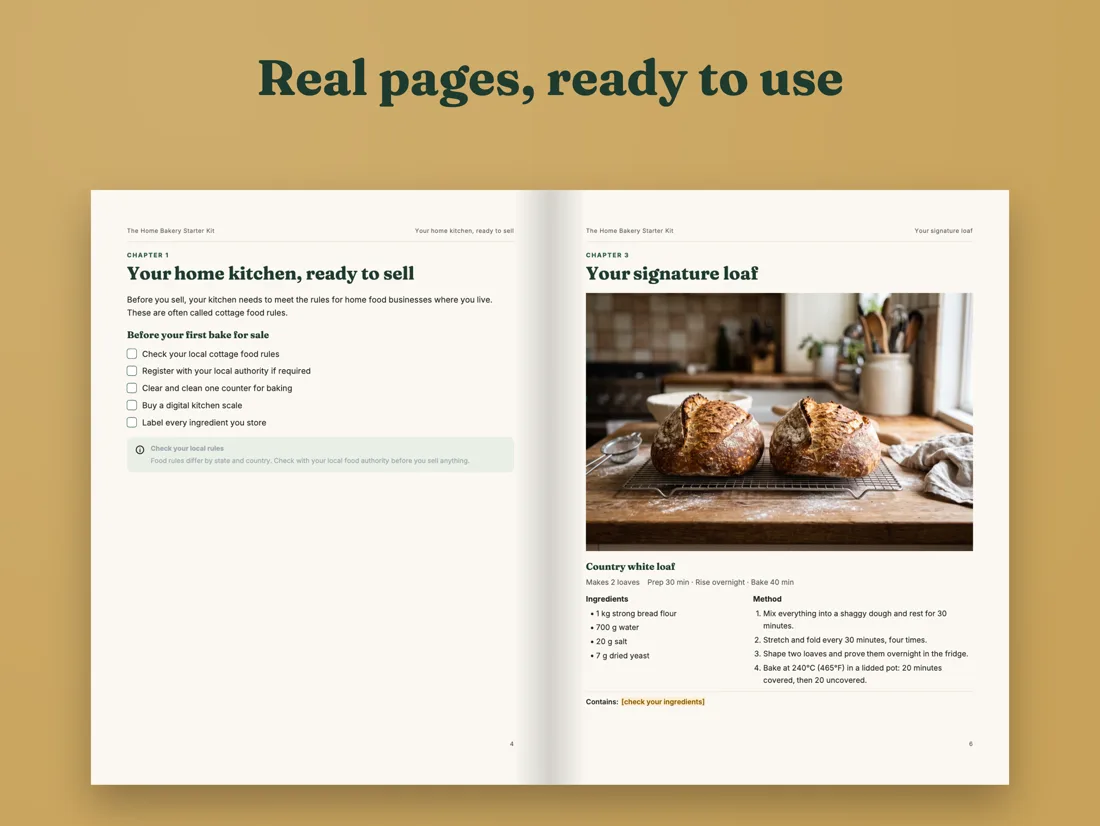
Two real pages of the kit, side by side
Real pages
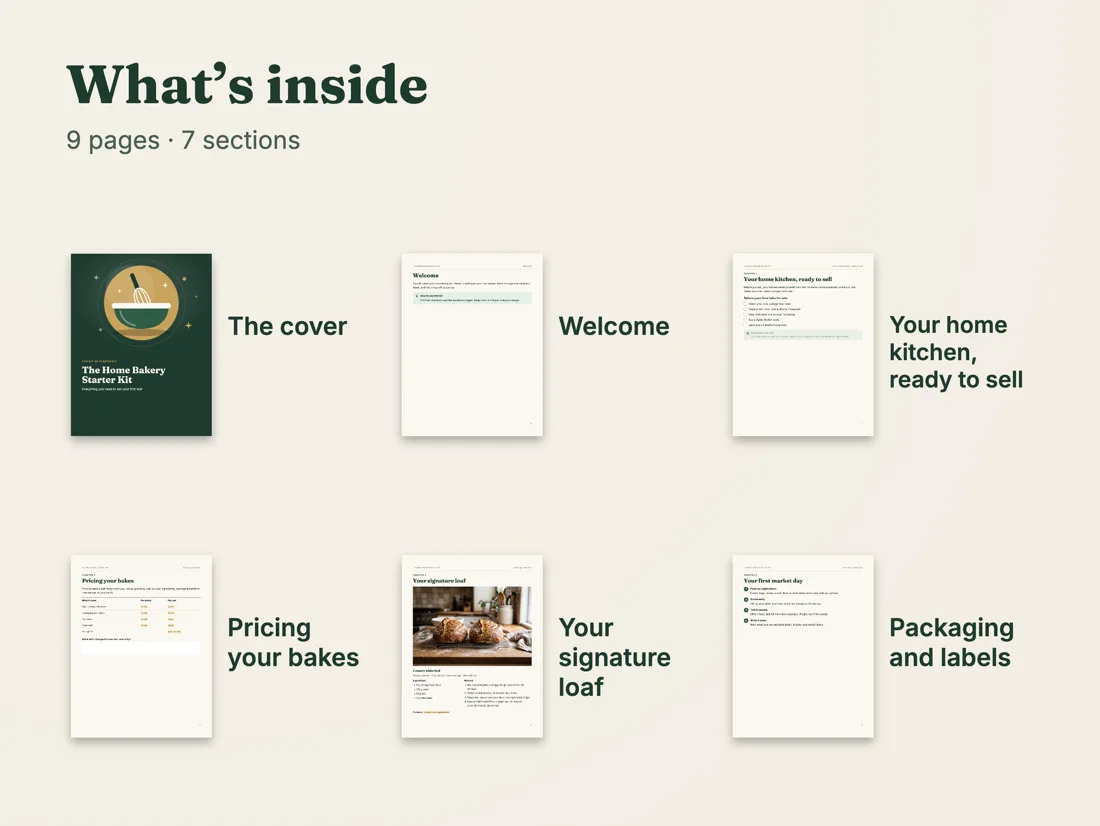
A What you get picture listing everything in the kit
What you get
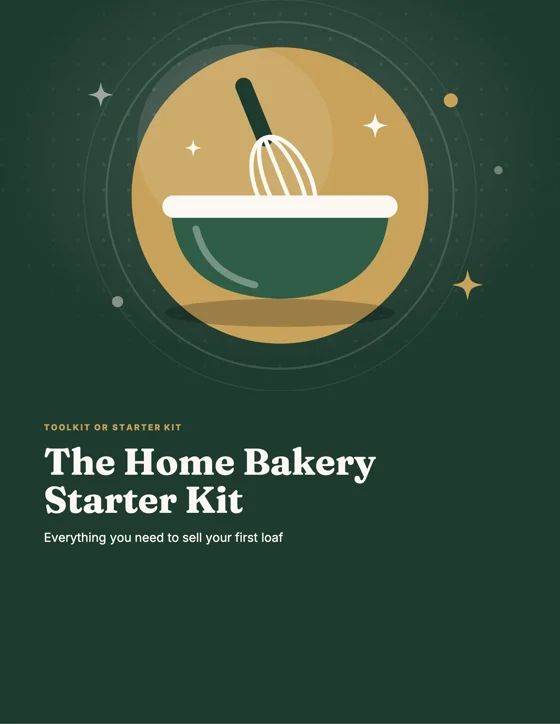
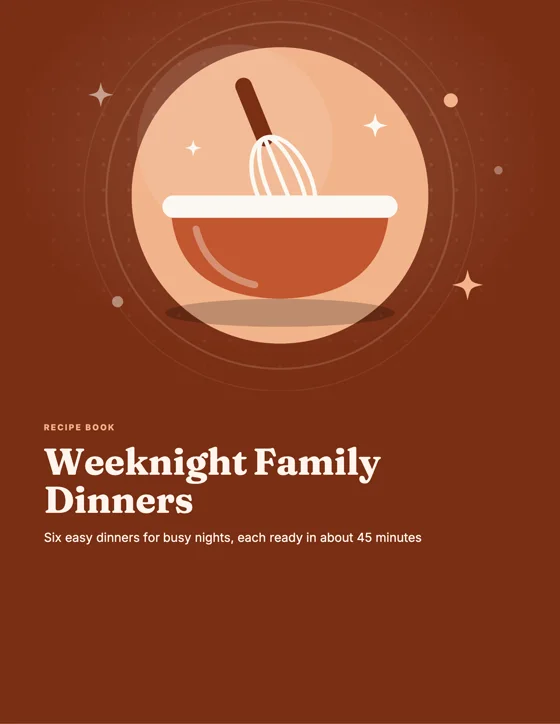
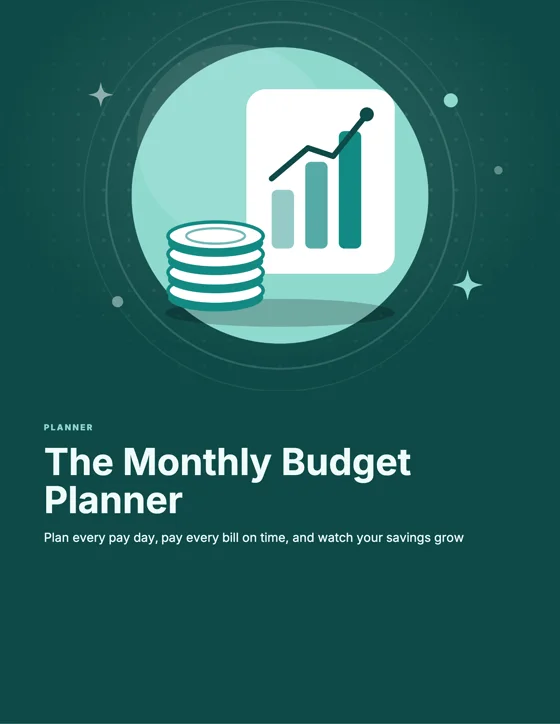
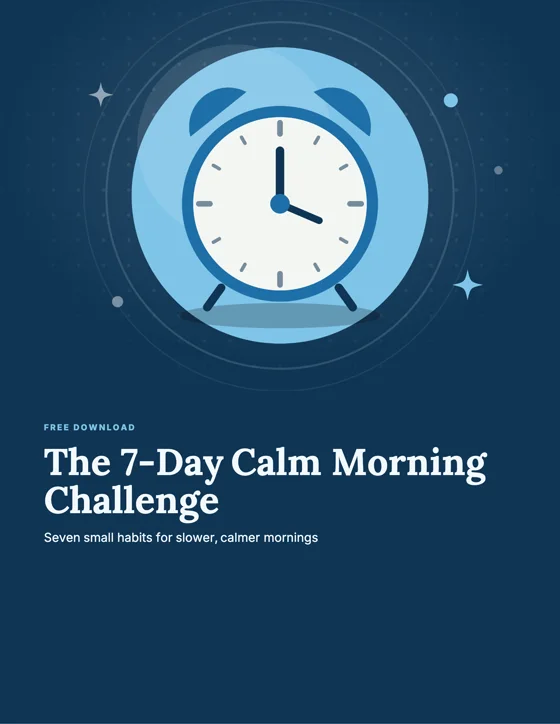
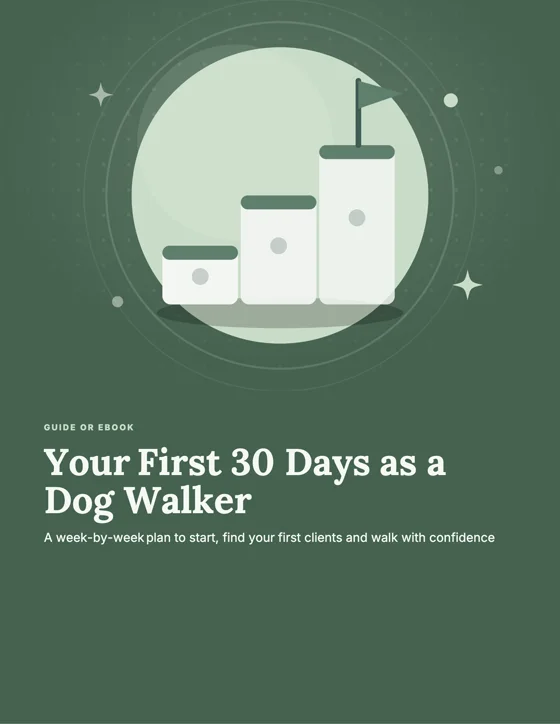
Cover: The Home Bakery Starter Kit Cover: Weeknight Family Dinners Cover: The Monthly Budget Planner Cover: The 7-Day Calm Morning Challenge Cover: Your First 30 Days as a Dog Walker

13 kinds · Guide or eBook · How-to · Recipe book · Checklist · Workbook · Planner · Program or challenge · Toolkit · Manual · Course workbook · Cheat sheet · Free download · Classroom printable

00:00:00:00 43templates Digital Products Lab

Lab 14 · Digital products NEW

What you know in. A finished PDF to sell out.

  • 13 kinds
  • 43 ready-made templates
  • Teachers & classroom pack
  • Pictures for every page
  • Words on pictures
  • Bring in your own PDF
  • Clickable contents
  • Free PDF download
  • Sell Kit
  • Into your shop in one tap

Sell it in your IceBerree Shop ↑

What it is
A maker for things people buy and download: guides and eBooks, planners, recipe books, workbooks, checklists, classroom printables and more. It writes the pages, lays them out and makes the pictures, and hands you a finished PDF.
What you do
Pick what you're making, or start from one of 43 templates, and say who it's for. It writes every page. Change any words, add your own pictures, or put words on top of a picture. Download the PDF for free, make the Sell Kit (device mockups, posts and a flip-through video), then put it in your IceBerree Shop in one tap. Already have a PDF? Bring it in: keep your own pages and add pictures and words on top, fix the words, or turn it into Lab pages.
Use it when
You know something people would pay for, like a recipe, a plan or a lesson, and want it as a real product to sell.
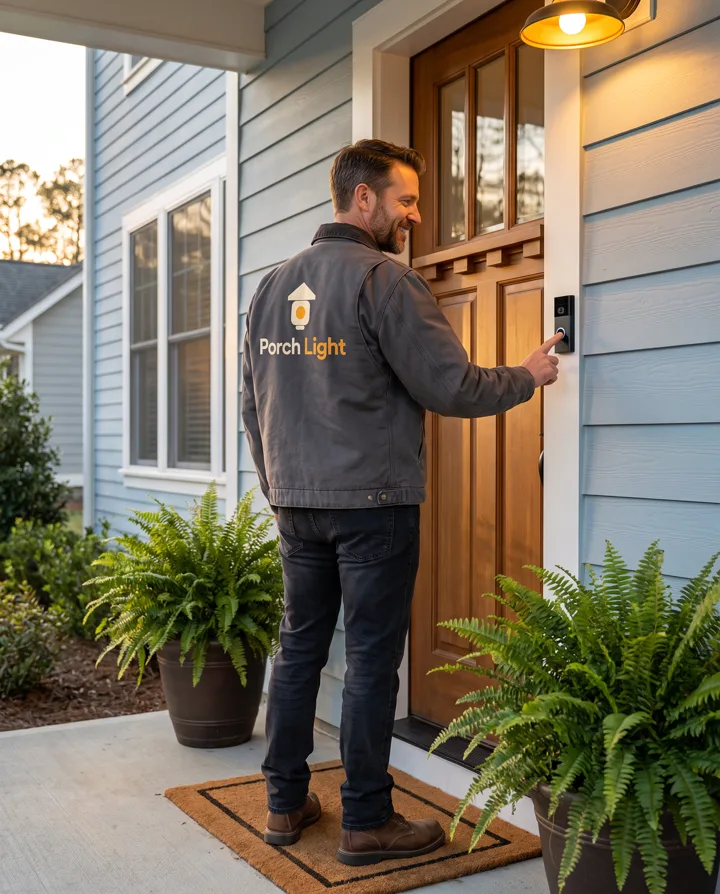
A man in a charcoal work jacket with the Porch Light logo on the back rings a doorbell at a front porch
On the jacket
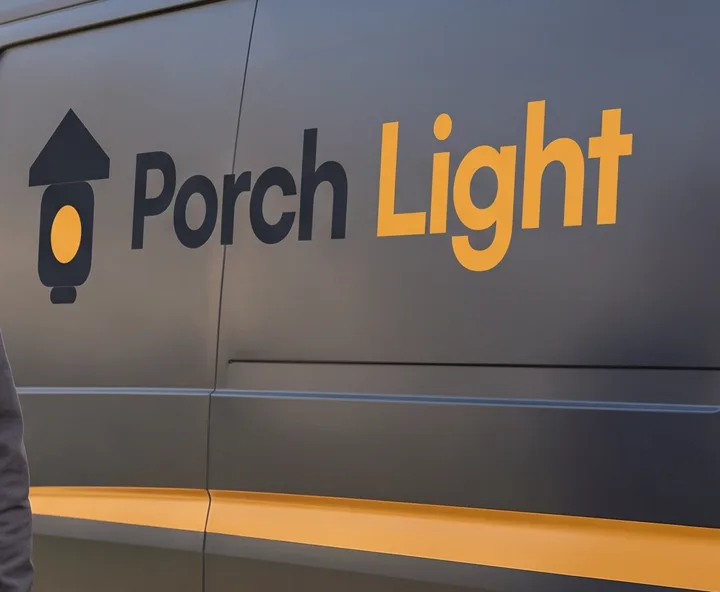
The Porch Light logo and an amber stripe on the side of a charcoal van
On the van
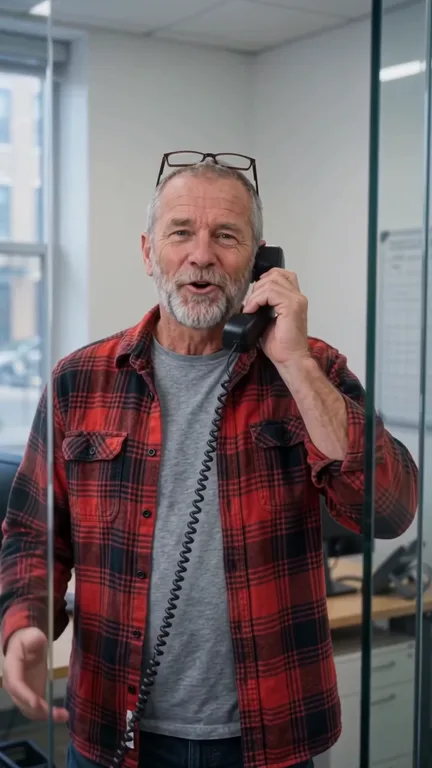
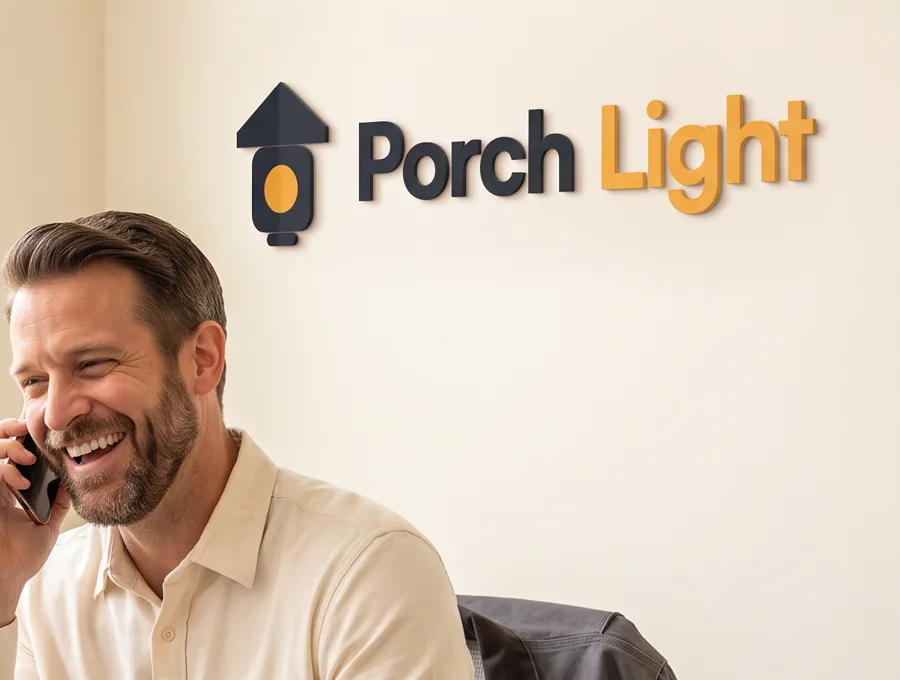
The same man laughing on the phone under a Porch Light sign at the office
At the office
Your brandPorch LightSmart doorbells · warm and friendly · for homeowners
00:00:00:00 3 · 6 · 9places Brand World

Lab 15 · Your brand's world NEW

Your brand, out in the world. Tastefully.

  • From your website or logo
  • 3, 6 or 9 places
  • The same person in every picture
  • New people, your characters or your photo
  • A little brand, or lots
  • 10 looks
  • Make it a video
  • Download all as a zip
What it is
Pictures of people in the places your brand lives: your logo on the jacket, the van, the sign and the cup, the way a real brand looks out in the world. Not overdone.
What you do
Add your website, your logo and photos, or describe your brand in your own words. Check what it found (name, colors, feel), choose who's in it and where they are, and pick how much of your brand shows. Every picture comes back with the same person in it, and the price is on the button before anything is made. Open it from the Canvas's AI tools.
Use it when
You want your brand to look real and established, for your website, your posts or a pitch.
✦ Glow ◐ Recolor Aa AI Text ⬆ AI HD ▣ Backdrop ⤓ Export 4×
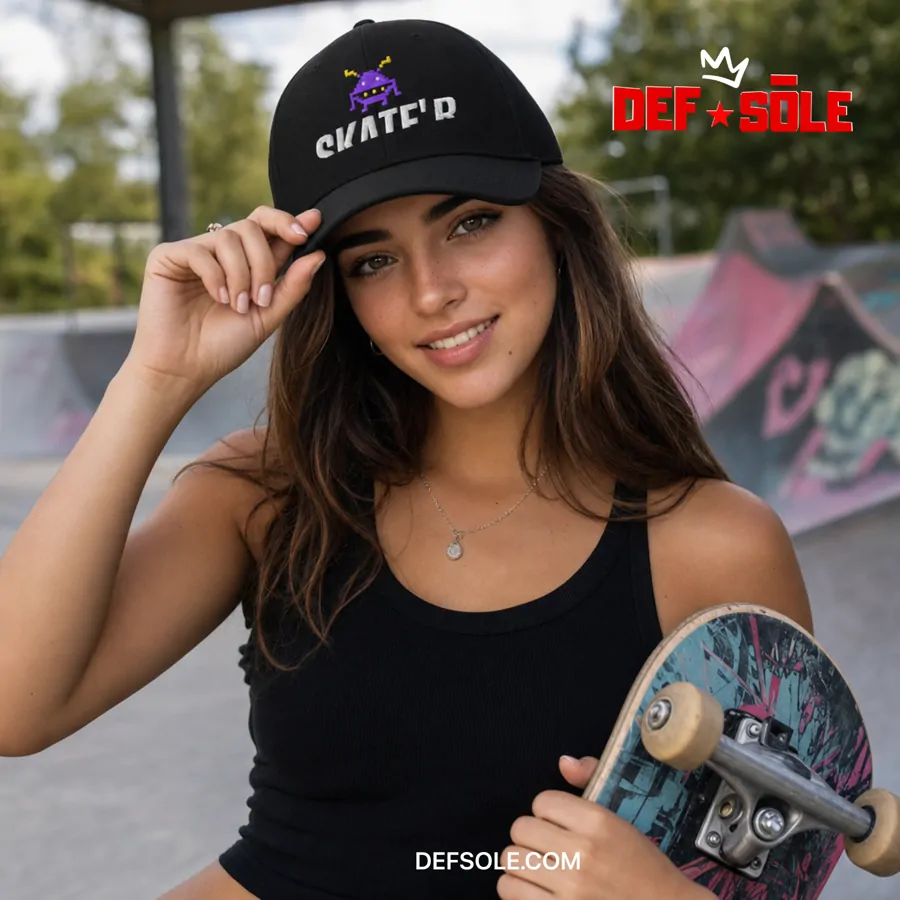
Drop 04DEF SOLE · SKATE'D
Glow · any color, any size
00:00:00:00 layersalways editable The Canvas

Lab 16 · The editor

A real design canvas behind every lab.

  • GIFs
  • New angle
  • Draws
  • Add background
  • Remove Object
  • AI Text
  • Text Behind
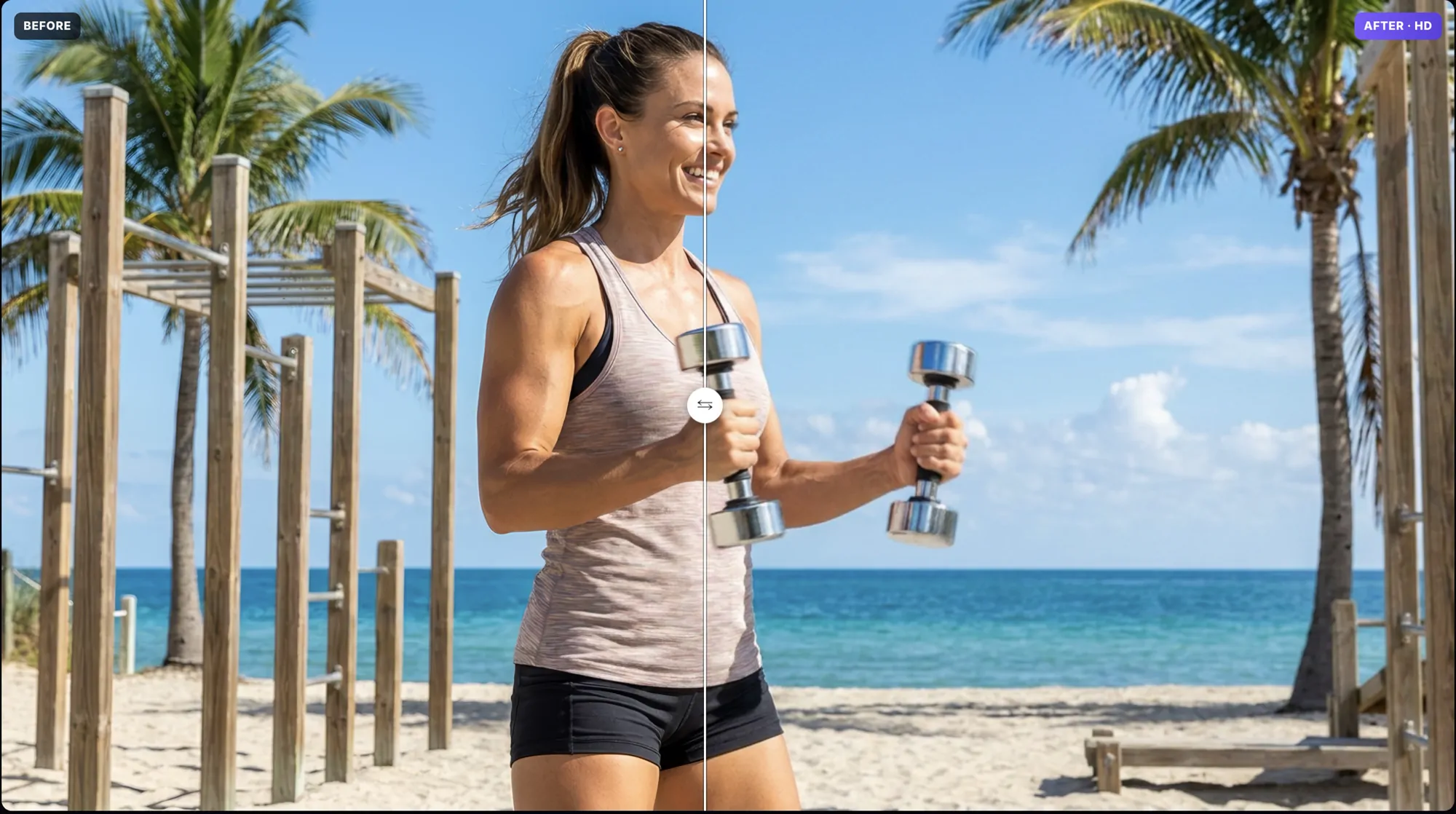
  • AI HD
  • Layered PSD

Watch New angle and Draws ↓ See GIFs ↓

What it is
The editor where everything you make lands — layers, words, styling and export — so you finish the ad without leaving.
What you do
Add words, pictures and logos, then finish them with AI: New angle turns the camera around your picture, Draws changes just the part you brush over, and Add background paints a new scene behind everything. The GIFs tab makes your design move and saves it as a GIF or an MP4. Then Remove Object, AI Text, a huge word behind your subject, AI HD — and export any size from 1× to 4×, or as a layered PSD a designer can pick up.
Use it when
You're finishing an ad, a post or a thumbnail and want it exactly right.
00:00:00:00 16:9+ 9:16 Motion Control

Lab 17 · Films on the beat NEW

Make a film that moves on the beat.

  • 6 film templates
  • Your words
  • Any subject
  • Your own video
  • Your song
  • Wide + tall
  • Price on every button

Watch the 33-second film ↑

What it is
A film maker with six templates. Claude plans every scene from your words, a subject or your own video, and the film is cut to the music.
What you do
Pick a template. Bring your words and a song, type a subject, or add your own video. Check the plan and change anything — every AI step shows its price on the button first. Then watch it and make it, wide and tall, for free, right on your computer.
Use it when
You want a video people stop for: a film for your song, a story that explains something, or your own clip with a bold look.

The Canvas · how it works

Turn the camera. Brush a change.

Two of the newest tools on the Canvas, start to finish. New angle moves the camera around a picture you already made. Draws changes only the part you brush over — everything else stays exactly as it was.

Four steps each

The price shows before you press.

  1. Add your picture to the Canvas.
  2. Tap New angle or Draws in the bar under it.
  3. Show it what you want: a spot on the camera wheel, or a brush stroke and a few words.
  4. It comes back as a new layer. Your original stays underneath.
New angle · turn the camera9:16
Draws · brush it, say it9:16

The Canvas · GIFs NEW

Make it move. Save it as a GIF.

Open the GIFs tab on the right side of the Canvas, and your design starts to move. Save it as a GIF for posts and messages, or as an MP4 for Reels and Stories.

One tap on Make it move for me: the picture slowly zooms, the words slide in, the badge pops.
  • MoveWords, pictures and shapes slide, pop or drop in, then pulse, glow or shine. Add snow, sparkles or confetti over everything.
  • FlipbookA few pictures, one after another, with your words on every frame or just one.
  • Video → GIFPick 1 to 15 seconds of a video, set the speed, or play it back and forth. At normal speed, the MP4 keeps the sound.
  • AI motionA picture comes to life with a video model. Pick 5 or 10 seconds. The price is on the button.
  • Move, Flipbook and Video → GIF cost nothing, as long as you have IceBerrees in your account. Your GIFs wait in Your Uploads, under their own GIFs tab.

UGC Lab · three formats

Two people talking sells harder than one person pitching.

Every UGC video comes in three formats, one tap apart on the same form. A solo review is the classic. A conversation puts two people in the same shot who actually talk to each other — it lands like word-of-mouth you happened to overhear, not an ad read at you. And Before & After shows the change instead of claiming it.

Solo review · one person, straight to camera9:16
Conversation · two people, one scene16:9
Before & After · the proof shot9:16

New · Unbox & Try-on

It arrives. It's opened by hand. They put it on.

The payoff most unboxings skip — the product actually worn, in quick same-angle jump cuts, the way real ones are filmed. With talking, or just music and the real sounds of the moment.

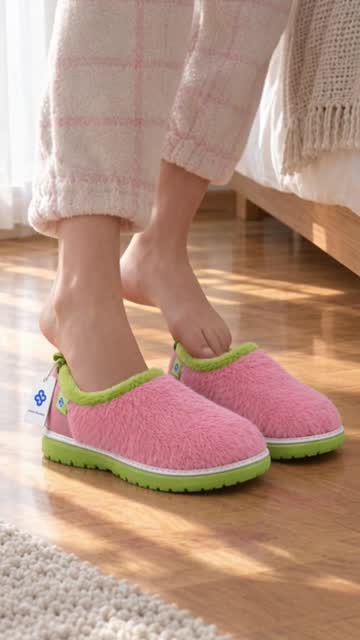
Unbox & Try-on · slippers9:16
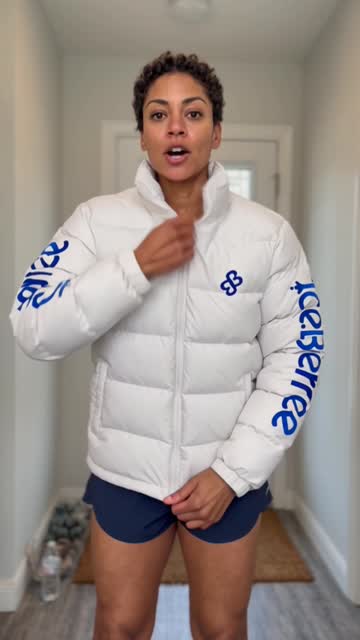
Unbox & Try-on · puffer coat9:16
Solo review · a pillow9:16

What you get

  • Two different people — pick each one's character, gender and ethnicity separately, from the same cast of 69.
  • They keep their own lines — one speaks, the other answers, and nobody trades faces or voices mid-video.
  • You write both sides — or pick from the built-in line library and tweak.
  • Before & After that lands exactly — the video opens on your real "before" photo and arrives precisely on your "after". No drift.
  • Twelve scroll-stopping openers — pick a hook and the first line writes itself, still fully editable.
  • A library of natural spoken lines — over a hundred, written the way people actually talk.
  • Deadpan comedy mode — one switch flips the whole performance to straight-faced sarcasm.
  • Only what you need — pick Solo and the second-person controls stay out of your way.

Ad Maker · three kinds of ad

Your product in. A finished video ad out.

Ad Maker studies your product before it makes anything — what it's made of, what makes it good, who it's for. Then it plans every shot and makes the video. Three kinds of ad, one tap apart.

Ad Maker9:16
Ad Maker1:1
Product Reel9:16
Product Reel9:16
Recipe Reel16:9
Shoe Campaign16:9

Product Reel

One continuous take from one photo — with spoken lines, or a voice-over in your exact words.

Recipe Reel

A photo of your dish becomes a cooking reel that ends on the plate you photographed.

Shoe Campaign

A fifteen-shot sneaker film from photos of the shoe and your logo.

What you get

  • It reads your product first — the craft behind it, and ad ideas written for it, not a template.
  • Your product stays itself — the same shape, label and color from the first frame to the last.
  • They can speak — Product Reel adds spoken lines, or a voice-over that says your exact words.
  • Food that looks cooked — Recipe Reel ends on your dish exactly as you photographed it.
  • A shoe film with your name on it — add the shoe's name, your company and your logo.
  • Every ad kept — each kind has its own gallery, ready to download again. The price is on the button before you press it.

The wall

More ads, made the same way.

No actors, no crew, no location — all of it made here. Tap the speaker on any of them to hear it.

9:16
Your app, launched. A launch film from one screenshot — made in the Device Lab.
9:16
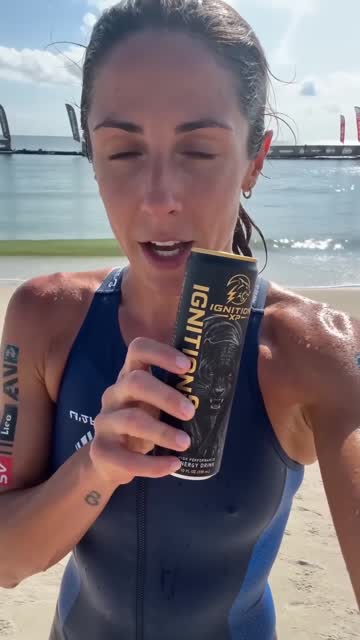
The hero shot. Your can in his hand, lightning on the first sip.
9:16
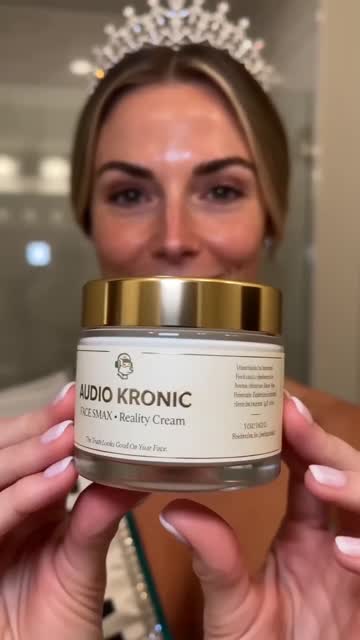
Skin care, on camera. She talks, puts it on and shows the glow — made in the UGC Lab.
16:9
A room, rebuilt. Panelling, floors, fireplace and light — made in Build Timelapse.
16:9
A 30-second review. Wide, for YouTube and your website — made in the UGC Lab.
9:16
UGC that talks. A real-seeming person, holding your product.
9:16
A conversation, not a pitch. Two people, one product — you choose who opens.
9:16
Label held to camera. Your packaging stays readable while they talk.
9:16
Set anywhere you like. A store aisle, a kitchen, a street — the place is a choice.
16:9
A whole spot, not one clip. Four people, three locations, one product — cut together.
16:9
Branded end to end. Opens and closes on your logo, tagline and web address.
9:16
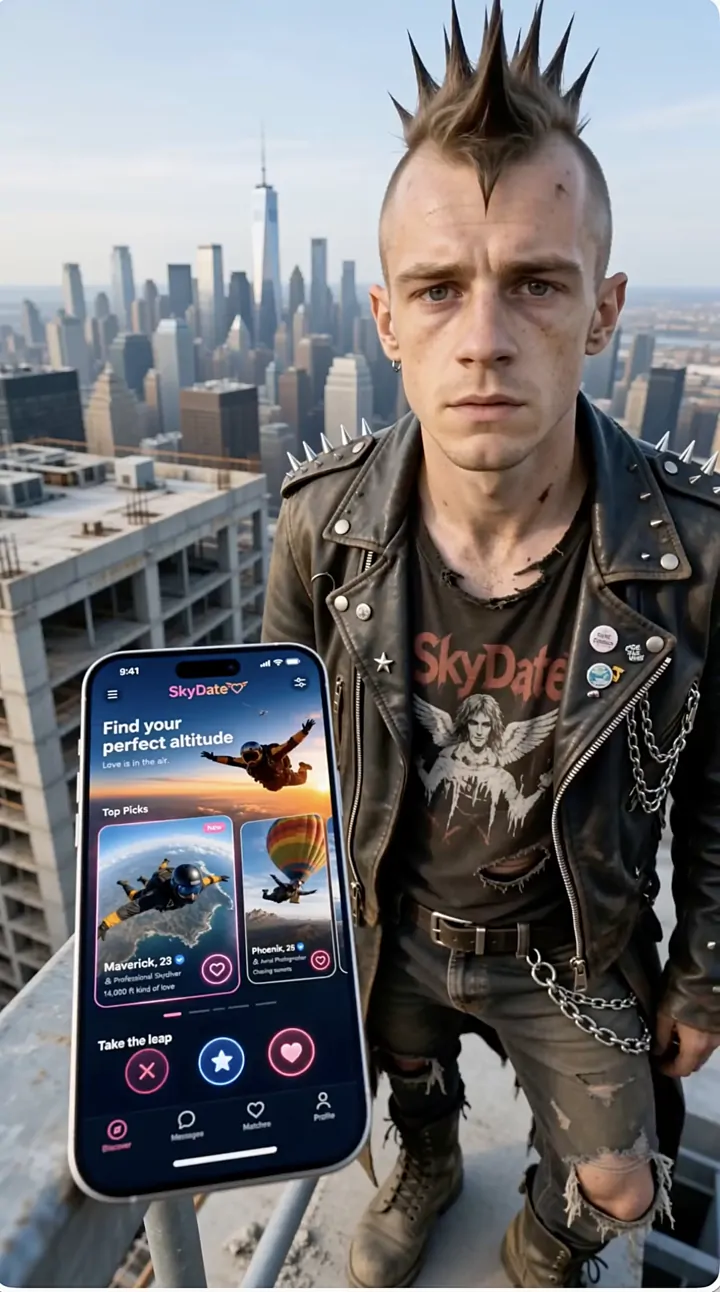
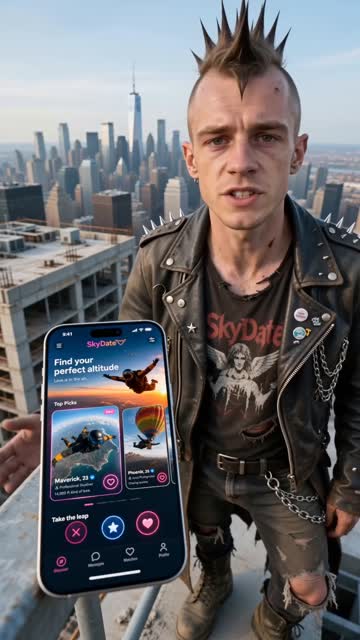
An app ad with attitude. The phone, the city, the character.
1:1
A luxury perfume spot. Glass, gold and a spray you can almost smell.
16:9
A stunt rider on the coast road. Made in Ice Studio from one idea.
16:9
From the fridge to the first sip. The label front and centre the whole way.
16:9
One idea in, a finished spot out. Concept, copy and cast, start to finish.
16:9
Your app, out in the world. The same app, starring in a real-life ad.
9:16
Real, not rendered. Faces and motion that hold up on a feed.
9:16
The can stays the can. Same shape, label and color, first frame to last.
9:16
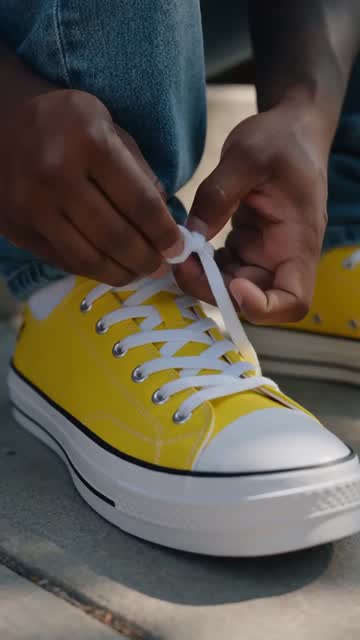
Lacing up. Sneaker footage that feels shot on a phone.
9:16
Product footage, auto-directed. No prompt to write.
16:9
Through the tunnel. A rider's-eye run under the city — five cities to pick from.
9:16
One tap in Animate Product. A bottle, a hand, the morning light.

What sets it apart

The hard parts, solved.

The things that make AI actually usable for ads are built into every lab — not bolted on.

The same face and product in every shot.

Give your hero a name and a photo once. The same person, product, logo and place carry across every shot of the ad — no drift, no redrawing. Naming it is enough.

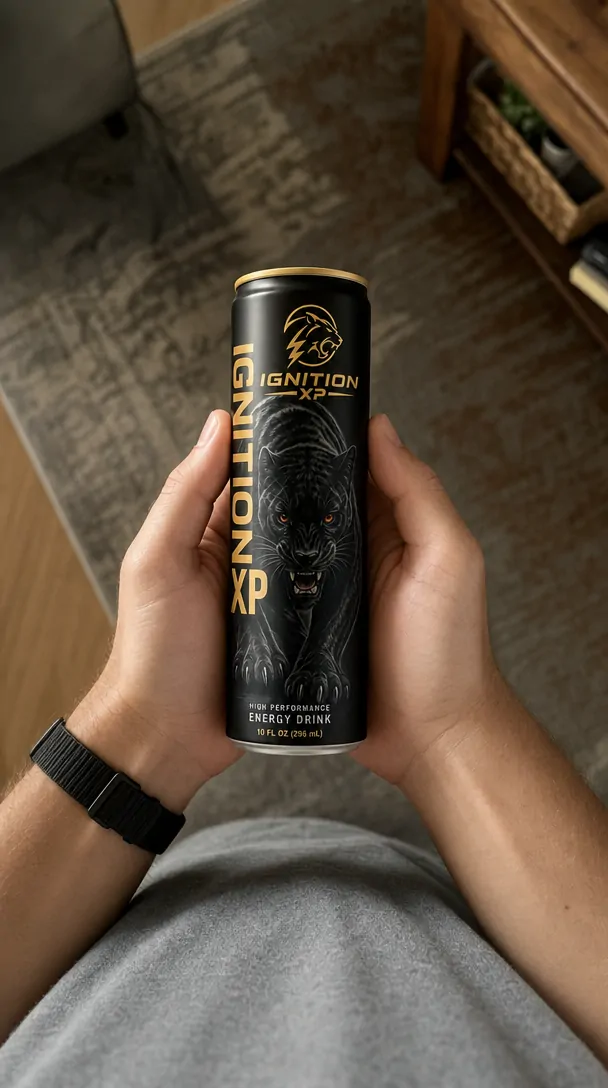
The Ignition XP can in a living room
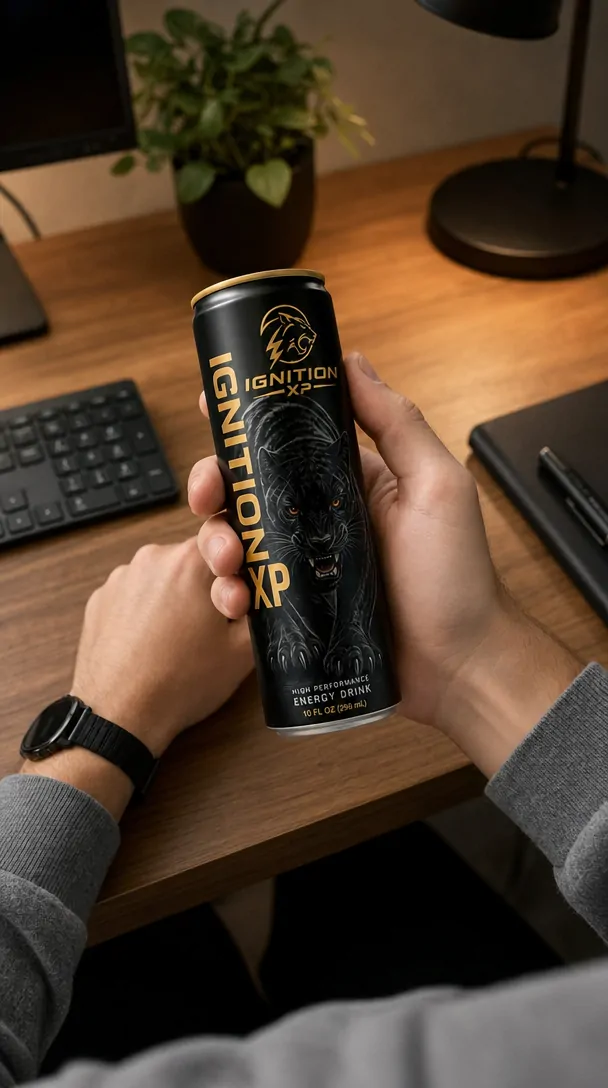
The same can on a desk
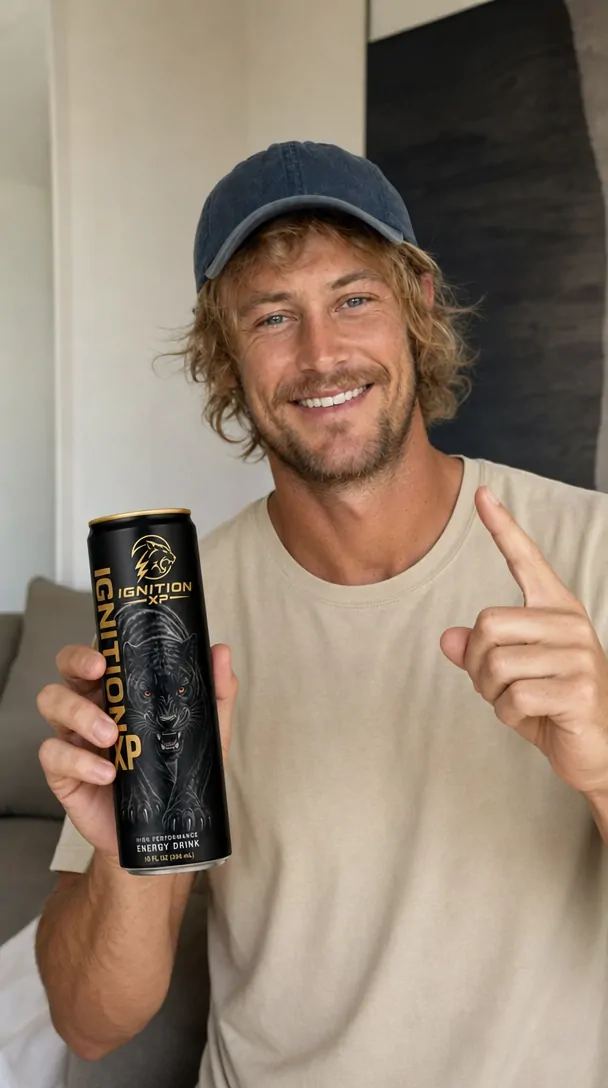
The same can held up to camera
@IgnitionXP · locked in every shot

Real 4K, when it matters.

Make a video in 4K from the start, or sharpen one you already made. The price is on screen first, every time.

The same frame before and after sharpening to 4K

Every size, from one video.

Vertical for TikTok and Reels, square for the feed, wide for YouTube — and 21:9 when it has to feel like a film.

9:16TikTok · Reels · Shorts

You always know the price first.

Every button shows its exact cost before you press it, and nothing is ever spent on its own. If something fails on our side, the IceBerrees go straight back.

The price is on the button ↓

Sharpen with AI HD 8

Didn't come out? Your 8 IceBerrees are back.

Every tool

And everything else in the box.

The smaller tools that quietly do the heavy lifting — the ones you only miss when they're not there.

45°turn the camera

Canvas

New angle

Turn the camera around a picture you already made — see the scene from the side, from above or closer in.

“glasses”brush, then say it

Canvas

Draws

Brush over one part of a picture and say what it should become — glasses, a new shirt, a different sign. Everything else stays.

“sunset”behind everything

Canvas

Add background

Describe a background and it's painted behind all your layers. Your words, people and products stay on top and editable.

Products

Ad Hero

One product photo becomes a set of finished still ads — 50 styles, from a square post up to a billboard.

“your words”→ a pro prompt

Video

Prompt Lab

Say what you want the way you’d tell a friend. It asks a couple of quick questions, then Claude Opus 5.5 writes the detailed prompt for you.

A → Bfirst & last frame

Video

Start & end frame

Give it the first picture and the last one, and it makes the journey between them.

Thumbnails

Channel kit

Your logo badge and series bar on every thumbnail, in any of 9 spots.

Canvas

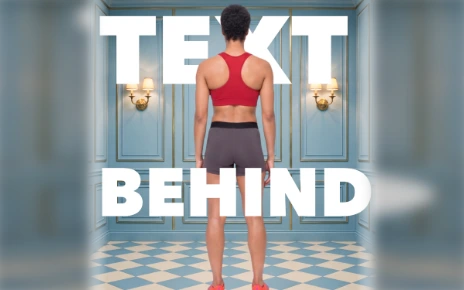
Text Behind

A huge word sitting behind your subject — the poster look. The word stays sharp and editable.

People

Character sheets

Front, back, both sides and a face close-up — the same person in every view.

00:08 → 00:16keep it going

Video

Keep the shot going

Continue picks up exactly where a clip ended, so a scene runs as long as it needs.

Canvas

Remove Object

Scribble over a logo, a blemish or a stray object, and it's gone.

Products

Product turnarounds

Every side of your product on one clean sheet — the reference that keeps it identical afterwards.

1080 × 1920vertical version

Thumbnails

Vertical version

One tap makes the tall version of your thumbnail for Shorts and Reels.

Video

Drive By Ad

Everyone in the car, shot through the windshield. Pick the vehicle, the era and the mood.

Canvas

AI Text

Titles built as artwork — metal, foil, neon, chrome — that still edit like text.

“…”100+ spoken lines

People

They actually speak

Pick one of 12 scroll-stopping openers, choose from natural spoken lines, or have them written from your product facts.

60 daysrecently deleted

Your account

Nothing lost by mistake

Everything saves as you go. Deleted something? It waits in the trash for 60 days.

20camera looks

Video

20 camera looks

Film stocks, drawn looks and a news-documentary style — pick one per video.

Canvas

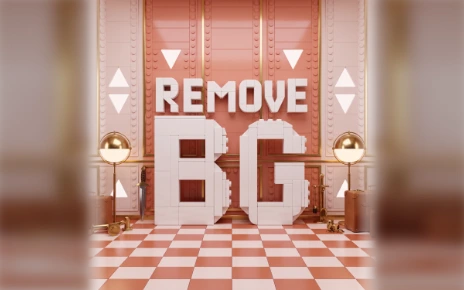
Remove BG

One click, and the background is gone — a clean cut-out you can drop anywhere.

1 changethe rest stays

Products

Fix one thing

A gold cap, a matte black bottle, new label wording — type the one change and everything else stays.

Thumbnails

14 host expressions

Your host, shocked, sceptical, thrilled — fourteen faces ready in your kit.

1 + 1 + 1merge

Video

Join clips into one film

Merge stitches your shots into a single video — no editor, no quality lost.

Video

Cars & motorcycles

A performance driving film from a few photos of the vehicle — coast, mountain, desert, tunnel.

21:9cinema

Video

21:9 Cinema

The wide movie frame, for pictures and video.

idea → promptprompt enhancer

Video

Prompt Enhancer

Type a rough idea — it writes the proper video prompt. Undo any time.

❚❚ → JPGfull resolution

Video

Capture any frame

Pause on the exact moment and save it as a full-resolution still, straight to your uploads.

4K3840 × 2160

Video

Sharpen to 4K

Take a video you already made up to 4K in one tap — the price is shown first.

People

Bring your own character

Upload someone you already have and they get every tool a made character gets.

“red flannel”edit in plain words

People

Edit a character

Say what to change — a red flannel shirt, shorter hair, glasses. Everything you don't mention stays.

People

Put them in a scene

Drop the same person into a new setting, or change their outfit from a photo.

People

Two people, one scene

A real conversation where each keeps their own face, voice and lines.

: |deadpan mode

People

Deadpan mode

One switch flips the whole performance to straight-faced comedy — the delivery and the words.

People

Real Skin

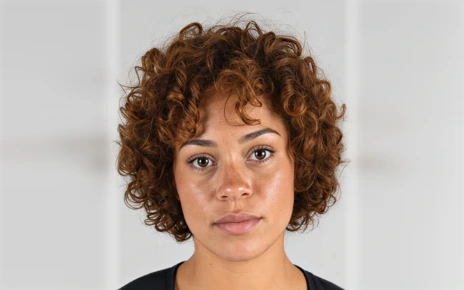
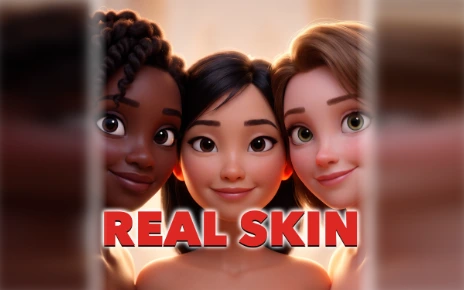
Takes the plastic look off AI faces so people look genuinely real.

100%original faces

People

Original faces

Nobody it makes looks like someone famous. Your own photos stay exactly as they are.

LABEL → Aaread label

Products

Read Label

Reads your product's label and rebuilds its top lines as text you can edit.

3 ideascampaign directions

Products

Campaign ideas

Stuck at the start? Get three different creative directions and build from the one you like.

GLOWany color, any size

Canvas

Glow

A soft outer glow around words and pictures.

RECOLORone color or a gradient

Canvas

Recolor

Turn a logo, a word or a cut-out into one color or a gradient.

Canvas

Colorize

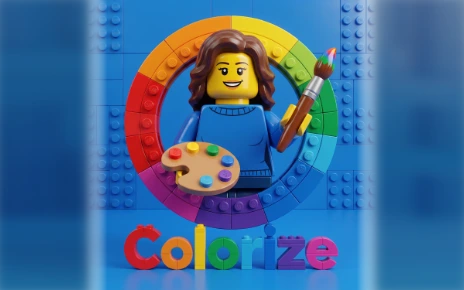
Realistic color for a black-and-white or faded photo — the content stays identical.

Canvas

AI HD

Real super-resolution that rebuilds genuine detail, on a new layer above your picture.

Canvas

Sharpen

An instant 2× sharpen, free, right in your browser.

Canvas

Brand Colors

Your palette, pulled from your own pictures, one tap from use.

Canvas

Templates

Save a layout you like and start new projects from it.

16:9 → 9:16auto reframe

Canvas

Auto Reframe

Recompose a wide design into vertical or square — no crop, no stretch.

⌖ healpatch & heal

Canvas

Patch & Heal

Lasso a spot, drag it to a clean area, and it blends away.

⟋ warp ⟍distort & crop

Canvas

Distort & Crop

Warp artwork onto slanted surfaces and crop any layer, losing nothing.

1× 2× 4×export

Canvas

Export any size

Every social size, exported at 1×, 2× or 4× — sharp everywhere.

.PSDevery layer intact

Canvas

Layered PSD export

Send the design out with every layer intact, so a designer can keep working.

Canvas

File converter

Turn HEIC, PNG, JPG or WebP into the format you need.

Thumbnails

Feed check

See your thumbnail in a dark and a light feed, at the size people really see it.

→ ▢ ✓thumbnail tools

Thumbnails

Thumbnail tools on any canvas

Arrows, word boxes, a safe-area guide and a rule check — right on the canvas.

Thumbnails

Your host on any template

Upload your host once and place them on any of the 74 templates.

▦ librarynewest first

Your account

Your library

Every picture and video you make, kept with the prompt that made it — on every device.

★favorites

Your account

Favorites

Star the uploads you use most, and the Favorites tab shows just those.

⌕search every chat

Your account

Search every chat

Find the one you made last week, and copy any prompt in one tap.

⇅ syncevery device

Your account

Sign in and sync

Your work follows you from one computer to the next.

▤ projectssave & come back

Your account

Projects

Save your work, reuse your layouts and download everything with one click.

×4at once

Video

Up to four at once

Make up to four versions of a video in one go and keep the best. The total shows before anything starts.

spin · swoopmoving presets

Video

Video presets

One-tap motion for your product — spins, sparks, swoops and zooms — so a video looks directed, not just animated.

180° arccurved text

Canvas

Curved text

Bend a title into an arc so it hugs a logo, a badge or a round product.

B&W · warmone-tap looks

Canvas

Filters

One-tap color looks for any picture on the canvas.

dots · gridshapes & patterns

Canvas

Shapes

Rectangles, circles, lines and triangles — with stripes, dots, a grid or a gradient inside.

erase · painteraser & brush

Canvas

Eraser & brush

Rub out part of a picture, a shape or some text, or paint on it in your brand colors.

GIF · MP4make it move

Canvas

GIFs

Make any design move — words slide in, pictures zoom — and save it as a GIF or an MP4.

wide + tallmake it for me

Thumbnails

Make it for me

Pick part of your video. It finds the story and makes two finished thumbnails, wide and tall.

Video models

Fourteen ways to shoot it.

No single model wins every shot. A talking ad, a 30-second product film and a quick draft all want different ones — so they're all here, one menu apart. Same prompt, same pictures, same canvas.

Seedance 2.0 Pro

The flagship. The most convincing motion and the strongest voices — the one for a finished ad.

  • 1080p
  • 4K
  • Voice
  • Several pictures
Seedance 2.0 Fast

The same model, quicker and far cheaper. Test an idea before you spend on the finished version.

  • 720p
  • Voice
  • Draft speed
Seedance 2.5NEW

One continuous take up to 30 seconds — no stitching, sound built in.

  • Up to 30 sec
  • 1080p
  • Start & end frame
Veo 3.1 Pro

Clean, filmic motion with synced sound. A safe pick when the shot has to feel calm and expensive.

  • Sound
  • Cinematic
Veo 3.1 Fast

Most of the Veo look for a fraction of the spend.

  • Sound
  • Lower cost
Gemini Omni Flash

Cuts between camera angles on its own, so one video already looks edited. Fast and inexpensive.

  • 720p
  • Sound
  • Multi-angle
Gemini Omni Flash · one shot

The same model held to a single unbroken shot, for when you don't want it cutting away.

  • 720p
  • Sound
  • No cuts
Gemini Omni 1.1NEW

Give it a person, a product and a place, and it keeps them all in the same shot.

  • 1080p
  • Up to 10 sec
  • Several pictures
Kling 3.0 Standard

The most forgiving with a real person's face from a photo.

  • Sound
  • Real faces
Kling 3.0 Pro

Steadier motion and more detail on the same photo-friendly model.

  • Sound
  • Real faces
MiniMax H3

2K with real spoken voice, holding up to nine pictures at once — the value pick for a cast or a product line.

  • 2K
  • Voice
  • 9 pictures
MiniMax H3 MaxNEW

Brings one picture to life with sound — natural voices and steady faces.

  • 768p
  • Voice
  • From one picture
Wan 3.0NEW

Up to 30 seconds in one take, with sound. If another model turns a shot down, the studio switches to this one on its own.

  • Up to 30 sec
  • 1080p
  • Sound
Grok Imagine 1.5NEW

Use the realistic characters you create. It keeps each one looking like themselves while they talk, for up to 15 seconds.

  • Your own characters
  • Up to 15 sec
  • Voice

Pictures have
their own models.

Nano Banana 2.1 & Pro — quick, clean type, and the one that reaches 4K.
GPT Image 2.5 — the steadiest hand with words. It also powers Draws: brush over part of a picture and say what it should become.
Seedream 5 — two levels, from a fast, low-cost look to a polished frame.
MiniMax H3 Max NEW — New angle’s camera move: it really moves the camera round your picture, so the whole room turns.

Every model — video and picture alike — is open on every plan. You're billed by what you actually make, so a draft on a fast model costs a fraction of a finished 4K spot.

Restyled

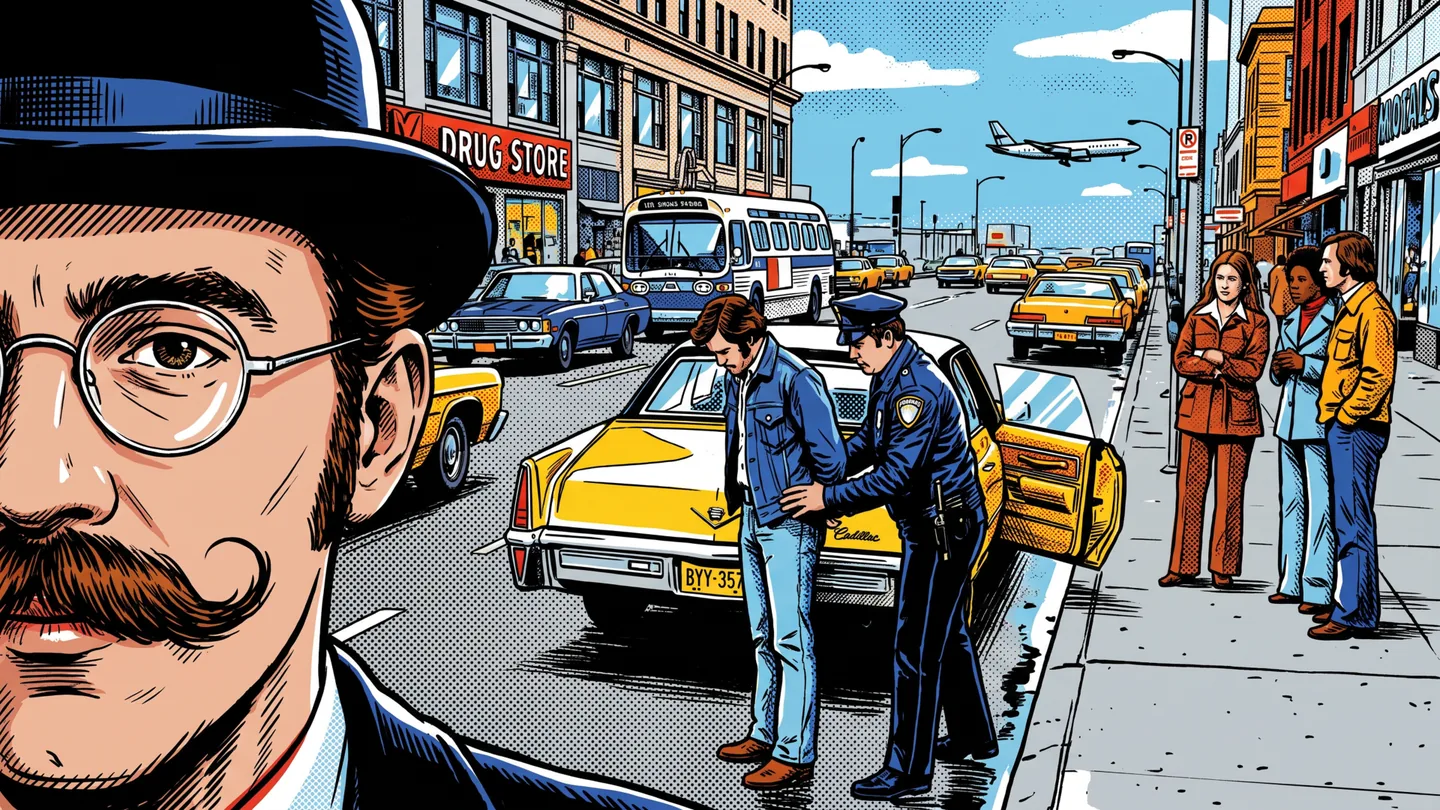
One picture. 37 looks.

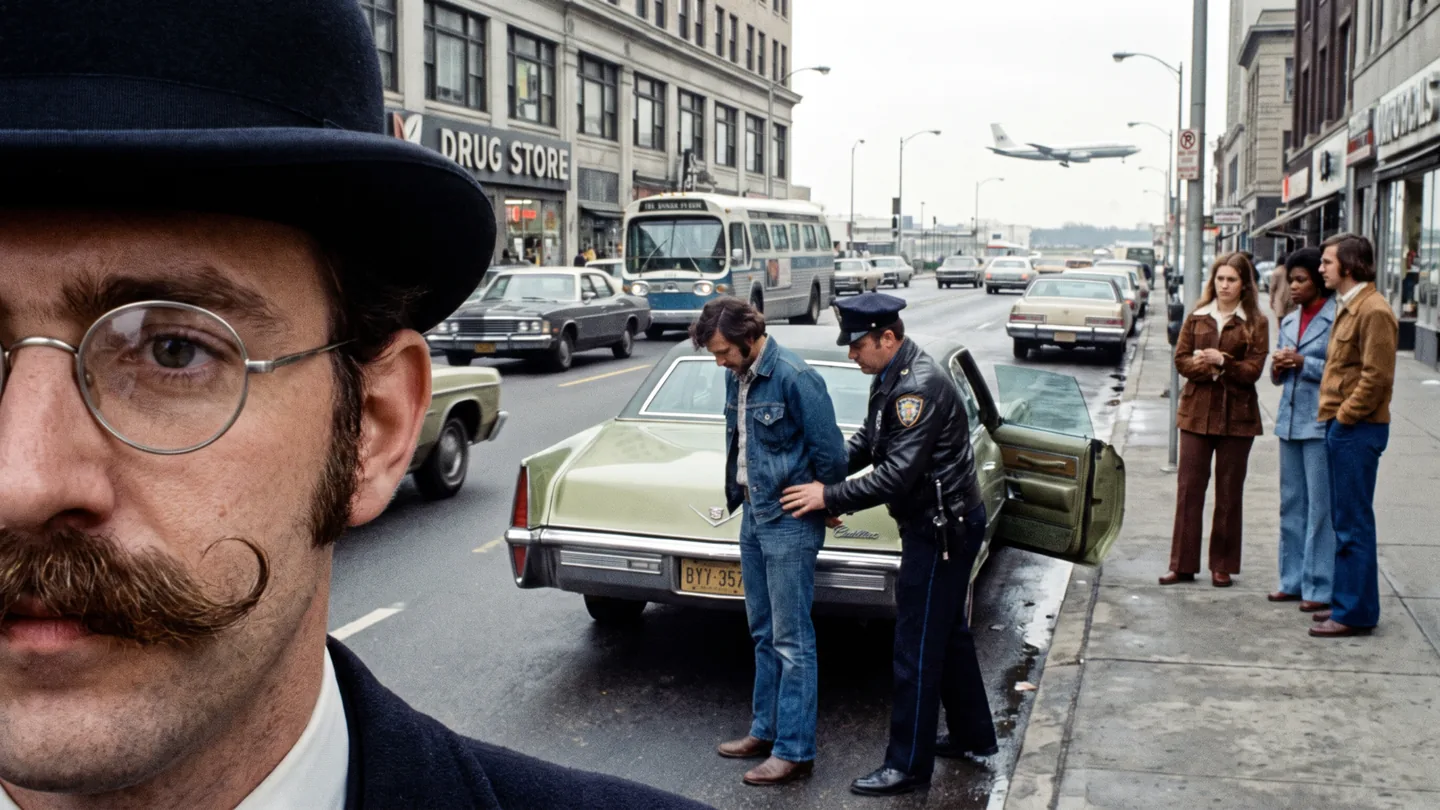
The same 1973 street photo, finished in 37 of Restyled's looks. Tap any of them — this is exactly what comes back. The 38th, Poster, turns your picture into a film, music or event poster with your own words.

The original 1973 street photo Look 01 / 37 Photoreal · shot on a real camera
  • Video thumbnails — bold, simple art that still reads at the size of a stamp.
  • A look nobody else has — not a stock photo, not a filter over your face.
  • A whole set in minutes — same picture, many looks, keep the one that gets the click.
  • Then finish it right there — add the headline, crop to 16:9 or 9:16, export and post.
  • Poster — film, music, concert, event, book or product posters, with your words printed exactly.

Every result lands on a new layer, so nothing you made is overwritten — keep it, restyle it again, or throw it away.

Pricing

Founding Member Pricing

One balance. Every creative tool. Your monthly IceBerrees power everything — images, ad copy, editing, upscaling and all video. Need more? Top up with Berrees that never expire. Both spend the same way, on anything you make. Didn't use them all? Half of your unused IceBerrees carry over to the next month.

🔒 Founding rates — lock this price in for as long as you stay subscribed
Didn't use them all? Half carry over to next month

Every monthly plan starts with 7 days free. Switch to Yearly to save about 15%.

The complete studio — images, editing, canvas, mockups, brand and platform-accurate Ad Copy — plus video from every engine. One IceBerree balance covers it all; you only spend on what you actually make.

Free

$0 forever
50 one-time Starter IceBerrees
Explore every lab and see live pricing — upgrade to generate. One balance spends on anything.
  • Explore Ice Studio
  • Create images & test every editing tool
  • Ad Copy & Brand Colors
  • Watermarked AI exports
  • Upgrade for Seedance video
Start free

Starter IceBerrees are issued once per person and don't refill monthly.

Creator

$29/mo
$19/mo
Founding price · save $10/mo
600 monthly IceBerrees
+544 bonus IceBerrees in your first month

One balance for everything you make:

  • 50 best-quality images
  • 150 everyday images
  • 2 premium 8-second video ads
  • 6 ads on the fast engines
  • Ad copy for every platform, all month
  • Everything in Free
  • Full design canvas & every social size
  • Ad Maker with multiple video models
  • No watermark
  • Top-up Berrees anytime — never expire
  • Half your unused IceBerrees carry over
  • Monthly plan: free for the first 7 days
  • Cancel anytime
Choose Creator

Creator Plus

$49/mo
$39/mo
Founding price · save $10/mo
1,500 monthly IceBerrees

One balance for everything you make:

  • 125 best-quality images
  • 375 everyday images
  • 5 premium 8-second video ads
  • 16 ads on the fast engines
  • Ad copy for every platform, all month
  • Everything in Creator
  • 2½× Creator's monthly IceBerrees
  • Top-up Berrees anytime — never expire
  • Half your unused IceBerrees carry over
  • Monthly plan: free for the first 7 days
  • Cancel anytime
Choose Creator Plus
Best value

Pro

$79/mo
$59/mo
Founding price · save $20/mo
2,750 monthly IceBerrees

One balance for everything you make:

  • 229 best-quality images
  • 687 everyday images
  • 10 premium 8-second video ads
  • 29 ads on the fast engines
  • Ad copy for every platform, all month
  • Everything in Creator
  • 4K video when the moment calls for it
  • Top-up Berrees anytime — never expire
  • Half your unused IceBerrees carry over
  • Monthly plan: free for the first 7 days
  • Cancel anytime
Choose Pro

Pro Plus

$99/mo
$79/mo
Founding price · save $20/mo
3,700 monthly IceBerrees

One balance for everything you make:

  • 308 best-quality images
  • 925 everyday images
  • 14 premium 8-second video ads
  • 39 ads on the fast engines
  • Ad copy for every platform, all month
  • Everything in Pro
  • A third more IceBerrees than Pro
  • Top-up Berrees anytime — never expire
  • Half your unused IceBerrees carry over
  • Monthly plan: free for the first 7 days
  • Cancel anytime
Choose Pro Plus

Business

$169/mo
$129/mo
Founding price · save $40/mo
5,900 monthly IceBerrees

One balance for everything you make:

  • 491 best-quality images
  • 1,475 everyday images
  • 22 premium 8-second video ads
  • 63 ads on the fast engines
  • Ad copy for every platform, all month
  • Everything in Pro
  • Brand kits & teams
  • Priority queue
  • Top-up Berrees anytime — never expire
  • Half your unused IceBerrees carry over
  • Monthly plan: free for the first 7 days
  • Cancel anytime
Choose Business

Need more? Top up with Berrees

Buy Berrees any time, on any paid plan — spend them on anything (images, video, editing, premium models). Purchased Berrees never expire.

250 Berrees
$14.99
$0.060 / Berree
  • Use on any image, video or tool
500 Berrees
$27.99
$0.056 / Berree
  • Use on any image, video or tool
Most popular
1,000 Berrees
$49.99
$0.050 / Berree
  • Use on any image, video or tool
2,500 Berrees
$109.99
$0.044 / Berree
  • Use on any image, video or tool
5,000 Berrees
$199.99
$0.040 / Berree
  • Use on any image, video or tool

The exact cost is always on screen before you make anything, so nothing is ever a surprise. Longer videos, or making one again, use more.

IceBerrees refill every month. Didn't use them all? Half of what's left carries over for one more month. Purchased Berrees never melt.

FAQ

Good to know.

Still wondering about something? These are the questions people ask first.

What is IceBerree, exactly?

An AI ad lab — seventeen specialists on one canvas: Ice Studio for pictures and video, Ad Maker for finished video ads, Motion Control for films that move on the beat, the Shot Planner to storyboard a film shot by shot, the Prompt Lab to turn your own words into a detailed prompt, Ad Hero for finished still ads from one product photo, the Device Lab for app mockups and launch films, the UGC Lab for a real-looking person talking about your product, the Thumbnail Lab for thumbnails people click, Restyled for finished artwork from a sketch or a photo, Product Lab to make your product and put it on film, Character Studio for people that stay the same, Build Timelapse for before-and-after build videos, the Digital Products Lab for guides, planners and printables to sell, Brand World for pictures of your brand out in the world and Ad Copy for the words — with a full design canvas behind all of them, and the IceBerree Shop to sell what you make.

Can I sell what I make?

Yes. Open your own IceBerree Shop; it comes with every paid plan. Add guides, planners, pictures, videos, sound packs or software (IceBerree checks software first), set a price or make it free, and share your shop's link. Buyers pay by card through Stripe, the money goes to your bank, and they download right away. IceBerree takes 0% of your sales; Stripe's card fee is the only fee. See it above ↑

What is Motion Control?

A film maker with six templates: Cartoon Star, Poster Riot, Explainer, Time Machine, Scanner Screen and Fine Lines. Bring your words and a song, any subject, or your own video, and it plans every scene and cuts the film to the beat. Every AI step shows its price on the button first, and making the finished video, wide and tall, is free. See it move, or watch the how-to film.

Can I make GIFs?

Yes, on the Canvas. Open the GIFs tab on the right and your design moves: words slide in, a picture slowly zooms, or a few pictures play as a flipbook. You can also turn part of a video into a GIF, or bring a picture to life with AI. Save it as a GIF or an MP4. See one.

Are there how-to videos?

Yes. The How-to videos page has short films that walk you through the labs, the Canvas and opening your shop, step by step.

I don't know how to write a prompt. Can IceBerree help?

Yes — that's what the Prompt Lab is for. Describe what you want in your own words, the way you'd tell a friend. It asks a couple of quick questions you answer with a tap, then writes the detailed prompt for the model you're using, and sends it to Ice Studio in one tap. Questions are always free, you get free prompts every day, and after that a finished prompt is 15 IceBerrees. It runs on Claude Opus 5.5 right inside IceBerree, so there's no need to work your prompt out somewhere else first — and it's also in Ice Studio, right in the prompt box.

Does IceBerree make ads for contractors and home services?

Yes. In Ad Hero, tap A service, pick your trade — pools, remodeling, roofing, landscape design, retaining walls and hardscape, or type your own — and fill in your business once. You get 11 ad styles made for the trades, print-ready door hangers, yard signs, truck magnets, flyers and business cards, and in Build Timelapse one tap turns your build into a video ad with your name and phone. Only your own photos are ever shown as your work. See it above ↑

Do I need design or editing skills?

No. Each lab acts like a specialist — you bring the product or the idea, it handles the art direction, the layout and the words. There's a full editing canvas when you want to fine-tune.

What are IceBerrees and Berrees?

Both spend the same way on pictures and video — the difference is how long they last. IceBerrees are your monthly allowance: they refill every month, and if you don't use them all, half of what's left carries over for one more month. Berrees are top-ups you buy — they never melt, so they carry over for as long as you like.

Is there a free trial?

Yes — every monthly plan starts with 7 days free, once per person. You add a card to start, and you get 150 IceBerrees to try everything. On day 8 your plan begins: your card is charged and your plan's full IceBerrees arrive. Cancel before then from Manage billing and you pay nothing.

What happens if I cancel?

You can cancel any time from Manage billing in your account — no email, no phone call. Your plan and your IceBerrees stay until the end of the month you've paid for, and any Berrees you bought stay in your account for good. If something you make fails, the IceBerrees for it go straight back to your balance.

How do you keep the same character or product across shots?

Name your cast. Add a reference photo and give it a name, and IceBerree keeps that exact face, product, logo or place identical in every shot — no drift, no redrawing. It works in Ice Studio and the Device Lab.

What does the Thumbnail Lab do?

It makes the picture that decides whether anyone watches your video. Drop in the video, the script or a few photos and it reads them for free and pitches ideas — or pick one of 75 templates and fill the spots yourself. Add your host, your channel badge and series bar, check it in a real feed, and export the 1280 × 720 thumbnail plus a vertical version for Shorts.

Can I make 4K video? Does it cost more?

Yes — two ways. You can make a video in 4K from the start, or take a video you already made and sharpen it up to 4K with one tap. 4K costs more than 1080p, so the exact price is shown before you start and you always confirm first — no surprise charges.

Can I make before-and-after or "it builds itself" videos?

Yes — that's the Build Timelapse lab. Choose a new build, which goes up from an empty lot, or a remodel, which renovates what's already there without tearing it down — a pool, deck, ADU, driveway, kitchen or bath. Start from a real photo of the property, or have the "before" made for you, and add photos of the exact tile or fixtures you want.

Will it make someone who looks like a celebrity?

No. The people IceBerree makes are always original. If a prompt names someone famous, it keeps the kind of person you meant and gives them a face of their own. A photo you attach of yourself or your own model stays exactly as it is.

Can I export for every channel?

Yes — every shape (9:16, 1:1, 16:9 and 21:9) with smart reframing for TikTok, Instagram, X, YouTube and Facebook, plus 1× / 2× / 4× picture export, AI HD, layered PSD files and up to 4K video, so nothing looks soft.

Is there a free plan?

Yes — start free with 50 one-time Starter IceBerrees and the full editing canvas, so you can explore Ice Studio and test the tools. They're issued once per person (not a monthly refill); upgrade to Creator or above for video.
IceBerree

Open the lab

Imagine it. Create it. Share it.
Great marketing should be as simple as having an idea — not learning five apps, managing freelancers or waiting days for changes. Build the whole campaign here, then post it anywhere.
Create your first ad free →