🧪 The AI Ad Lab · idea · image · video · copy · campaign

Create scroll-stopping
ads, videos & UGC
with AI.

One intelligent workspace where your whole campaign comes together — generate and edit images, turn photos into cinematic video ads, design on a pro canvas, and write the copy for every platform. The creative department you've always wanted. No agency, no render farm.

★★★★★
Built for creators & small brands who ship ads every day
Free plan included · no credit card to start
iceberree-ad-maker-canvas
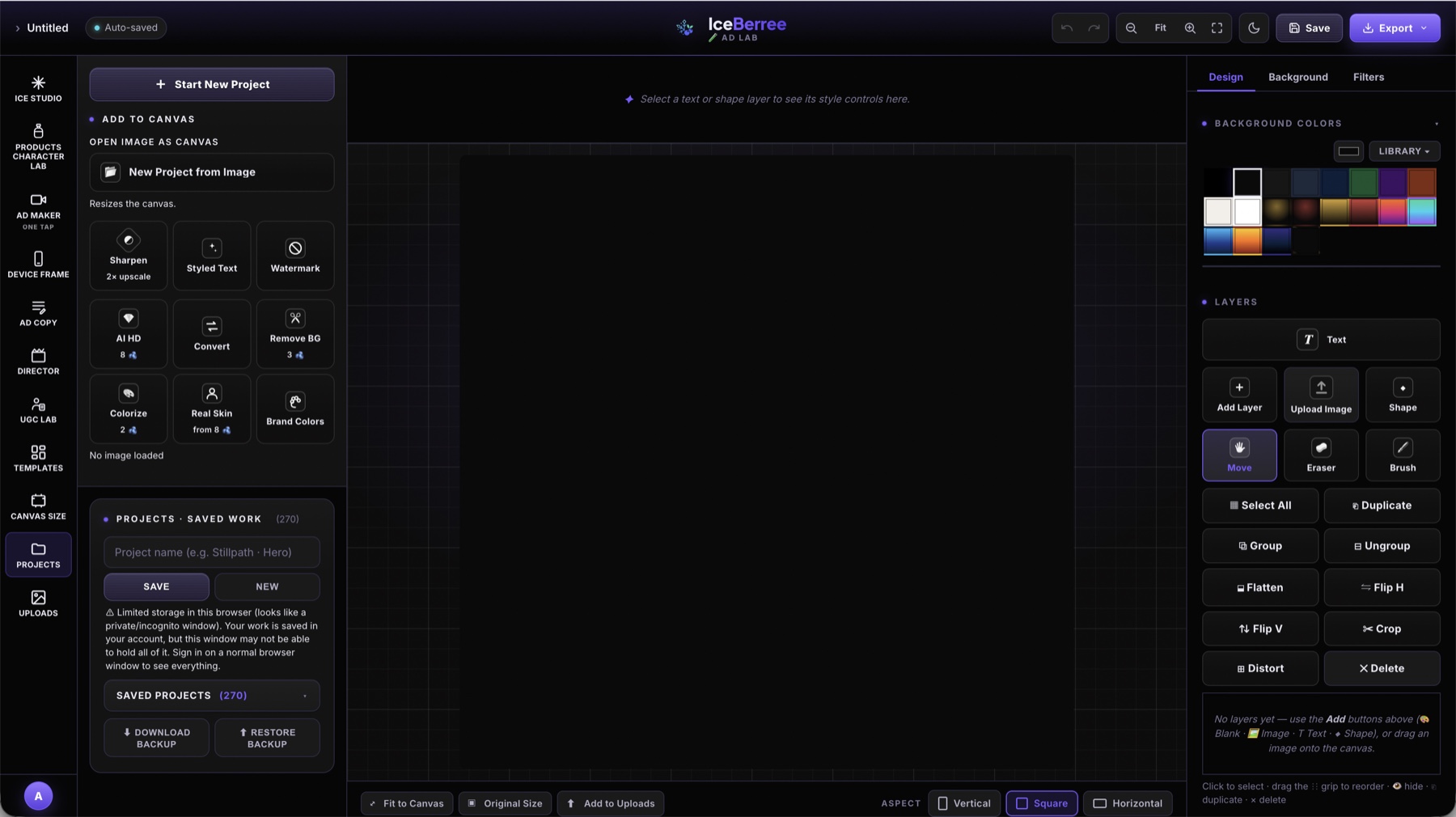
IceBerree Ad Lab — the canvas, creative rail and layer tools
✦ Real 4K output 🎭 Consistent cast 🎬 Direction built in
Made to publish everywhere
TikTokInstagramYouTubeMeta AdsGoogle AdsLinkedInXFacebookPinterestReelsShortsStories TikTokInstagramYouTubeMeta AdsGoogle AdsLinkedInXFacebookPinterestReelsShortsStories
6
Creative labs, one canvas
4K
Native video output
Currency for everything
5
Platforms of ad copy

Seven labs, one canvas

Every specialist your ads need

Each lab is built for one job and does it like a pro — together they cover the whole pipeline, from a blank idea to a finished, on-brand campaign.

The labs scroll automatically — hover to pause
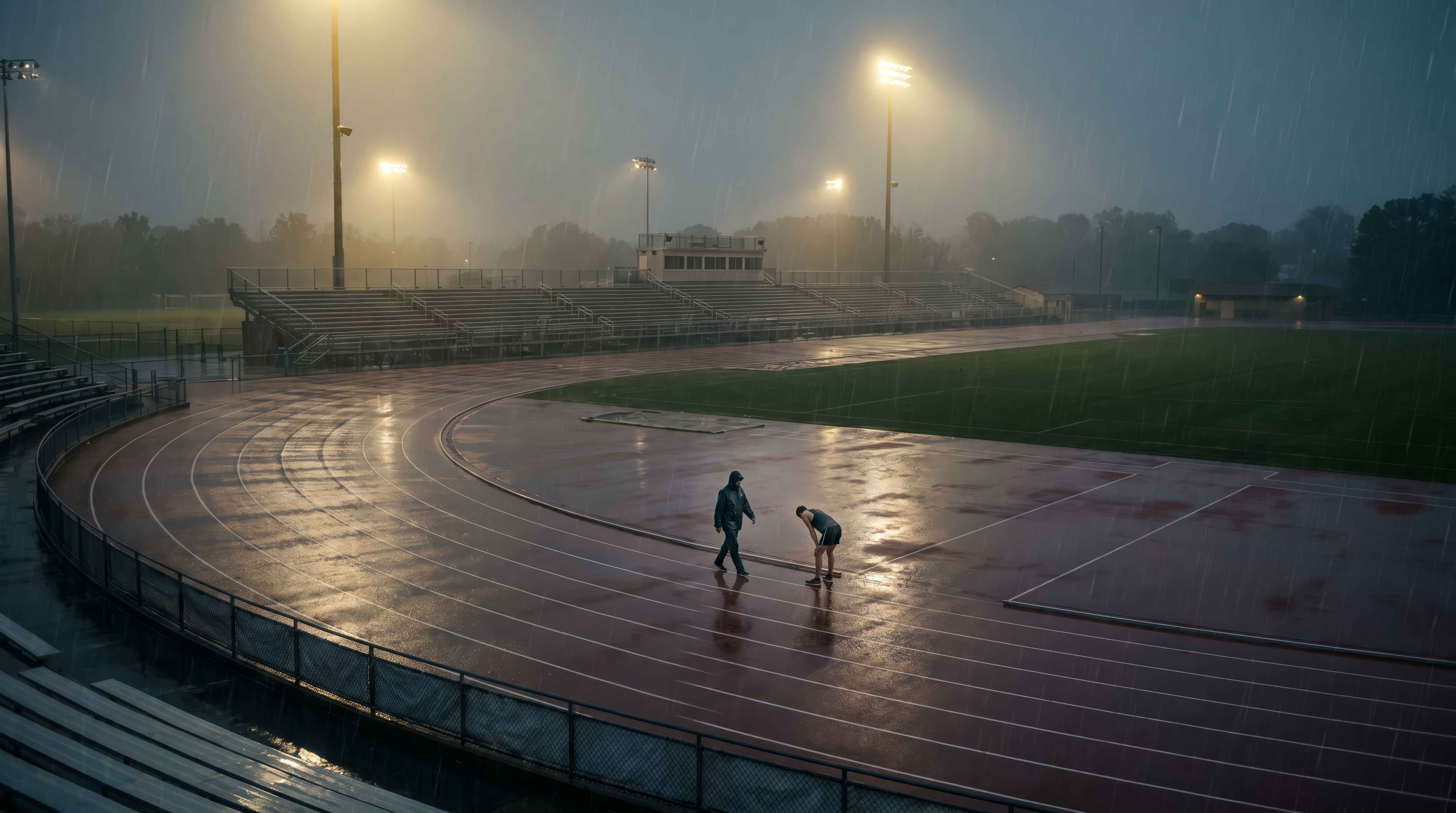
01 · Ice Studio ❄️

Images & video that look shot, not rendered.

The core studio. Describe a scene to create a still, then animate it into cinematic video — all on one canvas, with the direction built in.

Prompt Booster11 camera looksReal 4K
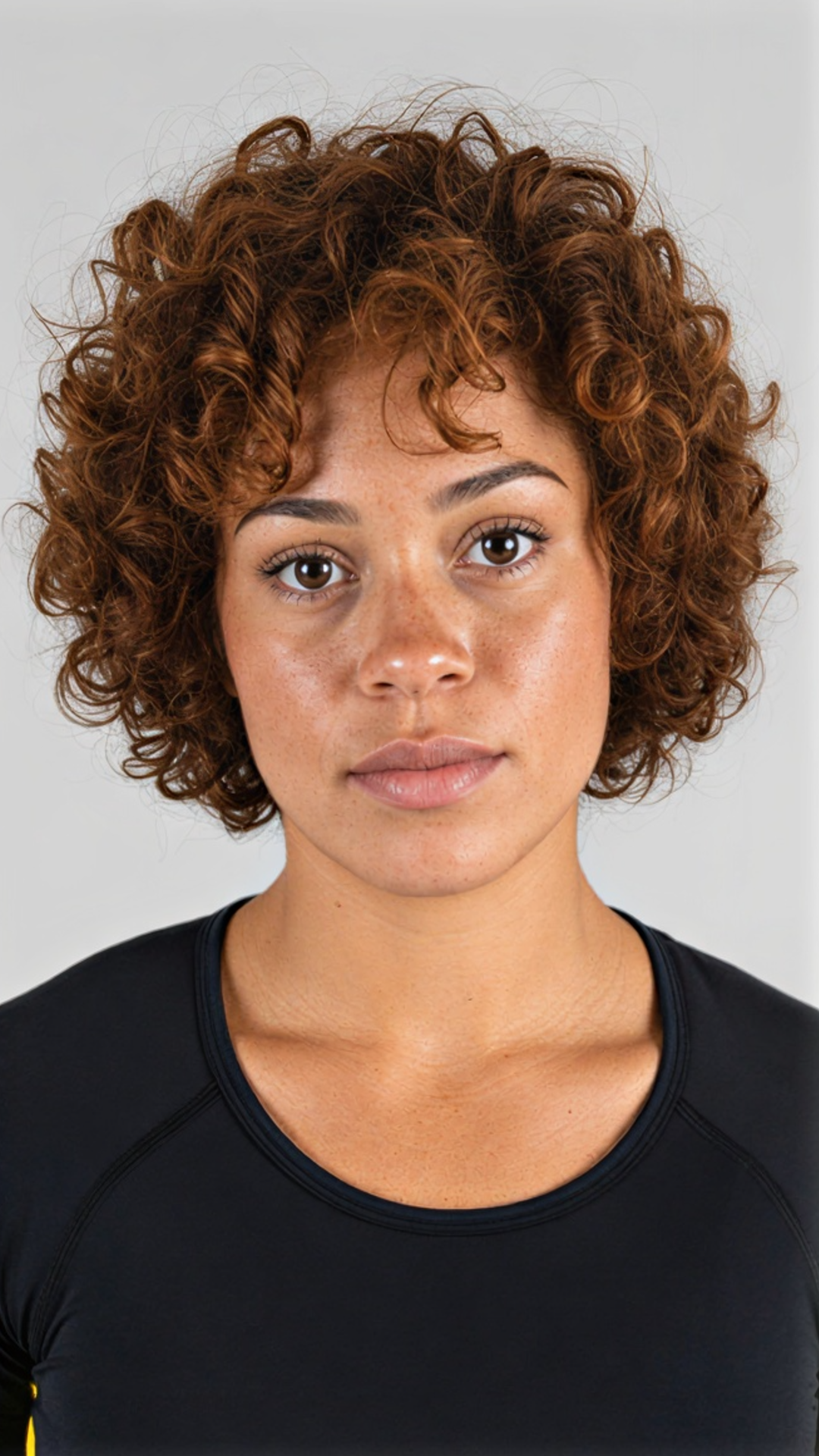
A photoreal face generated in Ice Studio
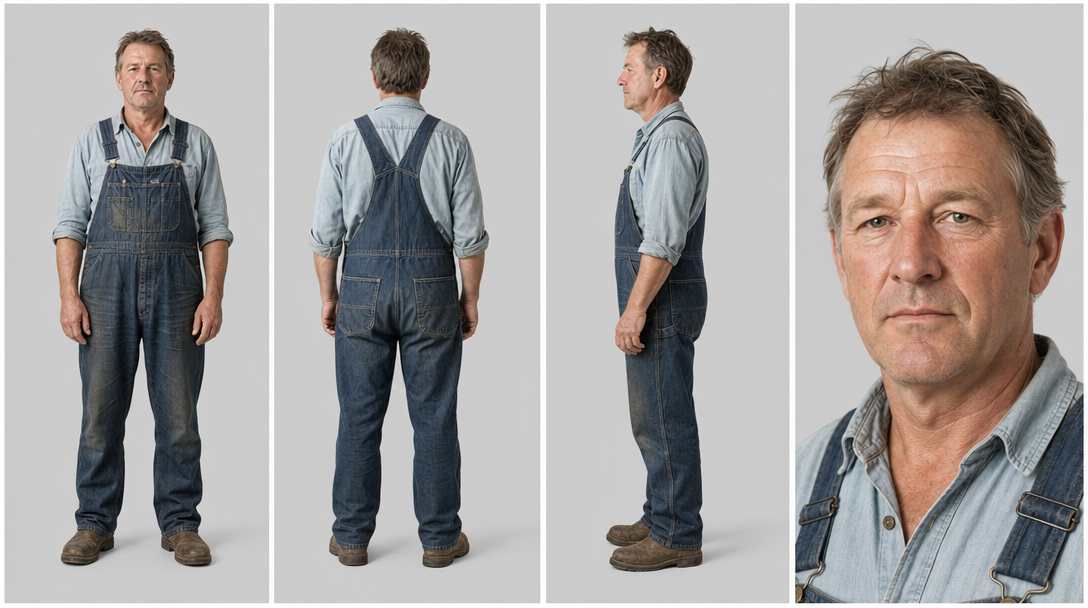
02 · Products & Character Lab 🧴

Studio products & UGC characters, on white.

Generate any product or person, isolated on a neutral backdrop — so a single Remove BG drops them into videos, posters and print.

Cut-out readyAny styleRemove BG
A character turnaround on a neutral backdrop
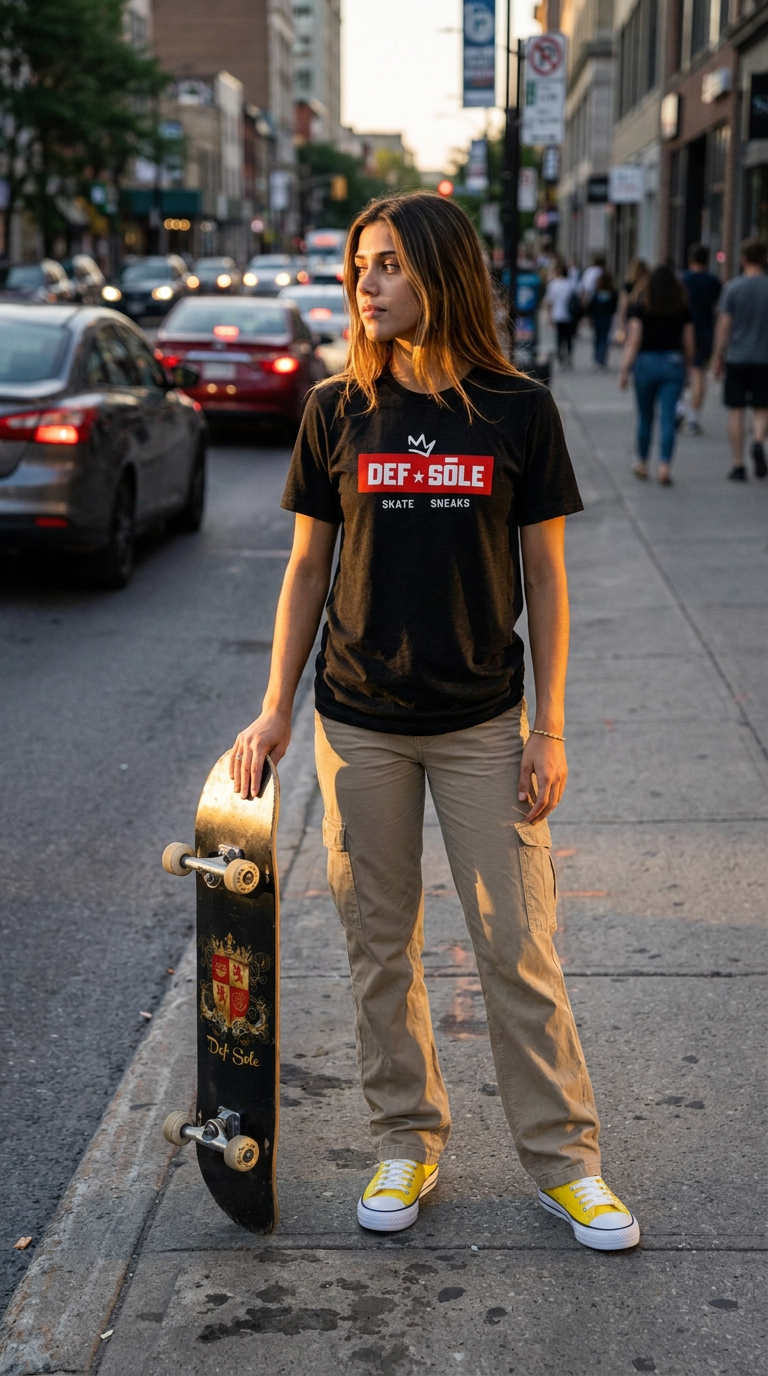
03 · Ad Maker · One Tap 🎬

Cinematic video ad from photos — in one click.

Drop in 1–6 photos. The Ad Maker's brain picks the treatment and directs a scroll-stopping ad, ready to post.

1–6 photosAuto-directedReady to post
A cinematic video ad made by the Ad Maker
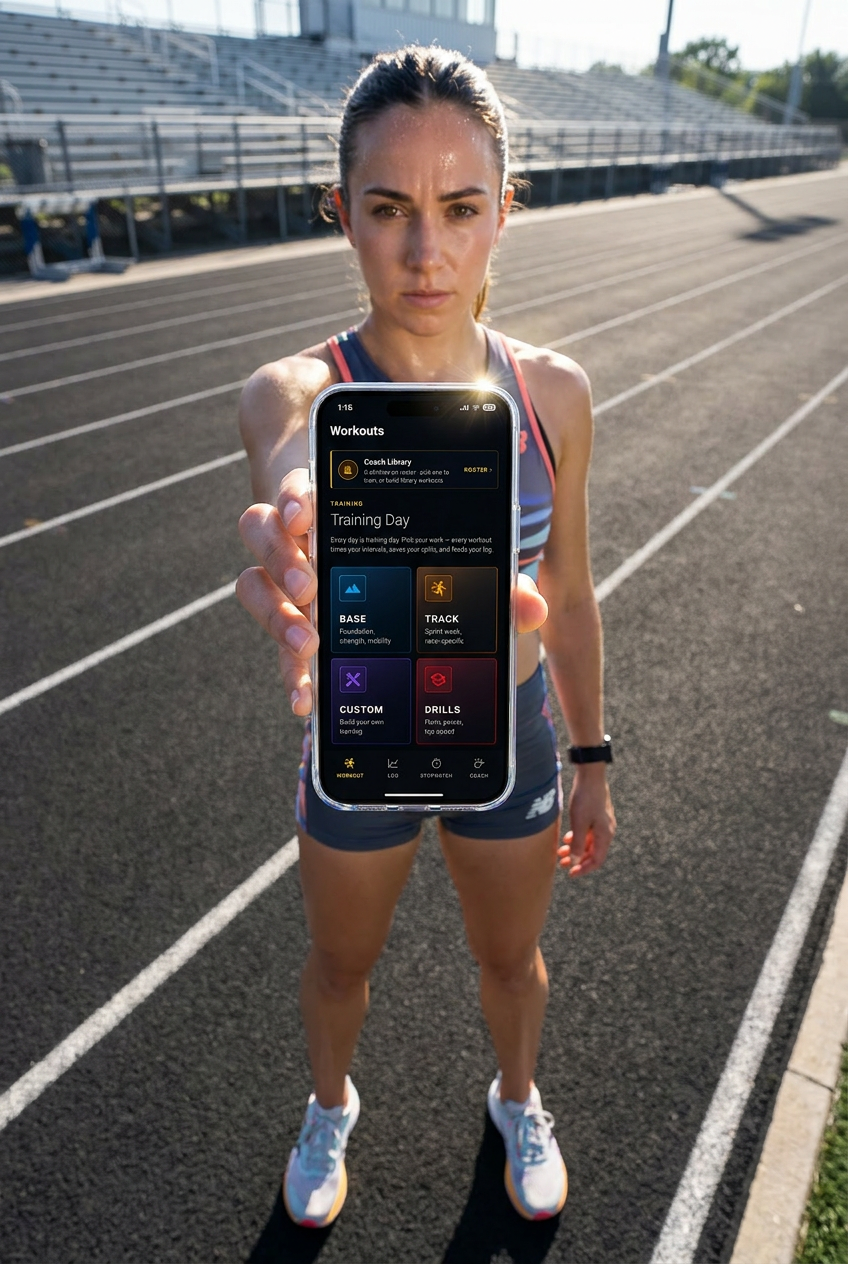
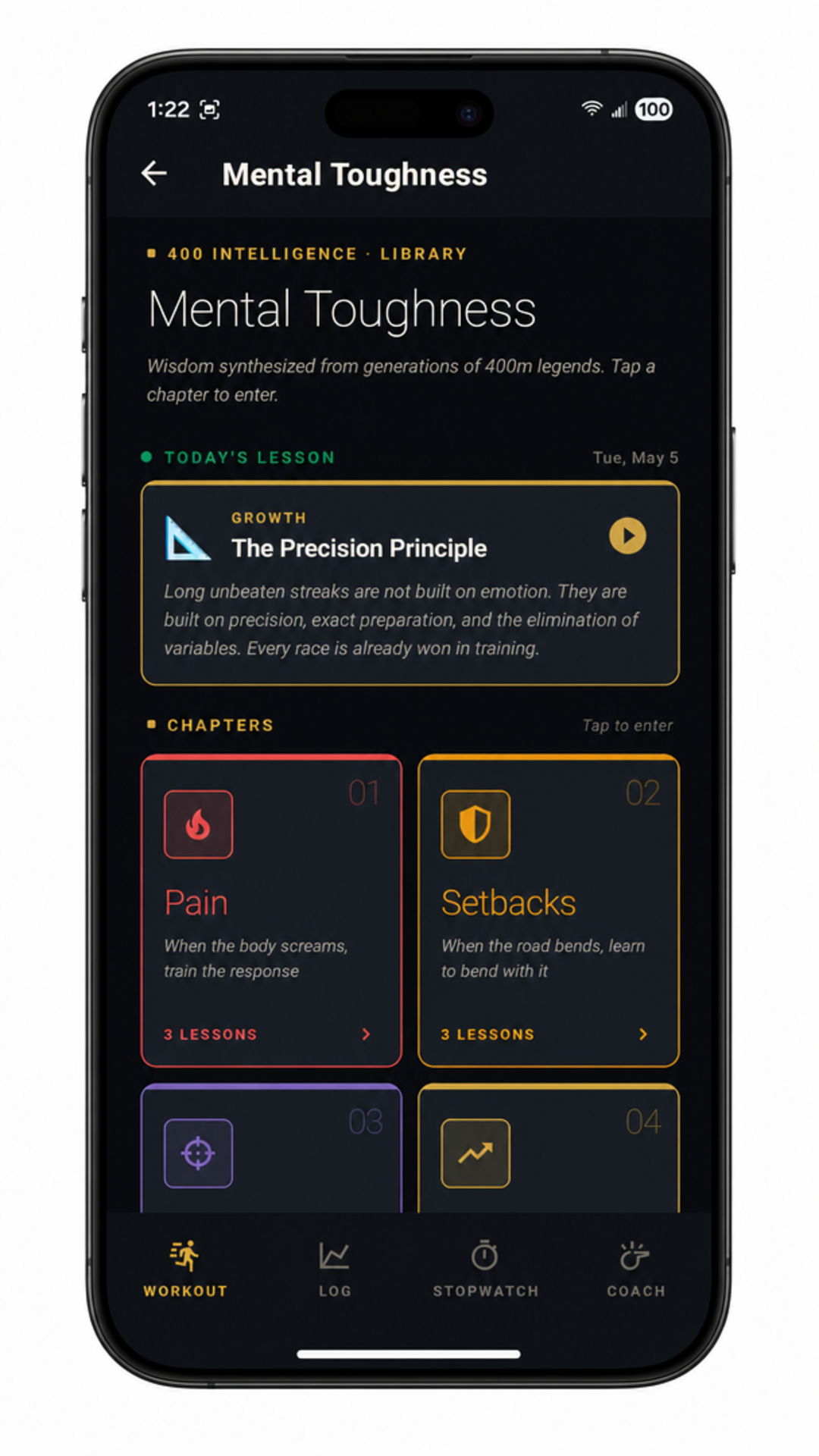
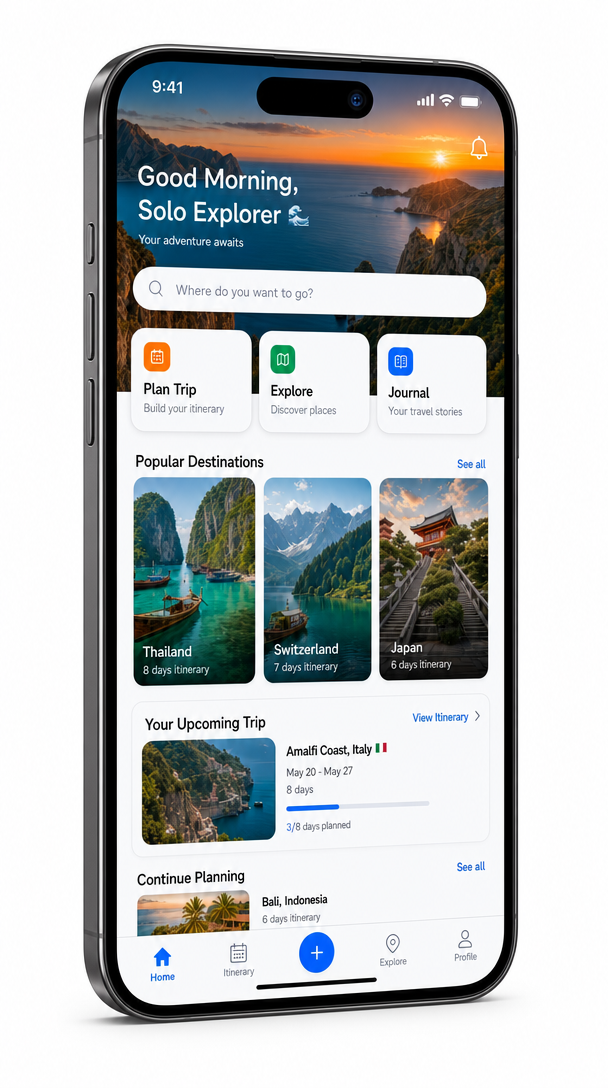
04 · Device Frame 📱

Screenshots into photoreal devices.

Upload a screenshot, pick a device and angle, and get a realistic, on-white device shot — the screen sits inside the device.

PhoneTabletLaptop
A screenshot shown inside a real device
05 · Ad Copy ✍️

The words for every platform, written for you.

Captions, headlines and descriptions in your brand's voice — within each platform's limits, in a few versions to A/B test.

MetaGoogleTikTokBrand voice
Meta · FB / Instagram3 versions
Headline
The New Standard In Performance
Description
Energy, Focus, Endurance, Unlocked.
⧉ Copy
06 · Director 🎥

A full production, directed shot by shot.

The flagship. Give it a product and a goal, and it plans the whole ad — the look, the shape, the mood, the camera moves, and keeping your product identical in every shot — then makes it, shot by shot.

Plans every shotSame cast throughoutUp to 2-minute ads
A cinematic shot from a directed production
07 · UGC Lab 🎬

A real-looking person talking about your product.

Upload your product, pick who talks about it and where, tell them what to say — then generate one lifelike talking video. Three steps, no actors to build, no approvals to sit through.

66 characters62 settingsThey actually speak
A real-looking person holding the product

The Labs, explained

What each one actually does

Six tools. Each one does a specific job in making an ad — so you're never staring at a blank box wondering which to open.

❄️

Ice Studio

Your main workspace

What it is

The room where you make images and videos by describing what you want to see.

What you do

Type what you want — "a coffee bag on wet stone, morning light" — and get an image. Like it? Turn that same image into a moving video. You choose which model makes it, and the price is on the button before you press it.

Use it when

You want control, or you're making one really good image or video.

🎬

Ad Maker · One Tap

The fastest way to a finished ad

What it is

A video ad maker that does the thinking for you. No prompt to write.

What you do

Drop in 1–6 photos of your product and add your website if you have one. Press one button. It studies your product, picks the style, writes the direction, and hands you a finished ad you can post.

Use it when

You want an ad right now and don't want to describe anything.

🎥

Director

For a real commercial — not one clip

What it is

The big one. Most AI tools make you a single clip. Director makes a whole ad, made of many shots, up to two minutes long.

What you do

Tell it your product and what you want the ad to do. It writes the entire ad shot by shot — the hook, the build, the product moment, the ending — then films each shot, keeps your product and cast looking identical the whole way through, and joins them into one finished video.

Use it when

An 8-second clip isn't enough and you need something that feels like a real commercial.

Planning a whole ad is real work, so Director costs 75 🫐 per ad on Pro and Business — and nothing extra on the video plans.

📝

Ad Copy

The words that go around your ad

What it is

A writer for the text you paste into the ad manager — not text on the picture.

What you do

Tell it about your product. It writes the captions, headlines and descriptions for Facebook, Instagram, Google, LinkedIn, X and TikTok — each one already inside that platform's character limit, in your brand's voice, with a few versions so you can test which works.

Use it when

The picture's done and now you need the words.

📦

Products & Character Lab

Anything you need, on a clean background

What it is

Makes a product or a person on a plain backdrop, ready to cut out.

What you do

Describe the product or the person you need. You get it on a clean background — so one tap of Remove Background gives you a cut-out you can drop into any ad, poster or video.

Use it when

You need your product or a person to place into something else.

📱

Device Frame

Your app, in a real-looking phone

What it is

Puts a screenshot inside a realistic phone, tablet or laptop.

What you do

Upload a screenshot, pick the device and the angle you want. You get a real-looking product photo with your screen sitting inside the device — not pasted flat on top of it.

Use it when

You're marketing an app, a website or anything with a screen.

What sets it apart

The hard parts, solved

The things that make AI actually usable for ads — consistency, resolution, a real canvas and the copy — are built into every lab.

Consistency · @tag

The same face & product in every shot.

Give your hero a name and a reference photo once. IceBerree tags it and locks it — the identical character, product, logo and location carry across every shot of the ad, with no drift. You never type a tag; naming is enough.

  • Cast & Assets tray — name your characters, products and locations.
  • Locked shot to shot — no redrawing, no drift.
  • Works everywhere — Ice Studio, Ad Maker & Director.
@Hero · locked
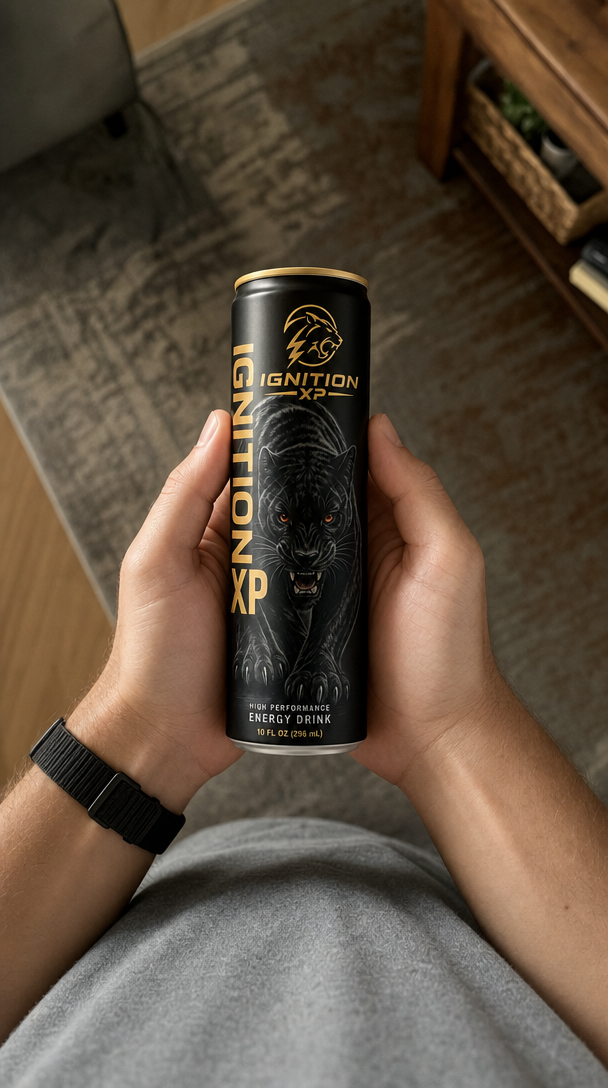
Same Ignition XP can held in a living room
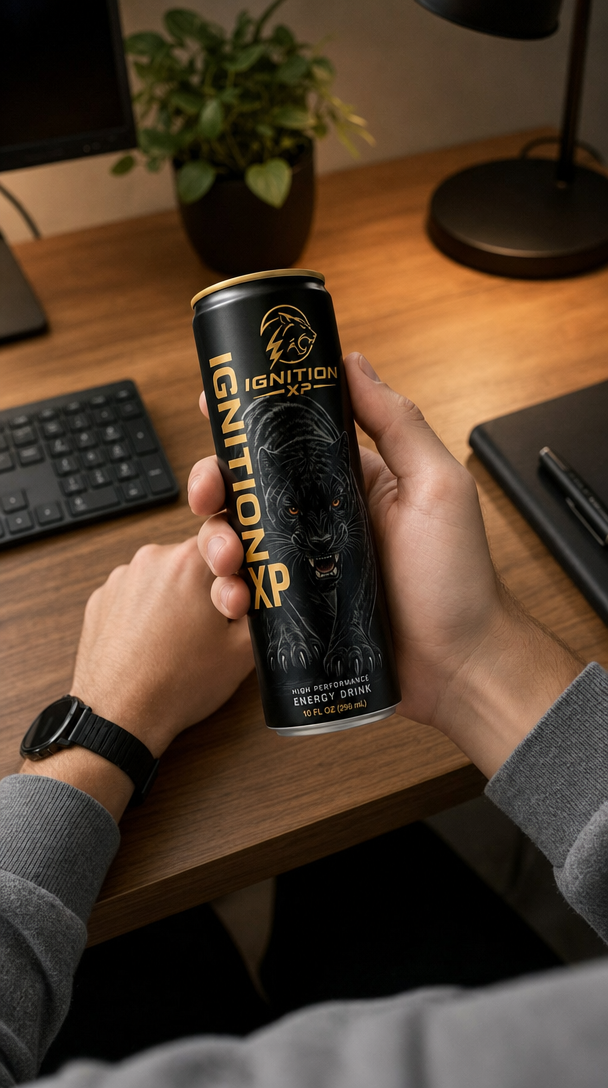
The same Ignition XP can on a desk
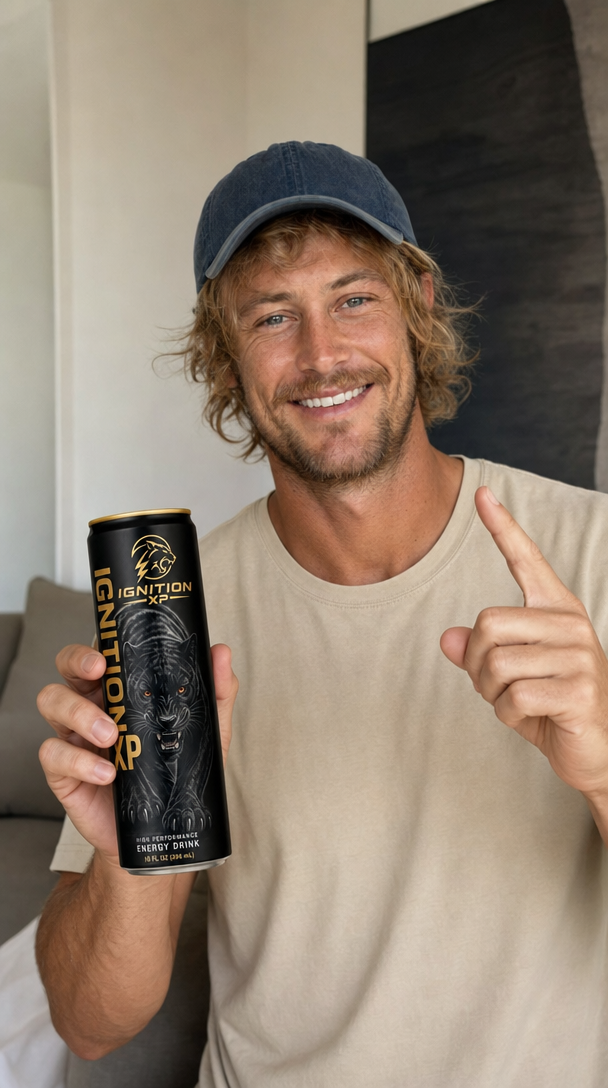
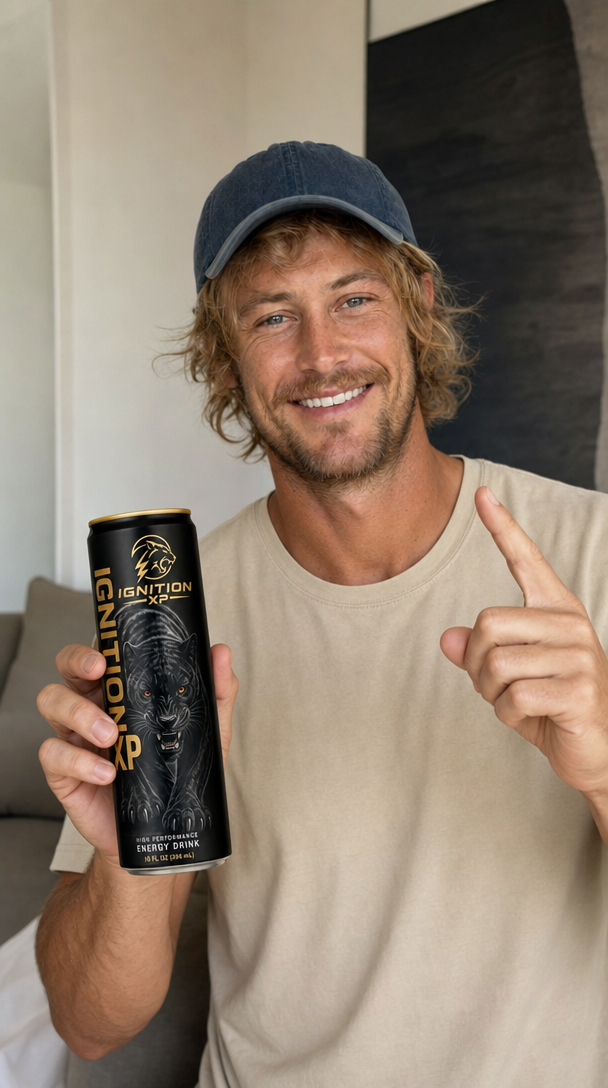
The same Ignition XP can, endorsed to camera
Same face · same product · every shot
Resolution · 4K

True 4K, when the moment calls for it.

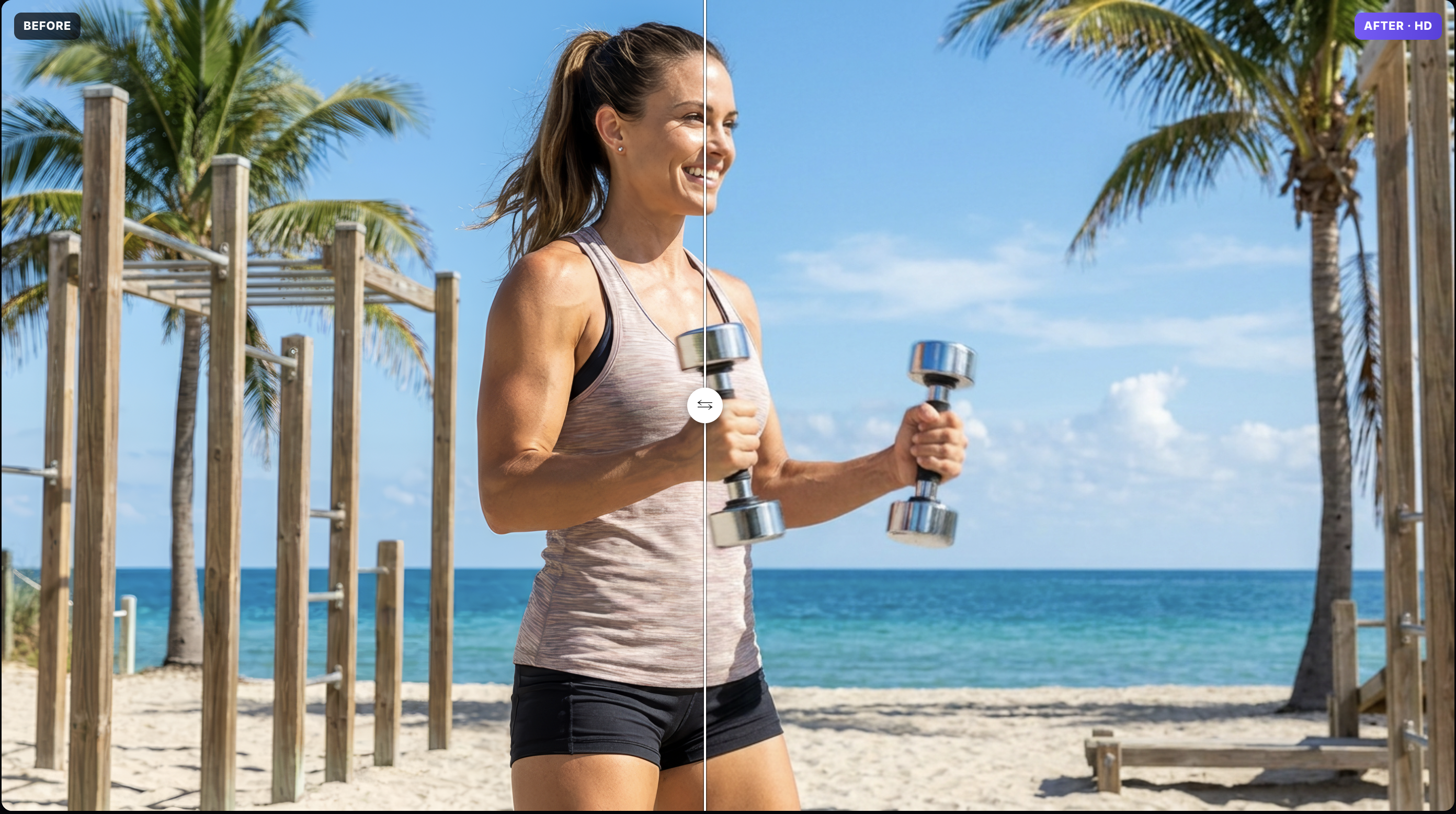
Make a video in 4K from the start, or sharpen one you've already made up to 4K with one tap. 4K costs more, so the price is always on screen first and we always ask before spending it — no surprise bills.

  • Made in real 4K — not a small video stretched to look bigger.
  • Or sharpen to 4K in one tap — for a video you already made.
  • Price shown up front — you confirm before anything is spent.

Which quality should you use? 1080p is the standard for a finished ad — sharp on every feed, and what most people should pick. 4K is for the hero ad, big screens, or anything you'll zoom into. A few of the faster, cheaper video models only make 720p — noticeably softer, fine for trying an idea out, but we don't recommend it for the ad you actually run. Every video model tells you which quality it makes, right next to its price.

✦ 4K · 3840 × 2160 Before and after — a workout shot sharpened to 4K with One-Tap Upscale One-tap upscale · cost shown before you spend
Canvas · Editing suite

A real editing suite behind every lab.

Retouch, compose and export without ever leaving. Patch out blemishes, warp artwork onto surfaces, drop one-click filters and procedural backgrounds, then export to any format and resolution.

  • Patch, crop & distort — heal spots and warp layers, lossless.
  • Filters & backgrounds — instant looks and bendable styled text.
  • Colorize & Remove BG — plus AI HD upscaling of low-res images.
Canvas · layers & export
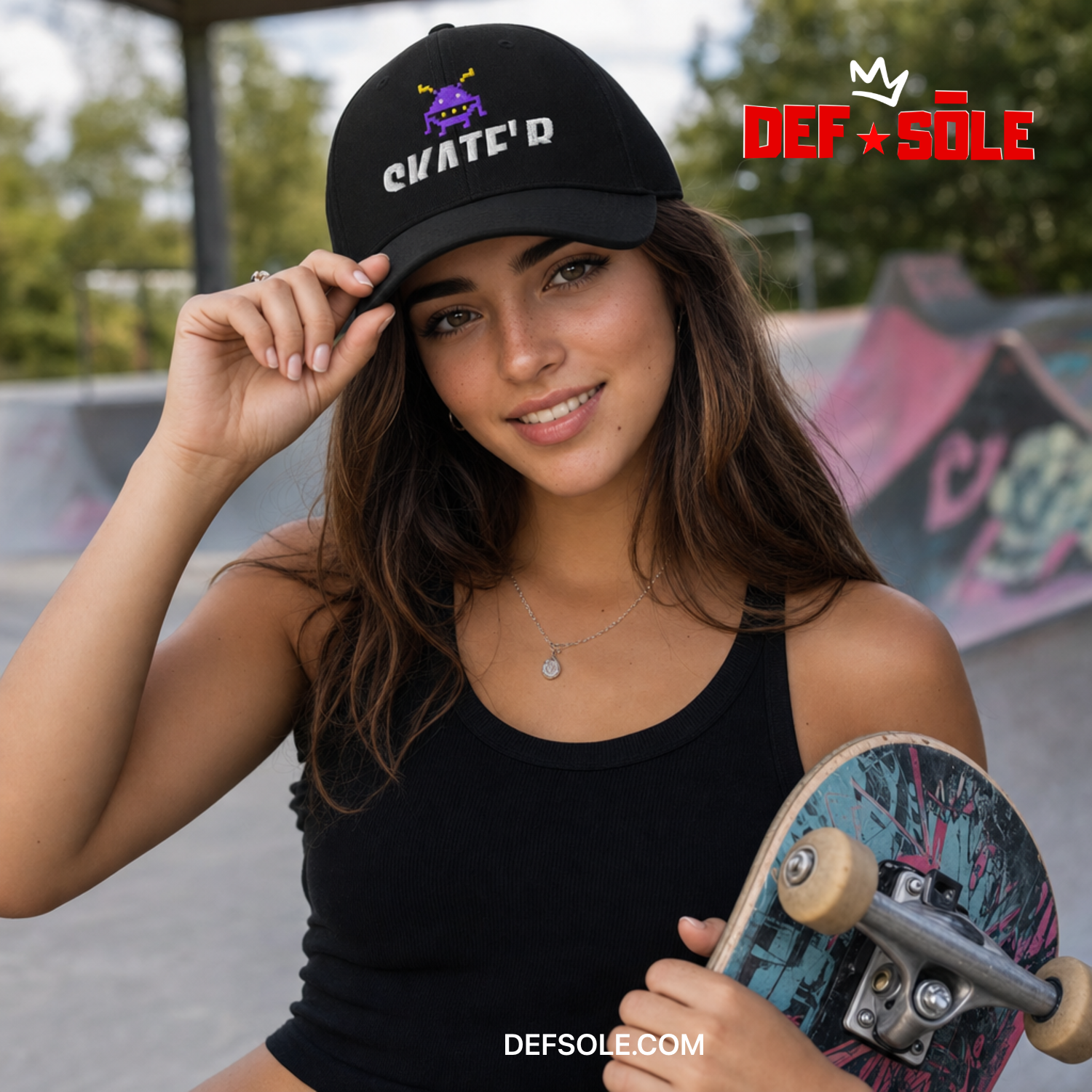
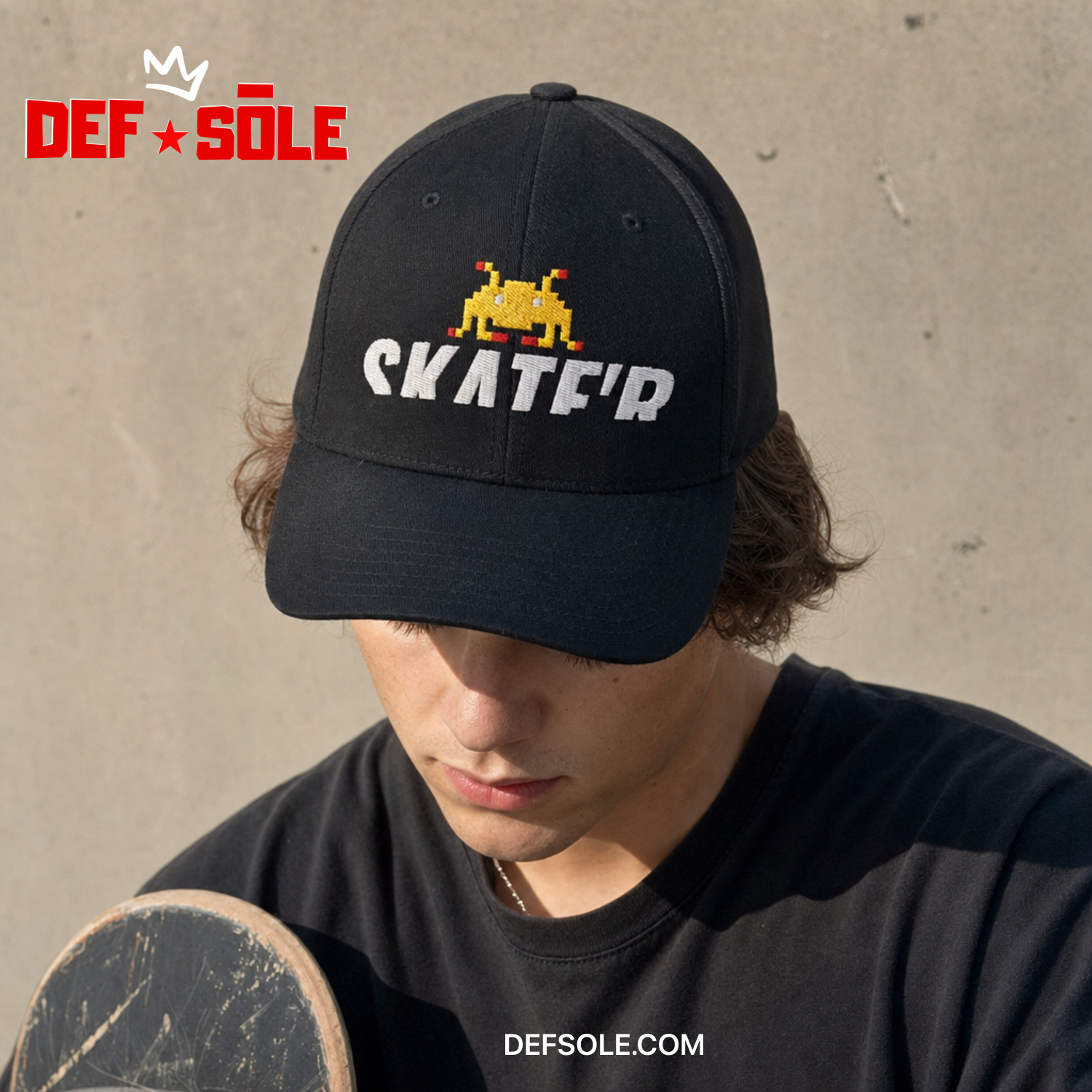
Square ad made on the canvas
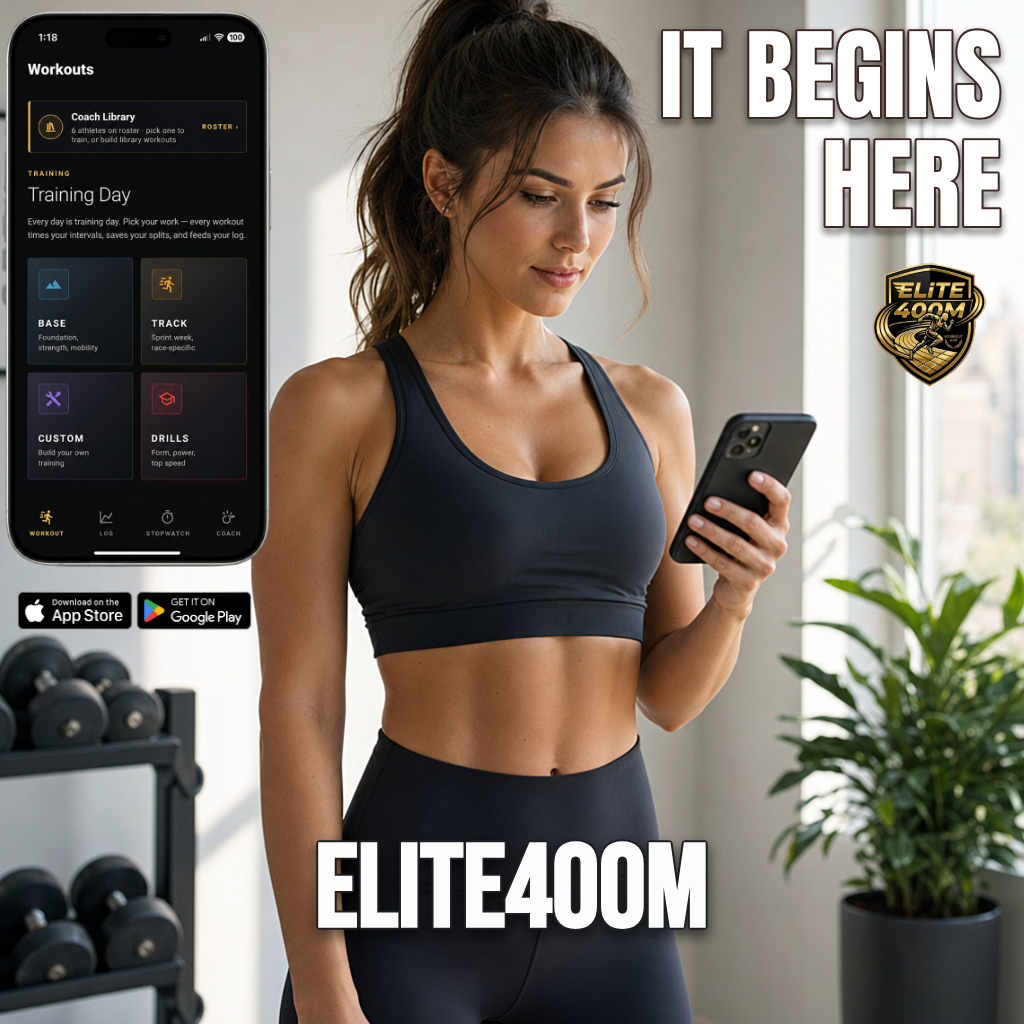
Square app ad made on the canvas
1× · 2× · 4× export · AI HD

Made for every channel

Sized and written for where you post

Auto-reframe to 9:16, 1:1 or 16:9, and get copy shaped to each platform's fields and limits.

🎵

TikTok & Reels

9:16 vertical video ads with the on-screen text and hook built for short-form.

📸

Instagram

Feed, Stories and Reels — square and vertical, with matching captions.

▶️

YouTube

16:9 and Shorts, cinematic looks and thumbnails that earn the click.

📘

Meta Ads

Facebook & Instagram ad creative plus headline, primary text and description.

🔍

Google Ads

Responsive headlines and descriptions written to each field's character limit.

💼

LinkedIn & X

Professional and punchy variants, in your brand voice, ready to A/B test.

The full toolkit

Finish everything without leaving

A pro canvas behind every lab — retouch, compose and export to any format and resolution.

🩹

Patch & Heal

Lasso a spot, drag it to a clean area — blemishes and objects vanish, blended seamlessly.

Distort & Crop

Perspective-warp artwork onto slanted surfaces and crop any layer, lossless.

🎨

Filters & Backgrounds

One-click looks, procedural backgrounds and bendable, styled text.

🔍

Zoom, Pan & 4K

Inspect up close, then export at 1×/2×/4× with AI HD — or push video to true 4K.

🖌

Colorize & Remove BG

One-tap AI colorization, clean background removal and HD upscaling of low-res images.

🧑

Real Skin

De-plastic AI faces on close-up and mid-shots so people look genuinely real.

📐

Auto Reframe

Recompose 16:9 into 9:16 or 1:1 intelligently — no crop, no stretch.

📁

Projects & Templates

Save your work, reuse layouts, and download everything you make with one click.

How it works

Idea to asset in three moves

Bring anything

A product photo, a screenshot, or just an idea. Each lab understands what you're making.

Pick a lab

Choose the studio and a look. IceBerree handles the art direction, the layout and the words.

Generate & export

Refine on the canvas, upscale to HD, and export in the exact format for TikTok, Instagram, YouTube or Facebook.

Who it's for

One lab, every kind of maker

🚀

Solo founders

Launch your product with ads that look funded — without hiring a designer, a video editor or an agency.

📱

Social media managers

Feed every channel daily. Spin fresh video, static and copy variations in minutes, all on brand.

🏢

Small agencies

Deliver more per client. Keep casts, products and brand voice locked across a whole campaign.

Video Ad Production

AI video stopped being a toy

The Bigfoot memes were fun. This isn't that. AI video now looks convincingly real — which is exactly why the best video model costs what it costs, and exactly why it's worth it. A marketing video is a different game: it's your product, your brand and your money on the screen. If you want the best, it costs more. So we let you choose when it matters.

One tap. Drop in product photos — the ad directs itself.
Real, not rendered. Faces and motion that hold up on a feed.
Shot by shot. A full spot with a real arc, not one clip.

More ads, made the same way

UGC that talks. A real-seeming person, holding your product.
Out in the world. Your app or product in a real-life scene.
🎬

You choose the video model, every time

Use the best one for the ad that has to land. Use a cheaper, faster one for the ten versions you're testing. You see the price before you press go — so making a lot of video and making great video stop fighting each other.

🧩

Video-first, never video-only

The entire marketing studio comes with it. A real video ad still needs product shots, brand assets, headlines, thumbnails, ad copy and a version for every platform — so those aren't an upsell, they're included.

🎞️

Up to two full minutes, not just clips

Director plans the whole spot — hook, build, product, resolve — then generates it shot by shot with your cast and product identical throughout, and assembles the cut. That's a commercial, not a clip.

⏱️

You always know what it costs first

Premium video is measured in seconds of production time, shown before you generate — never a mystery number after the fact. And a technical failure costs you nothing: the time goes straight back.

How Premium Video Seconds work

Your plan comes with Premium Video Seconds — think of it as a tank of time for our best video model. One second of finished video uses one second from the tank. That's the whole thing. An 8-second ad uses 8. A 12-second ad uses 12.

4K uses two and a half seconds for every one second of video, because it genuinely costs that much more to make. And you always see the number before you press go.

You are not limited to those seconds. IceBerree has several video models — the premium seconds are for the best one. Everything else runs on your monthly IceBerrees: images, editing, ad copy, and more video from our cheaper, faster models. So one plan gives you a few knockout ads and plenty of everything else, instead of one expensive clip and nothing to put around it.

Device Frame

Your app, in a real device

Drop in a screenshot and get a photoreal phone shot — straight-on, angled, or in motion. Ready for the App Store, an ad, or a landing page.

An app screenshot shown straight-on inside a photoreal iPhone
Straight-on
In motion
An app screenshot shown at an angle inside a photoreal iPhone
Angled

Pricing

Founding Member Pricing

Build the whole campaign — then choose how much premium video you need. Monthly IceBerrees power images, copy and standard video; the top-off Berrees you buy never melt.

🔒 Founding rates — lock this price in for as long as you stay subscribed

The complete studio — images, editing, canvas, mockups, brand and platform-accurate Ad Copy. Video stays available with per-model pricing, so you're never paying for premium video you don't use.

Free

$0 forever
50 one-time Starter IceBerrees
No Premium Video Seconds
Explore every lab and see live pricing — upgrade to generate.
  • Explore Ice Studio
  • Create images & test every editing tool
  • Ad Copy & Brand Colors
  • Watermarked AI exports
  • Upgrade for Seedance video & Director
Start free

Starter IceBerrees are issued once and don't refill monthly.

Creator

$29/mo
$19/mo
Founding price · save $10/mo
600 monthly IceBerrees

Each month, up to:

  • 50 best-quality images
  • 100 everyday images
  • 150 wide-format images
  • Ad copy for every platform, all month
8 Premium Video Seconds · one-time welcome trial
  • One 8-second premium video ad, to try it
  • Buy more seconds any time — they never expire
  • Or make more videos with our cheaper video models
  • Everything in Free
  • Full design canvas & every social size
  • Ad Maker with multiple video models
  • No watermark
  • Cancel anytime
Choose Creator
Best value

Pro

$79/mo
$59/mo
Founding price · save $20/mo
2,200 monthly IceBerrees

Each month, up to:

  • 183 best-quality images
  • 366 everyday images
  • 550 wide-format images
  • Or mix images, ad copy, and video from our cheaper models
8 Premium Video Seconds every month
  • One 8-second best-quality video ad, every month
  • On top of everything your IceBerrees make
  • Everything in Creator
  • Director — build a whole multi-shot ad (75 🫐 each)
  • 4K video when the moment calls for it
  • Cancel anytime
Choose Pro

Business

$169/mo
$129/mo
Founding price · save $40/mo
4,800 monthly IceBerrees

Each month, up to:

  • 400 best-quality images
  • 800 everyday images
  • 1,200 wide-format images
  • Or mix images, ad copy, and video from our cheaper models
16 Premium Video Seconds every month
  • Two 8-second best-quality video ads
  • One 12-second ad
  • Plus everything your IceBerrees make
  • Everything in Pro
  • Our biggest image & copy allowance
  • Brand kits & teams
  • Priority queue
  • Cancel anytime
Choose Business

These are “up to” estimates — the exact cost is always on screen before you make anything, so nothing is ever a surprise. Longer videos, or making one again, use more.

Pay annually and save. IceBerrees are delivered monthly — not all at once — and unused IceBerrees melt at each monthly refill. Purchased Berrees never melt.

FAQ

Good to know

What is IceBerree, exactly?

An AI ad lab — six purpose-built studios (Ice Studio, Products & Character Lab, Ad Maker, Device Frame, Ad Copy and the Director) sitting on one canvas, so you can make video ads, thumbnails, product shots, device mockups and platform copy in one place.

Do I need design or editing skills?

No. Each lab acts like a specialist — you bring the product or idea, it handles the art direction, composition and copy. There's a full editing suite when you want to fine-tune.

What are IceBerrees and Berrees?

Both spend the same way on images and video — the difference is how long they last. IceBerrees are your monthly allowance: they refill every month, and any left over melt at each refill. Berrees are top-offs you buy — they never melt, so they carry over for as long as you like.

How do you keep the same character or product across shots?

Name your cast. Add a reference photo, give it a name, and IceBerree tags it behind the scenes (the "@tag" system) so that exact face, product, logo or location stays identical in every shot — no drift, no redrawing. It works in Ice Studio, the Ad Maker and the Director.

Can I make 4K video? Does it cost more?

Yes — two ways. You can make a video in 4K from the start, or take a video you already made and sharpen it up to 4K with one tap. Making it in 4K costs more than 1080p, so the exact price is shown before you start and you always confirm first — no surprise charges.

Can I export for every channel?

Yes — every aspect ratio (9:16, 1:1, 16:9) with intelligent reframing for TikTok, Instagram, X, YouTube and Facebook, plus 1×/2×/4× image export, AI HD upscale, and up to 4K video so nothing looks soft.

Is there a free plan?

Yes — start free with 50 one-time Starter IceBerrees and the full editing suite, so you can explore Ice Studio and test the tools. They're issued once (not a monthly refill); upgrade to Creator or above for One-Tap Seedance video and Director rendering.

Open the lab

Imagine it. Create it. Share it.

Exceptional marketing should be as simple as having an idea — not learning five apps, managing freelancers, or waiting days for revisions. Build your whole campaign, then publish anywhere: Instagram, Facebook, X, LinkedIn, TikTok, YouTube — plus Google Ads and Meta Ads.

Create your first ad free →